Clash of the Titans: Which AI Model is Right for You?
Generative AI is booming, but not every model is suitable for everything. While one excels at portraits, another handles text flawlessly, and yet another is a master of abstract art.
In the GuideGlare Image Suite, we have integrated five of the most powerful models currently available. You don't have to complicate things by installing different apps or paying for five subscriptions. Simply choose the tool in the menu that best fits your current task. Let's look at how they differ.
Quick Overview: Who Wins at What?
Don't have time to read the details? Here is a cheat sheet for your decision-making.
| Model | Superpower | Ideal for |
|---|---|---|
| Ideogram | Typography & Text | Logos, posters, t-shirts, marketing with text |
| FLUX Pro | Details & Complexity | Photorealistic portraits, complex scenes, high-end design |
| Imagen | Realism | Product photography, architecture, commercial visuals |
| Stable Diffusion | Flexibility | Artistic styles, fantasy, concept art |
| Seedream | Speed | Brainstorming, quick sketches, social media |
Ideogram
Master of TextMost AI generators fail when you ask them to write a word. Instead of "Coffee", you get a cluster of nonsense characters. Ideogram changes that. It is the first model that truly understands typography and can aesthetically incorporate it into an image.
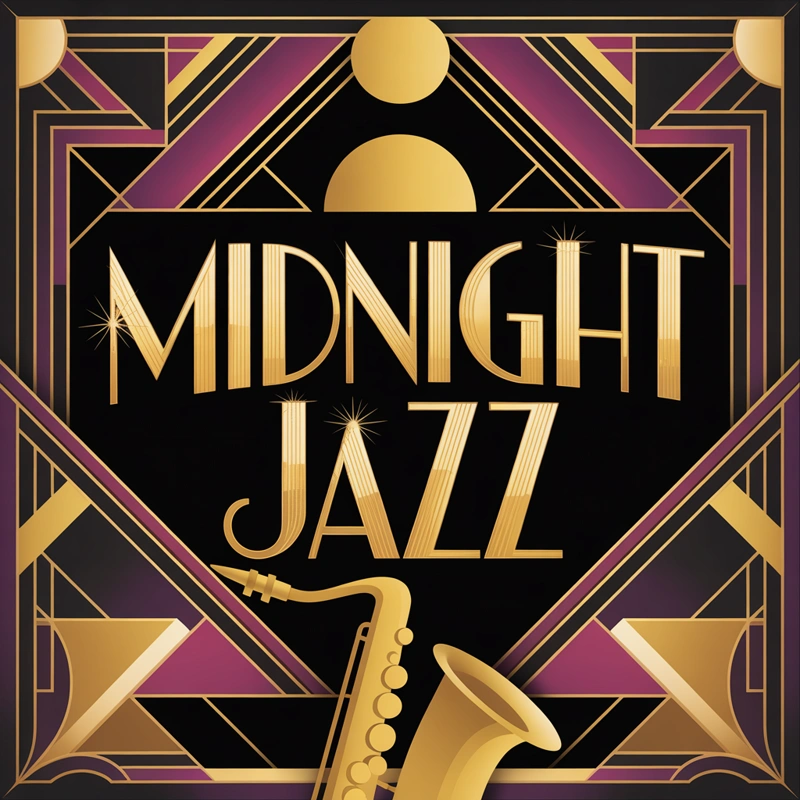
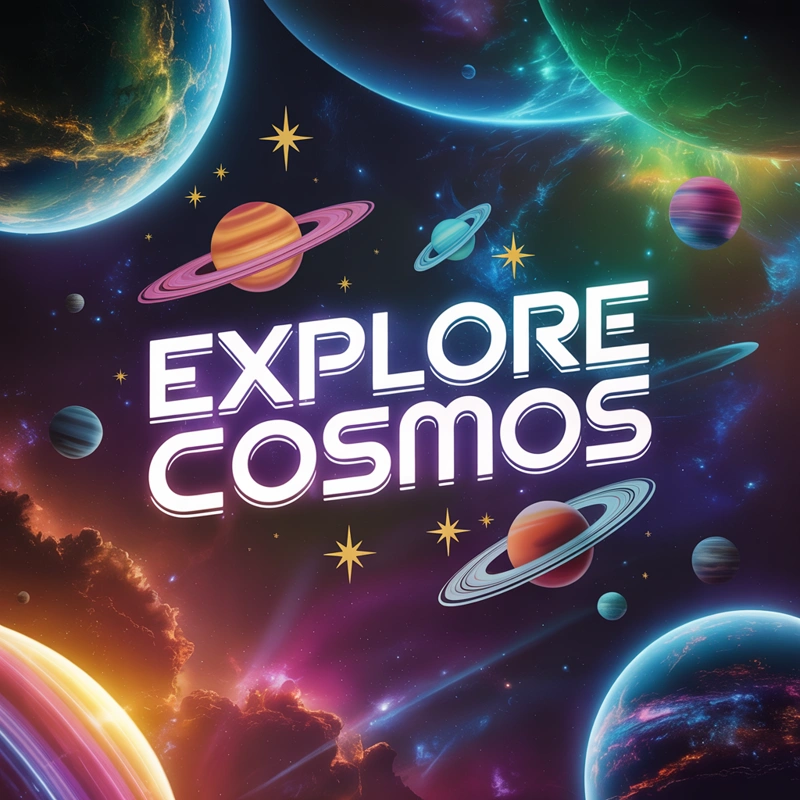
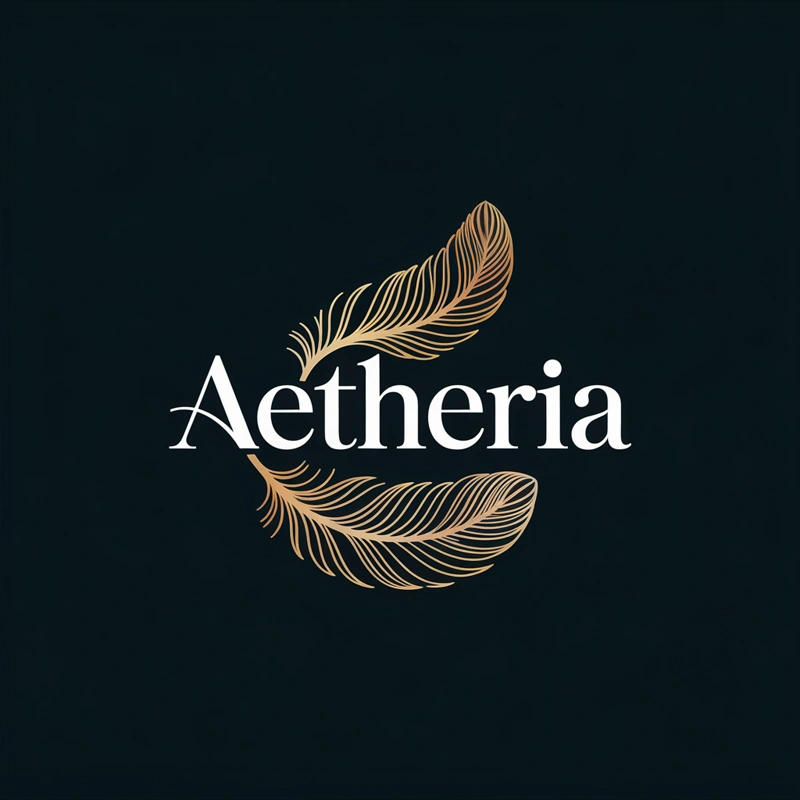
- You need to generate a logo with a company name.
- You are designing t-shirts (merch) with inscriptions.
- You are designing posters where text is part of the graphics.
- You are looking for creative typography.
FLUX Pro
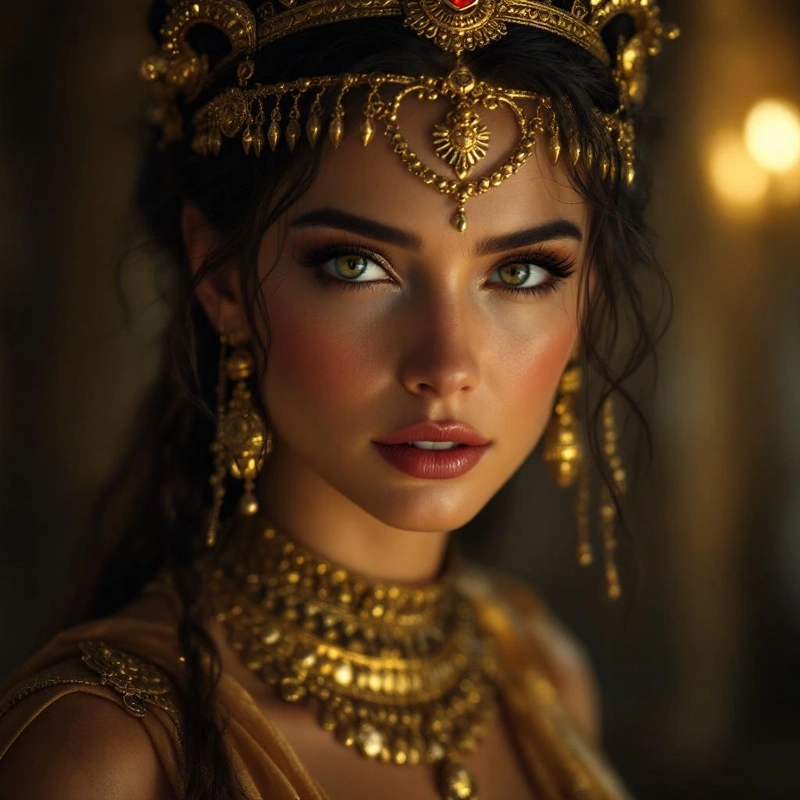
Highest QualityFLUX Pro is currently considered a "state-of-the-art" model. It excels where others stop: in understanding complex prompts and rendering fine details. Hands, eyes, fabric textures – FLUX makes minimal errors and provides outputs that often need no further editing.
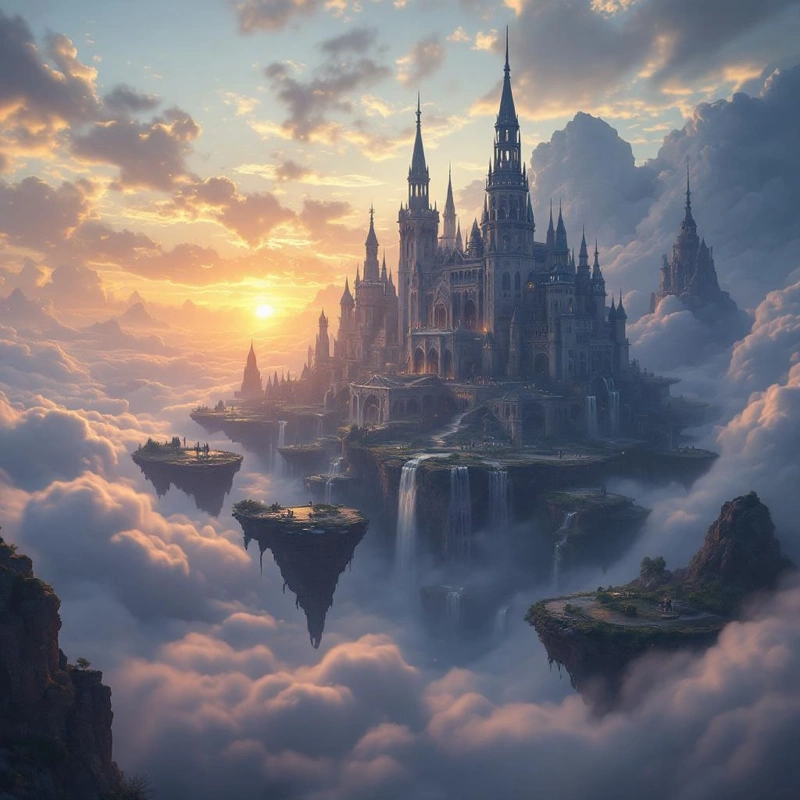

- You require photorealistic quality for commercial use.
- You have a complex prompt with many elements that must be placed precisely in the image.
- You are generating human characters (handles anatomy excellently).
- You want an image that looks like it was taken by a professional photographer.
Stable Diffusion
Most FlexibleThe legendary model that started the revolution. Stable Diffusion (specifically the SDXL version) is an incredible chameleon. It can mimic almost any artistic style, from oil painting to anime to 3D renders. It is the choice for creative experimenters.
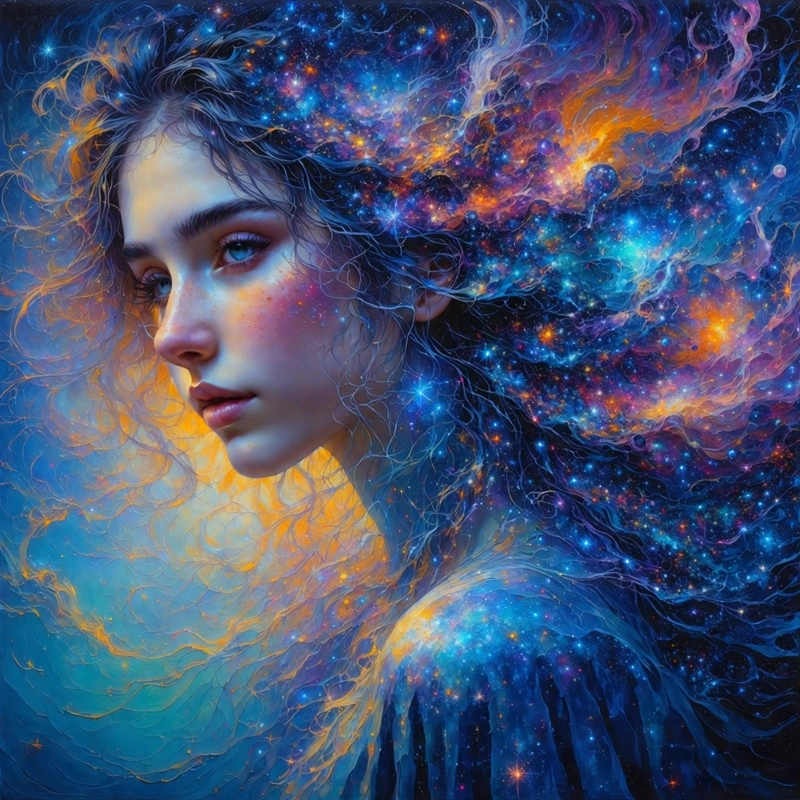
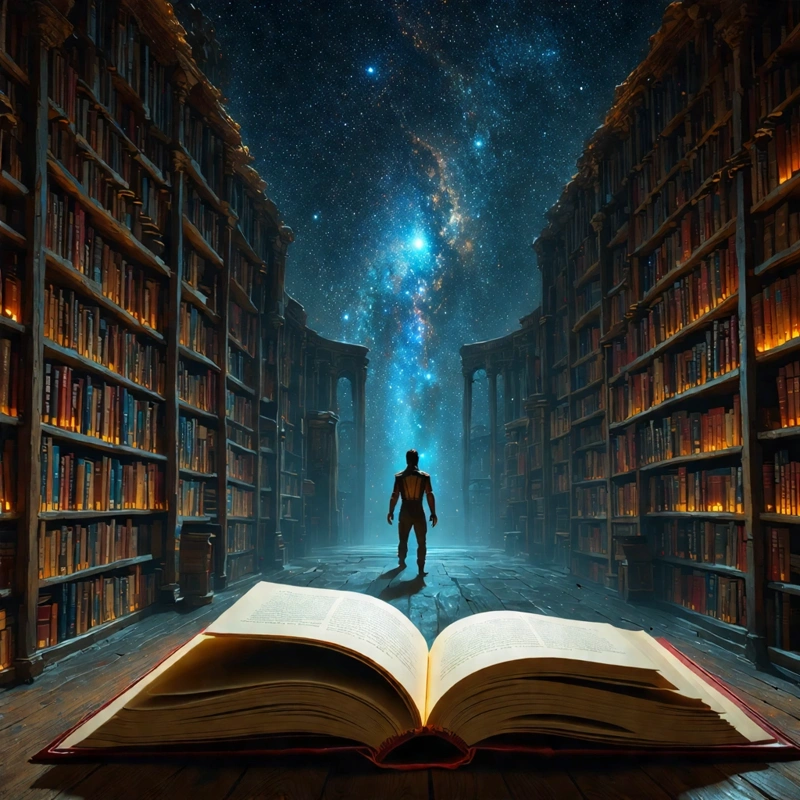
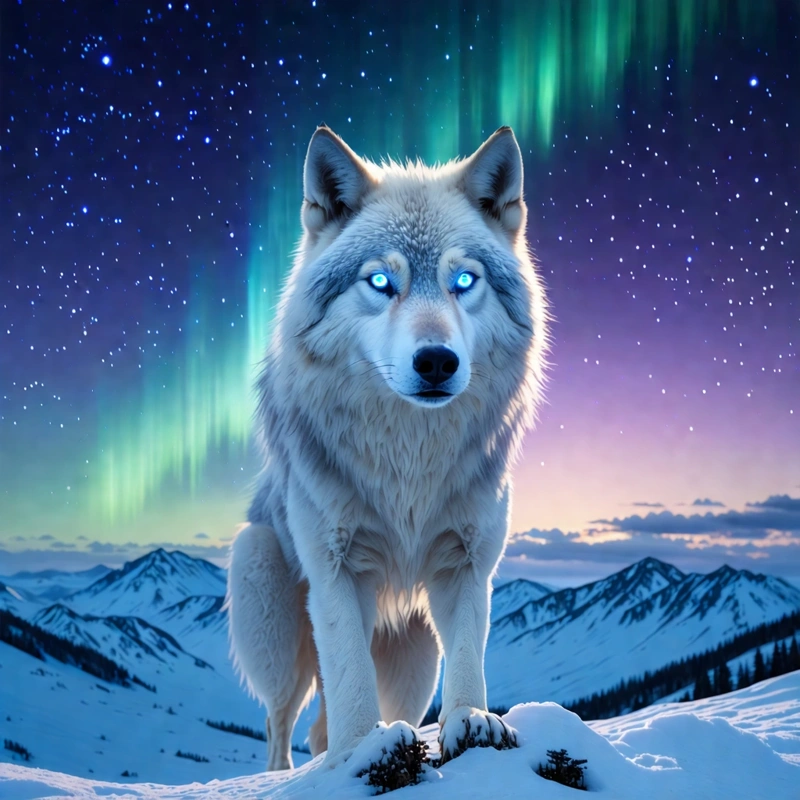
Tip: Stable Diffusion is great for book illustrations or concept art for games and movies.
Imagen
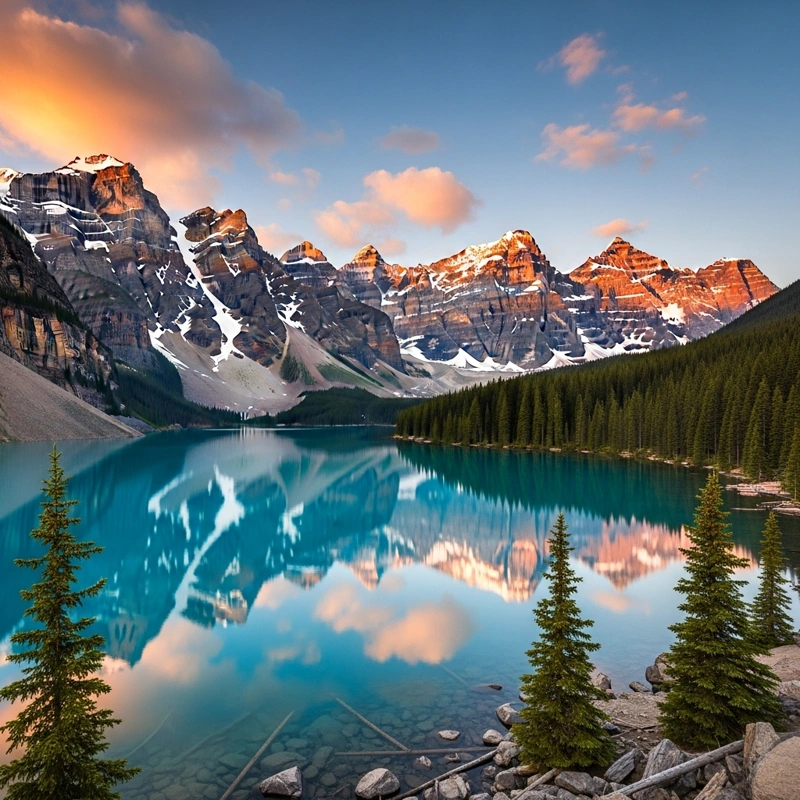
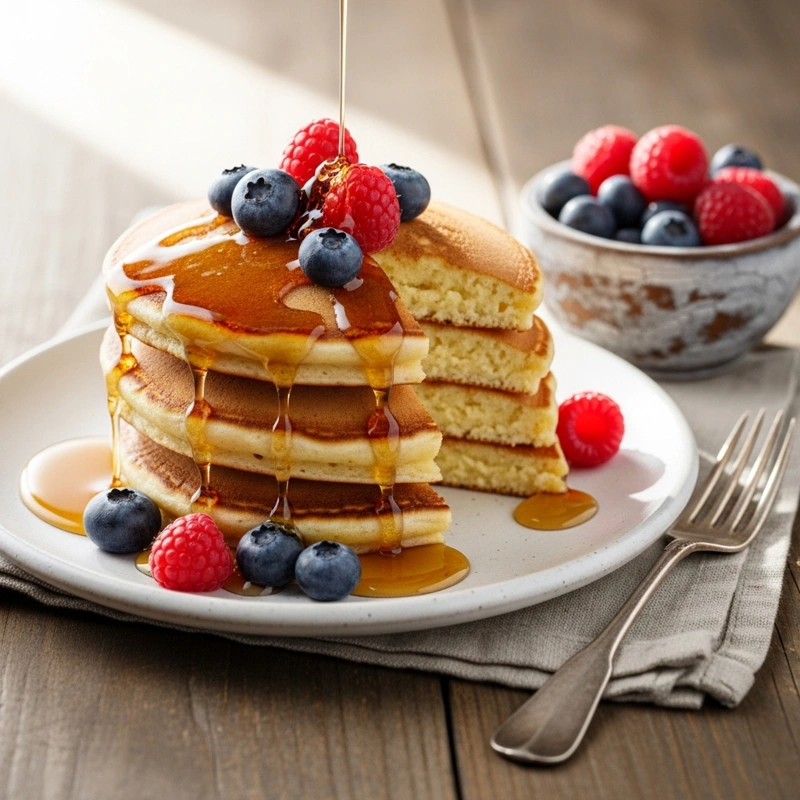
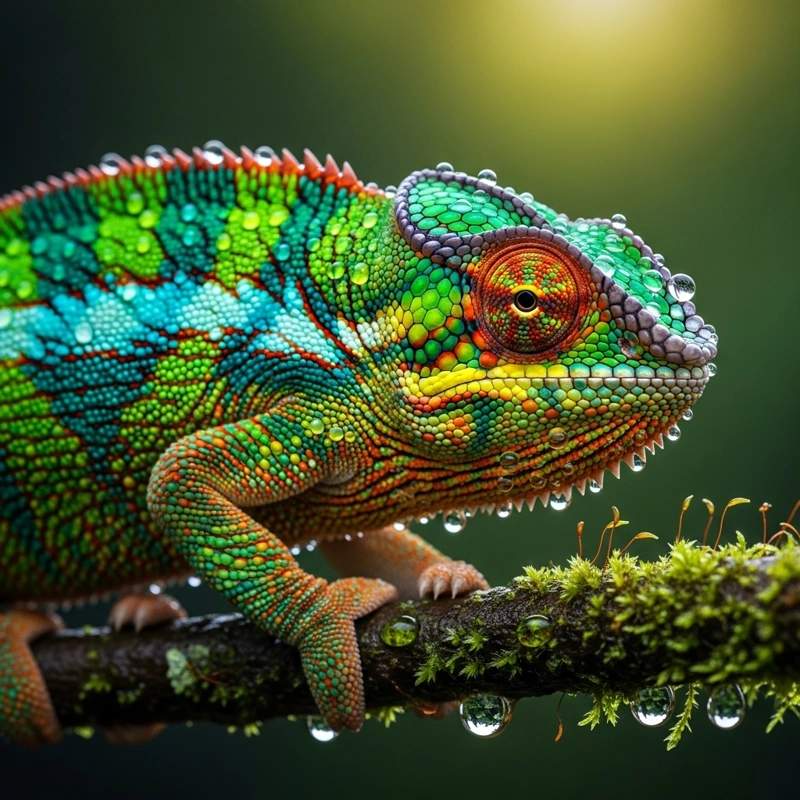
Google TechTechnology from Google that relies on deep language understanding. Imagen often "understands" the context of a scene better than others. The result is very natural-looking photos with balanced lighting and composition. It also excels at creating macro shots of plant details, animals, and products.
Seedream
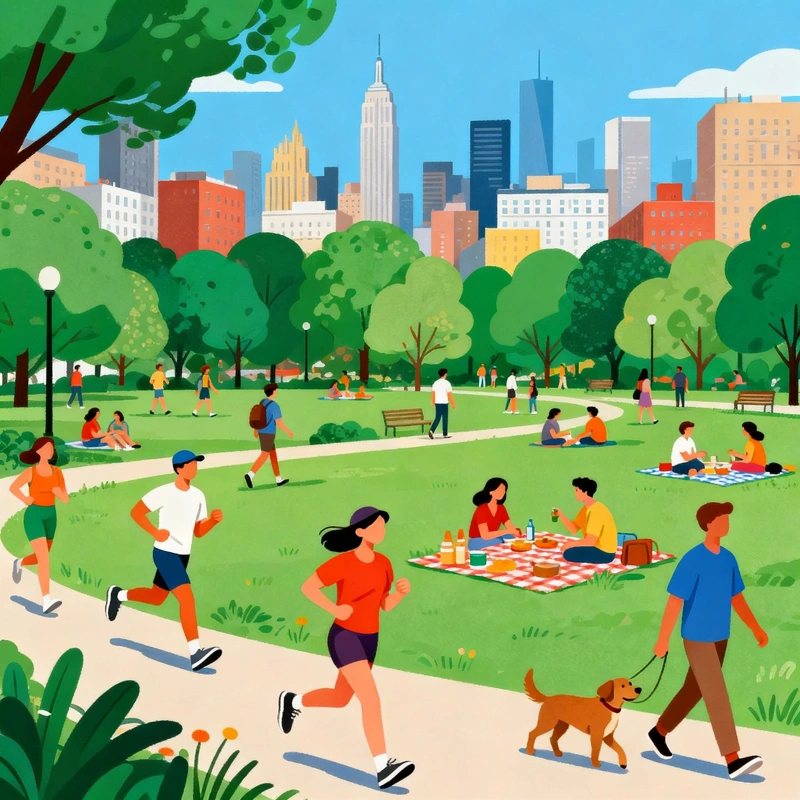
SpeedSometimes you don't need perfection, you need speed. Seedream is optimized for lightning-fast generation. It's ideal when you need to churn out ten ideas per minute or are looking for composition inspiration. We recommend it if you aren't yet sure exactly what you want to create and are looking for creative interpretations of your visualization ideas.
Ideal for: Quick mockups, creative brainstorming, social media posts.

Verdict: Why Limit Yourself?
You might be thinking: "So which one should I choose?" The beauty of the GuideGlare Image Suite lies in the fact that you don't have to choose. You have access to them all.
- Use Seedream for quick idea brainstorming.
- Once you have a concept, switch to FLUX Pro or Imagen for the final, high-quality render.
- If you need to add text to the image, regenerate it using Ideogram.