

Free translator online: the AI sentence translator
Translate a sentence, a paragraph or a text of up to 20 000 characters. The AI works with the context of the whole sentence, detects the source language automatically, and you get the result with no sign-up.
4.8/5 (2,840 ratings)
From translating sentences to whole documents
Translate short text right here without an account. For PDFs, images and audio, create a free account and start on the Free plan. For regular work with a larger volume of translations, you can choose a paid plan.
| Without an account | GuideGlare Free | Paid plans | |
|---|---|---|---|
| Access | No sign-up | Free account | AccountPricing |
| Usage volume | 5 translations a day | Basic credit package | More credits depending on the plan |
| Translation input | Text up to 20 000 characters | Text and files | Text and files |
| Text translation | |||
| PDF and image translation (OCR) | |||
| Audio translation |
Translate a document without retyping it by hand
Need to understand a PDF, text in a photo or an audio recording? Add the file to the translator in the GuideGlare app and choose the target language. You can try it with a Free account too.
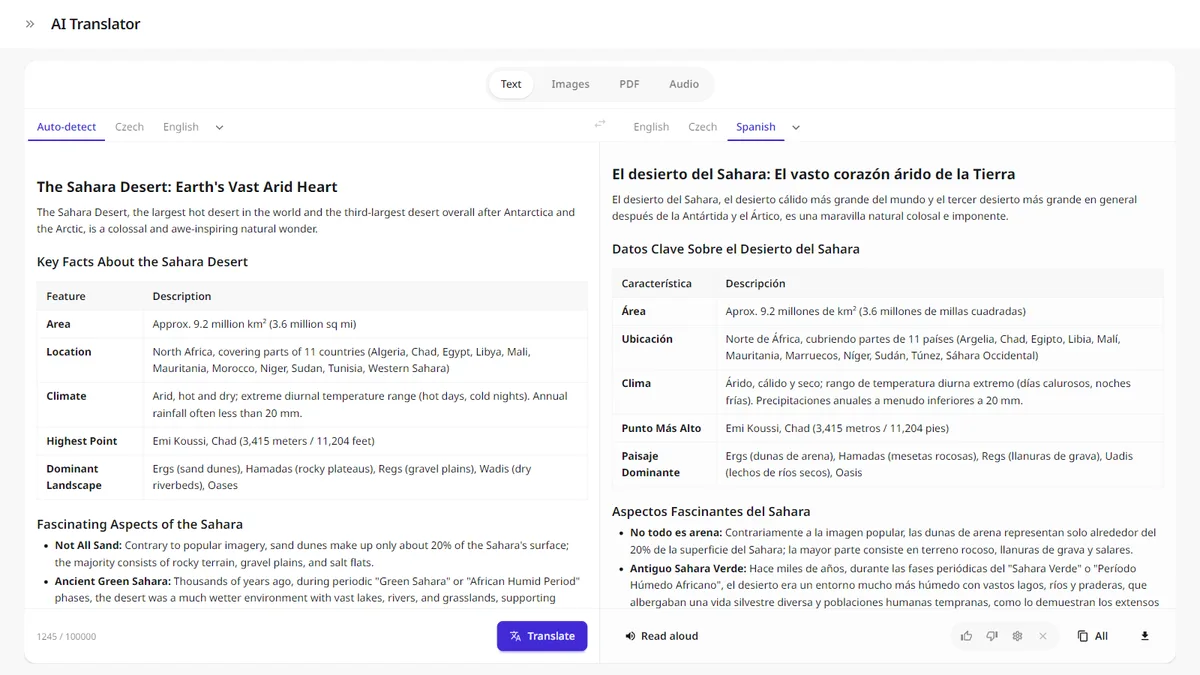
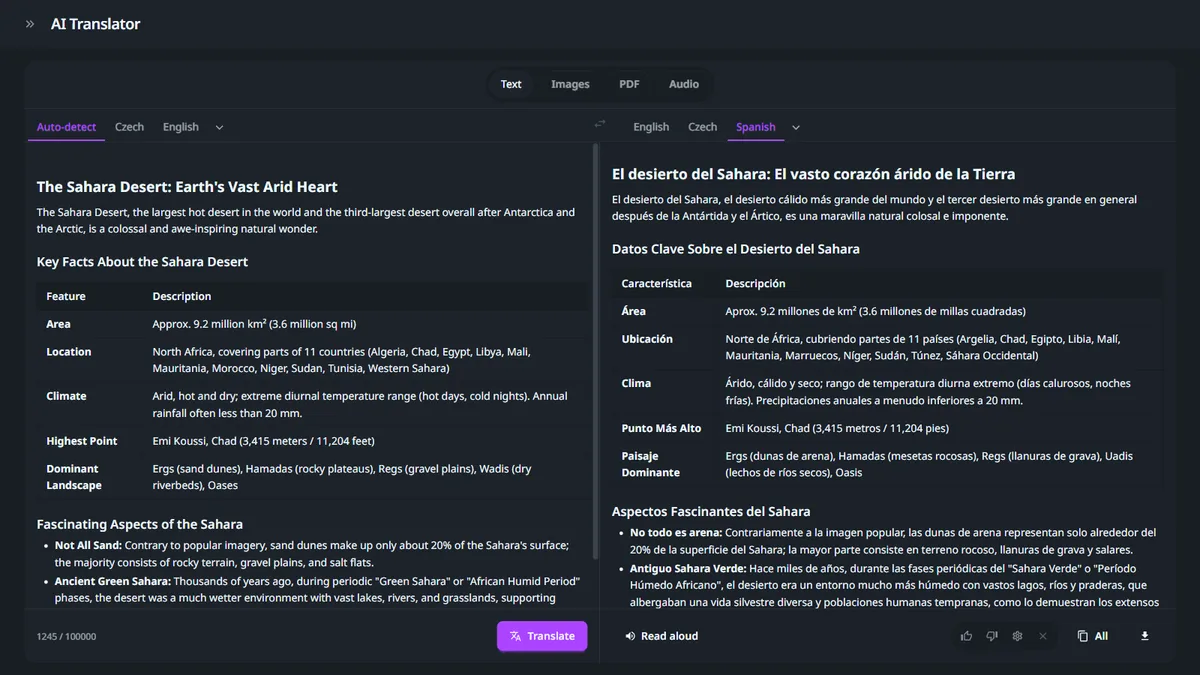
How to translate for free
- 01
Paste your text
Type or paste the text you want to translate. The source language is detected automatically.
- 02
Choose the target language
Pick the language you want to translate into. The AI takes the context of the whole sentence into account.
- 03
Copy the result
Copy the translation in one click into an email, a message or a document. Before sending it, check important names, numbers and the meaning of the text.
The most popular translators by language
The most common language pairs you can translate for free with our AI translator.
Spanish to English translator
Accurate translation of Spanish texts into English, with attention to context and idioms.
French to English translator
French sentences, texts and emails translated with an English-speaking reader in mind.
German to English translator
German into English without clunky machine-style phrasing.
Portuguese to English translator
Portuguese texts converted into fluent, easy-to-read English.
Japanese to English translator
Japanese into English with an emphasis on a natural-sounding result.
Russian to English translator
Russian texts translated into English while preserving their meaning.
Discover more AI tools
Some you can try right away for free, others are part of the GuideGlare platform.
AI Chat
A free alternative to ChatGPT, no sign-up.
Try for freeAI Detector
Check whether a text was written by artificial intelligence.
Try for freeAI Images
Generate and edit images right inside the app.
Learn moreAI Audio
Generate voice and music, and transcribe audio into text.
Learn moreAI Documents
An AI editor for reports, articles and documents.
Learn moreMore free AI
A hub with all of GuideGlare's free AI tools in one place.
View allFrequently asked questions about the AI translator
Is the translator free?
Yes. Here on the website you get 5 free translations a day, each up to 20 000 characters, with no sign-up. With a Free account you can also translate PDFs, images and audio in the app, using the included credits.
How is an AI translator different from a regular translator?
The AI works with the context of the whole sentence, not just individual words. But even AI can make mistakes, so always double-check important translations.
How many languages does it support?
It translates between dozens of languages and detects the source language automatically, so you don't have to choose it manually.
Can I also translate PDFs, images or audio?
Yes. These inputs are available in the app once you sign up, including on the Free plan. The anonymous translator on this page works with text only.
Does it also work as a sentence translator and for longer texts?
Yes. On the website you can translate a sentence, a paragraph or plain text of up to 20 000 characters. In the app you can also translate whole documents; the available volume depends on your plan's credits.
How do credits work in the app?
The Free plan includes a basic credit package that you can use for translations and other AI tools. The number of translations depends on the length and type of input and on your remaining credits. Once you use them up, you'll need more credits to keep working in the app. Paid plans offer a bigger package; you'll find an overview on the pricing page.
Something missing? Get in touch.
Translate PDFs, images and audio too
Get a file translator and other AI tools in one app. Create a free account and see how GuideGlare can make working with foreign-language content easier.
Start translating with a Free account