AI Image Generator
and AI Photo Editor
Your tool for creating images with artificial intelligence. Generate visuals from text, edit photos using commands, or use AI inpainting for retouching. All in the browser, without complex software and fully in English.
- AI image generation from text and images (Imagen, Ideogram, Flux, Stable Diffusion, SeeDream)
- Background and object removal (AI Eraser)
- AI image editing, restoration and photo colorization (Nano Banana)
Basic editor is free. Advanced AI features require a subscription. View pricing
AI graphics editor that saves time and money
No more hours of complex clicking in classic graphic software. GuideGlare uses state-of-the-art AI models for generating, retouching, and complex photo editing in seconds.
Don't like a color or detail? Edit the photo with a command.
Revolutionary AI photo editing (Instruct Pix2Pix) that listens to your words.
With the Nano Banana tool, you don't need to master layers or masks. Just write an instruction like you would to a graphic designer: "Change background to winter landscape", "Recolor dress to blue", or "I want raspberries instead of strawberries". Artificial intelligence understands the context and performs local photo adjustments with pixel precision.
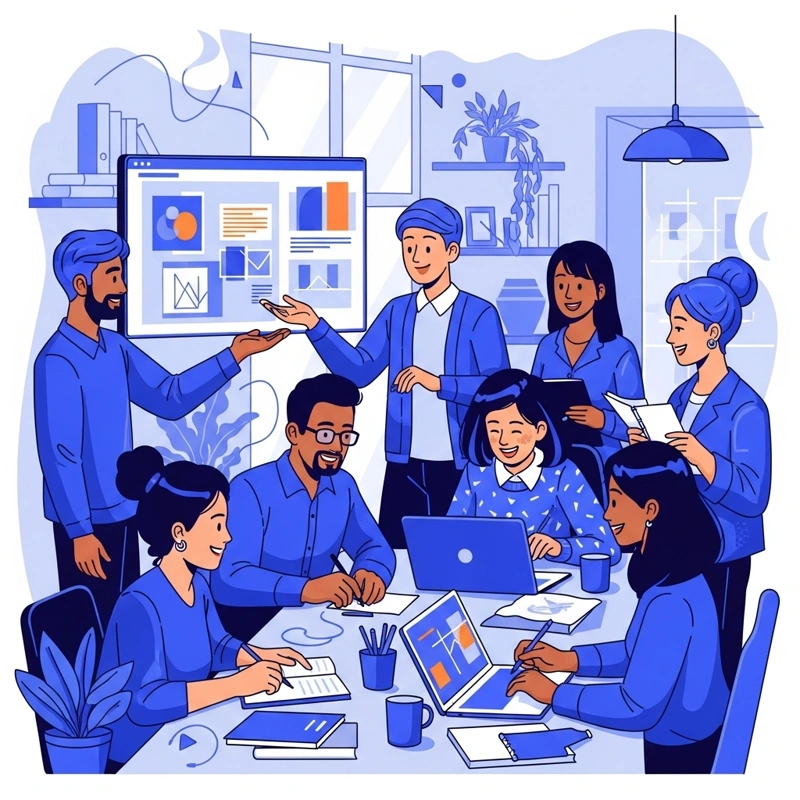
AI image generator creates sketches and realistic photos
Professional image generation from text completely in English.
Describe your vision and choose the best model on the market. Flux is the king of photorealism. Ideogram flawlessly handles AI logo creation and inscriptions inside the image. Stable Diffusion gives you maximum artistic freedom.
Create in any style with Ideogram - from oil painting to woodcut. or get carried away by the creativity of the SeeDream model.
AI removal of objects, text, or background
Automatic tools for quick photo retouching.
Background Removal: One click and you have your product on a transparent background (PNG). No jagged edges, ideal for e-shops.
Text Removal: Is there distracting text in the image that needs to be removed? It doesn't matter what style, font, or size. With one click, thanks to AI, the text is gone.
Magic AI Eraser: Did someone wander into your shot? Just mark the spot and our smart retouch will remove the object and fill in the missing background.
Wrong format? Expand the photo sideways.
Intelligent aspect ratio change (Outpainting) and image completion.
Have a portrait photo (Stories) but need it landscape (Web)? The AI Outpainting feature can "imagine" the surroundings and seamlessly expand the image in any direction. AI analyzes the photo style and realistically draws missing landscapes or interiors, as well as missing parts of objects, buildings, or people.
Or do you just need to increase the image resolution? In GuideGlare Image Suite, you will find an AI upscaling tool that increases the resolution of any image up to 4K.
Classic online photo editor: Tuning to perfection
Not every edit requires artificial intelligence. For quick corrections, cropping, or branding, use our robust editor. Fast, precise, and without installation.
Advanced color corrections
Adjust brightness, contrast, temperature, or saturation (HSV). Sliders give you full control over the photo's atmosphere.
Filters and effects
Apply filters like Black & White, Sepia, Invert, or vintage effects with one click for instant style.
Text, shapes and drawing
Need to insert text into an image? Add headings, arrows, shapes, or notes. Ideal for creating tutorials and memes.
Crop, resize and watermark
Resize the photo for social media, crop it, or insert your own watermark to protect your work.
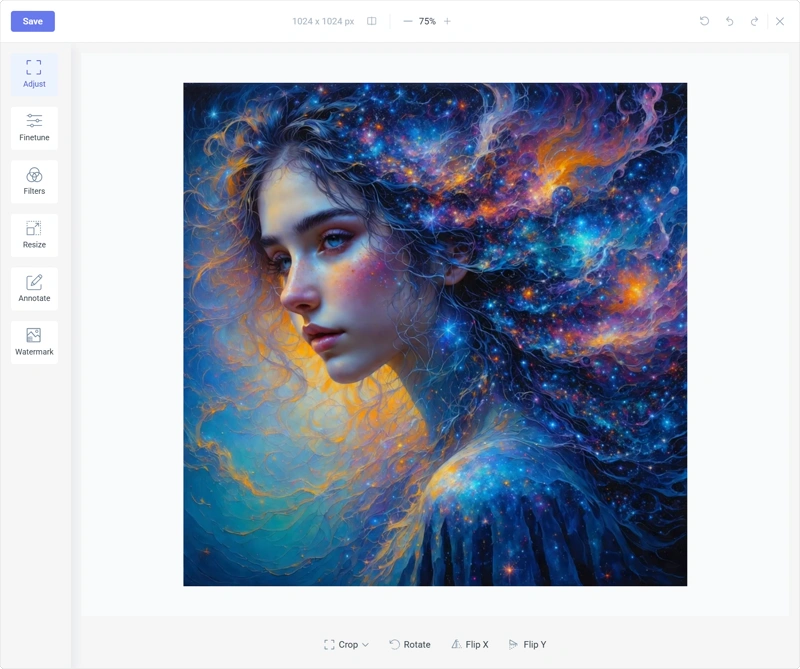
Broad possibilities of AI graphics use
GuideGlare AI Image Suite helps in various industries with photo editing, visual generation, and creating engaging content.

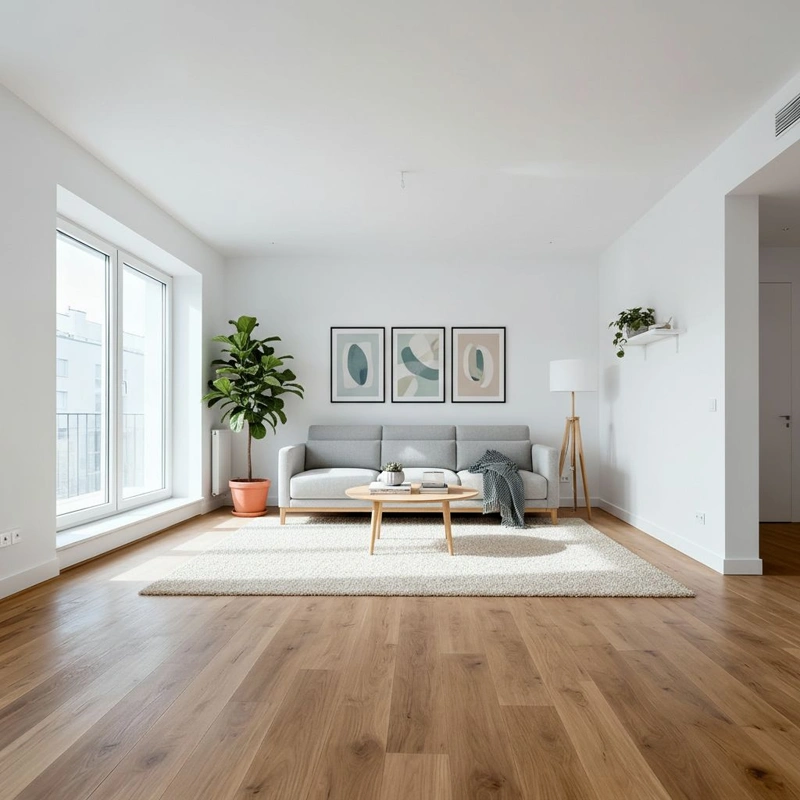
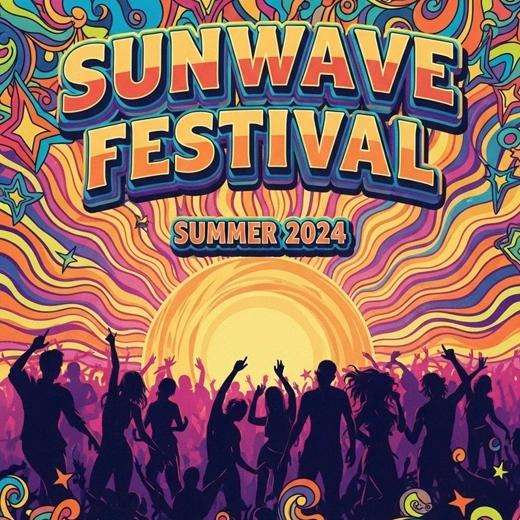
All tools under one roof
A complete suite of 8 AI tools for creating and editing graphics.
Image generator from text
Create visuals using models Flux, Ideogram, and Stable Diffusion. Ideal for AI logo creation, photorealistic portraits, or marketing banners. Just type a text command (prompt).
Remove background from photo
Automatic object cutout with hair-level precision. Get a transparent background (PNG) for your e-shop products with one click. Replaces hours of manual cutting.
Inpainting and Magic Eraser
Need to erase an object from a photo? Or want to add a hat to a dog? Mark the spot with a brush and AI will perform the change (Generative Fill) so that no one notices the interference with the photograph.
Outpainting (Image Expansion)
Change photo format without cropping. AI can calculate missing edges and expand the scene in all directions. Perfect for changing a portrait photo (Stories) to landscape (Web).
Photo editing with text (Instruct)
The Nano Banana model (Instruct Pix2Pix) listens to your commands. Write "Change day to night" or "Recolor car to red" and AI will adjust the entire atmosphere of the photo without the need for masking.
Upscaling and sharpening
Increase image resolution up to 4x. Our AI Upscaler fixes details, removes noise, and performs sharpening of blurry photos to look like they were taken with a DSLR.
Remove text from image
Smart algorithm detects inscriptions, watermarks, or subtitles and erases them. Unlike an eraser, it attempts to intelligently reconstruct the texture under the inscription.
AI colorization and photo restoration
Breathe life into old black and white shots. Our model automatically colors historical photos and repairs scratches, tears, or faded areas. Save your memories in digital quality.
Discover AI for visual content creation and editing
Generate and edit visuals with AI in a few clicks and save on expensive graphic designers and stock photos.
Register in the applicationWhy choose GuideGlare Image Suite AI graphics editor?
Comparison with traditional methods. Get graphic outputs faster and cheaper than with an agency or complex software.
| Criterion |  | Agency | Ordinary Editor |
|---|---|---|---|
| Visual delivery speed | Instantly (seconds) | Days to weeks | Hours of manual work |
| Operating difficulty | Just write text (Prompt) | Briefing and communication required | High (layers, masks) |
| Cost per output | Fraction of the cost | Expensive hourly rates | Expensive monthly licenses |
| Language barrier | Interface and AI in English | English | Mostly English |
| Creative freedom | Endless variants thanks to AI | Limited by number of revisions | You only have what you draw |
| Commercial license | |||
| Create an account |
Satisfied users
GDPR Compliant & SSL
In 23 world languages
How to start? Read the guides.
Find out how to write prompts or use AI in marketing.
Frequently Asked Questions about AI Graphics Editor
Interested in how this is technically possible? Read how our diffusion models and AI technologies work
However, additional adjustments can fundamentally improve the overall impression if you are aiming for a professional result. In the graphic editor, you can easily fine-tune color toning and contrast for a better atmosphere, remove any minor artifacts or distorted details, or adjust the composition by cropping. Post-processing is thus an optional step that transforms raw AI output into a flawless graphic work.
Discover the entire GuideGlare platform
In addition to AI Image Suite, you have dozens of other tools for creating content, images, and documents. Check out other ways to increase your productivity with AI.
One platform. Endless AI possibilities.
GuideGlare is not just an AI image generator. It is a complete suite of AI tools designed for higher productivity: chat with intelligent artificial intelligence, write documents with AI help, and use dozens of specialized AI Applications for professional results.