


AI Translator
Translate text, PDFs, images and audio into dozens of languages
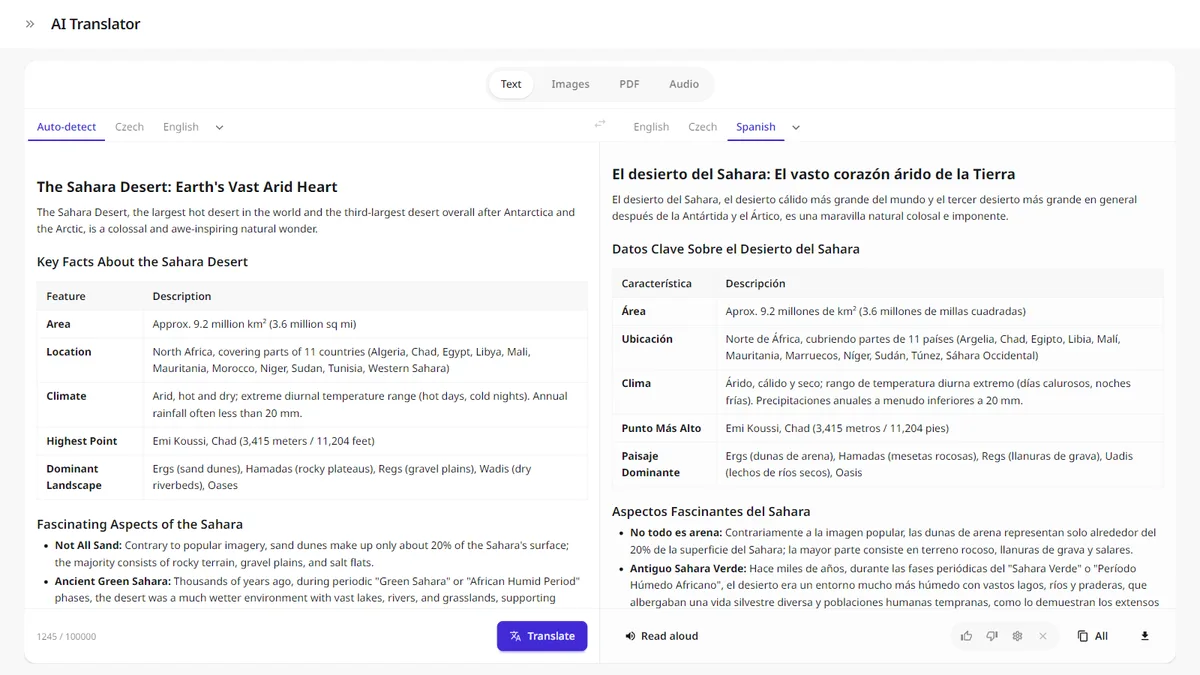
Paste text, upload a PDF or a photo, or just speak into the microphone. The AI translates your content into dozens of languages and detects the source language on its own.
- Text, PDF, images and audio — one tool
- Automatic source language detection
- Up to 100 000 characters per translation
- Copy the result or download it as text
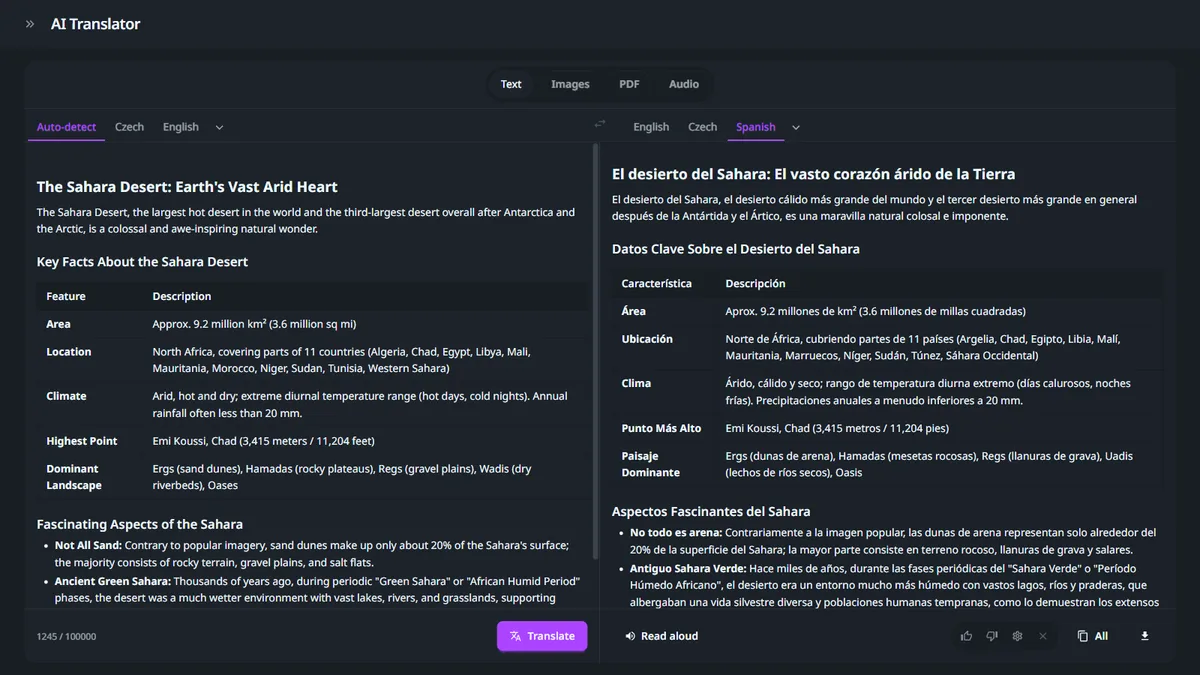
What the translator can do
Four ways in, one translation
No need to retype anything — the translator handles documents, photos and recordings alike.
More than sentences
Translate entire documents, not just sentences
Upload a PDF and translate it in a single click — the AI recognizes the type of text and accurately translates idioms and terms within the document. It automatically detects which words should be left untranslated.
Up to 100 000 characters per translation. The AI detects the source language on its own; you only pick the target.
- Text, PDF, images and audio
- Up to 100 000 characters at once
- Preserves document formatting
- Automatic language detection
- Dozens of languages
- Download or copy the result
Images and photos
Snap a sign and translate it
The AI reads text from a photo (OCR) — a sign, a menu, a book or a document — and translates it right away. It handles up to 10 images at once.
- Reads text from photos (OCR)
- Up to 10 images at once
- PNG, JPEG, WebP, HEIC
Audio and recordings
From voice straight to translation
Upload an audio file or speak directly into the microphone. The AI first transcribes the speech and then translates it into the target language.
- Audio and video files
- Microphone recording
- Transcription and translation in one
How it works
Translate text, PDFs, images and audio.
Pick an input type and see how the translation works.
- 01
Paste your text
Type or paste up to 100 000 characters in any language.
- 02
Choose the target language
The AI detects the source language on its own; you only pick the target from dozens of options.
- 03
Copy the result
Copy or download the translation with a single button.
Who is the AI Translator for?
Anywhere you need to convert content into another language quickly and faithfully.
E-commerce
Translate product descriptions and categories into more languages and open up foreign markets.
View solutionTravel agencies
Destination descriptions, itineraries and client documents — fast and in the right language.
View solutionMedia and authors
Translate articles and source material from foreign sources while preserving their structure.
View solutionFrequently asked questions about the translator
How many characters can I translate at once?
Up to 100 000 characters per translation. Longer text is automatically split and the result is stitched back together.
What besides text can it translate?
PDF and text files, images (it reads the text from them via OCR) and audio recordings, which it first transcribes into text.
Do I have to choose the source language?
No. The AI detects the source language automatically. You only pick the target language from dozens of options.
What format do I get the translation in?
Copy the result with formatting or as plain text, or download it as a .txt file.
Does the translator work in your language?
Yes. The translator is optimized for English and dozens of other languages.
Something missing? Get in touch.
Discover the entire GuideGlare platform
Besides the translator, a single account also gives you chat, images, audio, documents and an AI detector.
AI Chat
Conversational AI with a long context.
AI Presentations
Presentations from a brief in minutes, export to PPTX.
AI Copywriting
Sales copy built on 16 proven copywriting frameworks.
AI Images
AI image generator and editor.
AI Audio
Voice generation and audio-to-text transcription.
AI Documents
AI editor for documents and articles.
Social Media
Posts, content calendar and publishing.
AI Detector
Analyzes text for AI presence.