

AI Images · Watermark Removal
AI watermark removal and distracting text from your photo
Need to remove a watermark from a photo? Mark the watermark, logo or date stamp and AI removes it – reconstructing the texture and background beneath the text so no smudge is left behind. Made for your own photos and your own watermarks.
- Remove watermarks, logos and burned-in date stamps from your own images
- AI reconstructs the texture beneath the text – no blurry patches
- Online, no install, entirely in your browser and in your language
The AI watermark remover is part of the subscription. View pricing

 With watermark
What you can do with watermark removal
A clean image free of distracting text
Drag the slider to compare the photo with and without the watermark.
Logos and watermarks
Remove a watermark or logo – with no visible trace
Changing your visual identity and the old logo on your photos is in the way? Remove a text watermark across the whole photo with a single click – then brush over the logo and AI fills the spot in based on its surroundings.
It works on solid areas as well as on busier backgrounds where a stamp tool would leave a smudge.
- The watermark or logo disappears, the background stays natural
- A text watermark across the whole photo in one click
- No manual touch-ups – the result is right the first time
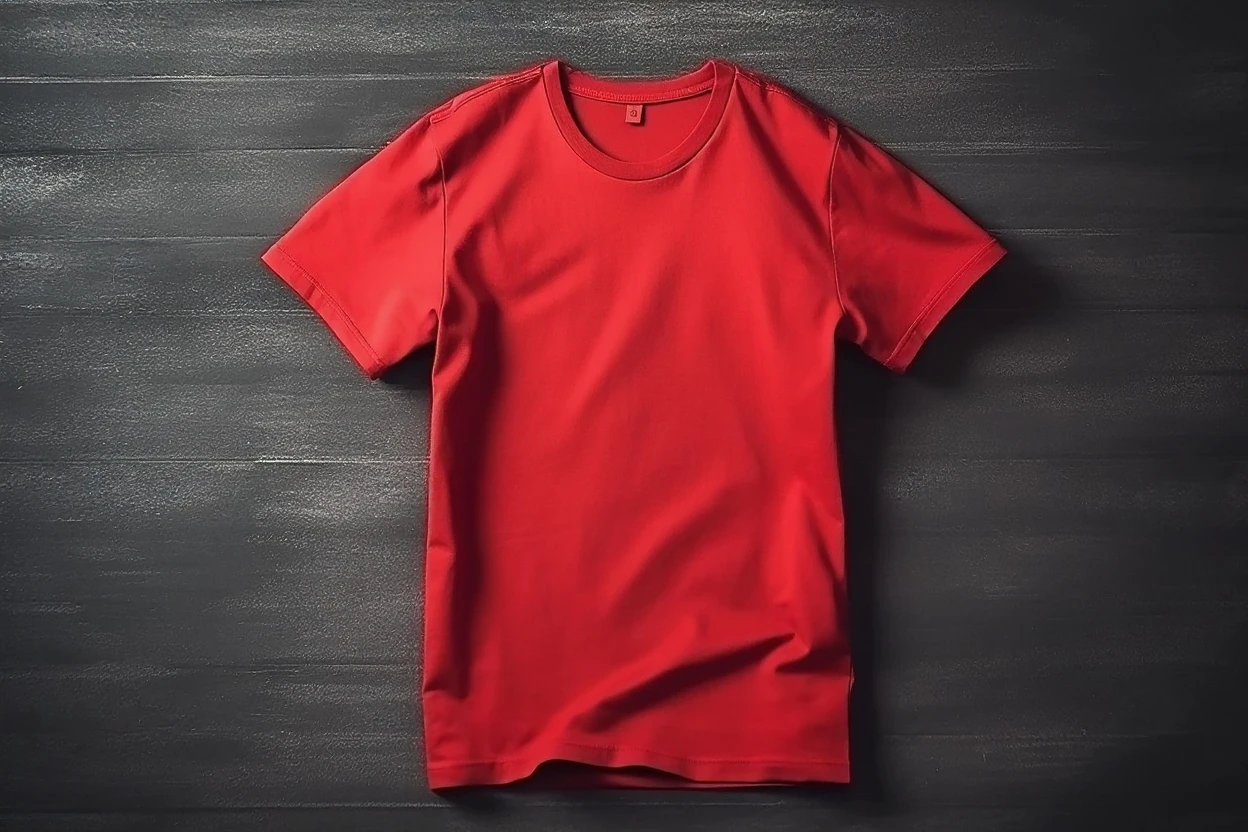
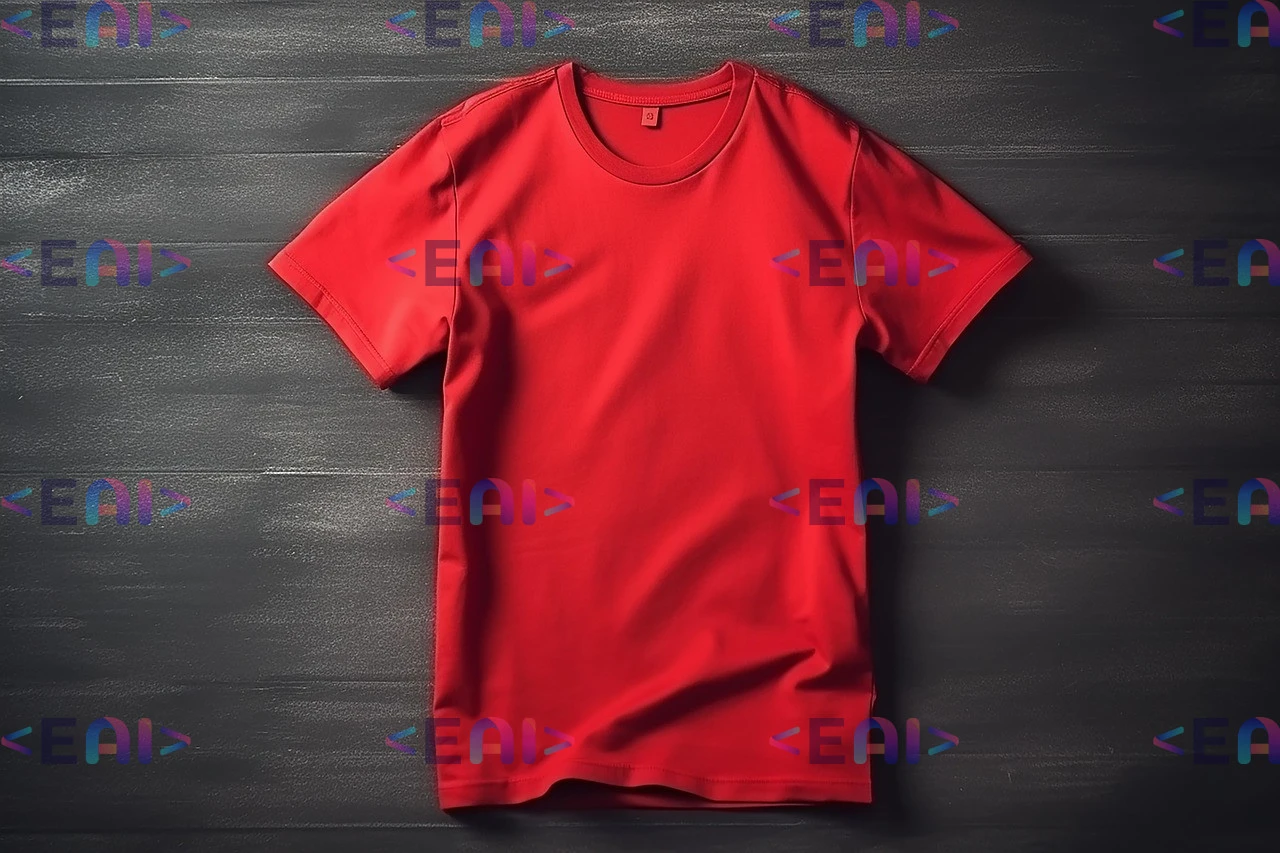 Before
Captions and labels
Remove text or a date from your own graphics in seconds
A burned-in date, caption or note keeping you from reusing a visual in a new context? Mark the text and AI removes it – reconstructing the texture beneath so no visible blank spot is left.
Want to know how to do it step by step? Read the detailed guide.
- A date, caption or multi-word text – in a single stroke
- AI reconstructs the texture beneath the text, no blank spot
- A visual ready to be reused

 Before
How it works
Remove a watermark from a photo in three steps
- 01
Upload your photo
Drag your own image into the editor – the one you want to remove a watermark, logo or date from.
- 02
Pick a tool
Remove the watermark and text with a single click, or precisely by selecting an area.
- 03
Download the clean photo
AI replaces the marked spot with reconstructed background texture and you download the result in high quality.
What it's good for
For a clean image free of distracting elements
Typical situations where it helps to remove text or a watermark from your own photo.
Your own watermarks and logos
Take an old watermark or logo you no longer want off your own photo – for example when changing your visual identity.
Burned-in date stamp
Remove a burned-in date from scanned or older photos and get a clean image with no distracting corner.
Distracting text and captions
Erase captions or notes from your own graphics so you can reuse the visual in a different context.
Can you remove a watermark from a photo for free?
No tricks: you can do classic edits for free, AI watermark removal is part of the paid plans.
Free
A classic online editor – crop, resize, filters, text and adding your own watermark. No install and no card. AI watermark removal, however, is not free.
In the subscription
AI removal of watermarks and text with background-texture reconstruction and high-quality downloads. Choose from several plans and pick the one that suits you.
View pricingFrequently asked questions about removing a watermark from a photo
How do you remove a watermark from a photo?
There are several ways – it depends on the situation and the tool you use. In GuideGlare you can remove a watermark with just a single click. You'll find a detailed overview in the guide to removing a watermark from a photo.
Can you remove a watermark from a photo for free?
The classic editor (crop, filters, adding your own watermark) is free and with no card required. AI watermark removal, however, is not free – it's part of the subscription, because it's a demanding AI operation. No trial period.
Can I remove someone else's watermark?
The tool is made for your own photos and your own watermarks or logos. We don't support removing watermarks from other people's copyrighted images – always respect copyright and licensing terms.
Does AI remove a burned-in date from a photo too?
Yes. You mark the date stamp just like a watermark and AI fills the spot in based on its surroundings. It works on older scanned photos as well.
Will a smudge or blank spot be left where the watermark was?
AI replaces the marked spot with reconstructed texture that blends into the surroundings, so on ordinary backgrounds (sky, a wall, solid areas) no visible trace remains. On very busy backgrounds the result may vary.
How do I mark the watermark?
Brush over the text or logo. A rough selection is enough; AI works out the edges itself, so you don't have to trace precisely.
Does watermark removal work online, with no install?
Yes. The tool runs right in your browser, the interface is in your language and you don't need any graphics software or plugin.
Something missing? Get in touch.
Discover the whole GuideGlare platform
Besides watermark removal, one account also gives you an image generator, chat, audio, documents, a translator and an AI detector.
AI Images
Generate images from text, edit photos and AI retouching.
AI Chat
Conversational AI with perfect language skills and long context.
AI Presentations
Presentations from a brief in minutes, export to PPTX.
AI Copywriting
Sales copy built on 16 proven copywriting frameworks.
AI Audio
Generate voice and music and transcribe audio to text.
AI Documents
An AI editor for papers, articles and documents.
Social Media
Posts, content calendar and publishing.
AI Translator
Translate text, PDF, images and audio.
AI Detector
Analyze text for the presence of AI.