
AI Images · Background Removal
AI background remover for photos in seconds
Need to remove the background from an image? Upload a photo and the AI separates the main subject from the background - precise even around hair, fur and transparent edges. Download the result as an image with a transparent background, ready for your store, profile picture, banner or anywhere else.
- Remove the background from a photo in one click - even with tricky edges
- Download the image as a PNG
- No complicated edits, no installation - all in your browser and in your language
AI background removal is part of the subscription. View pricing

 Original photo
Results that speak for themselves
Remove the background from any photo
Forget jagged edges and color stripped from the main objects in your scene. See how our AI removes the background from everyday photos
Precise edges
Accuracy where other tools fail
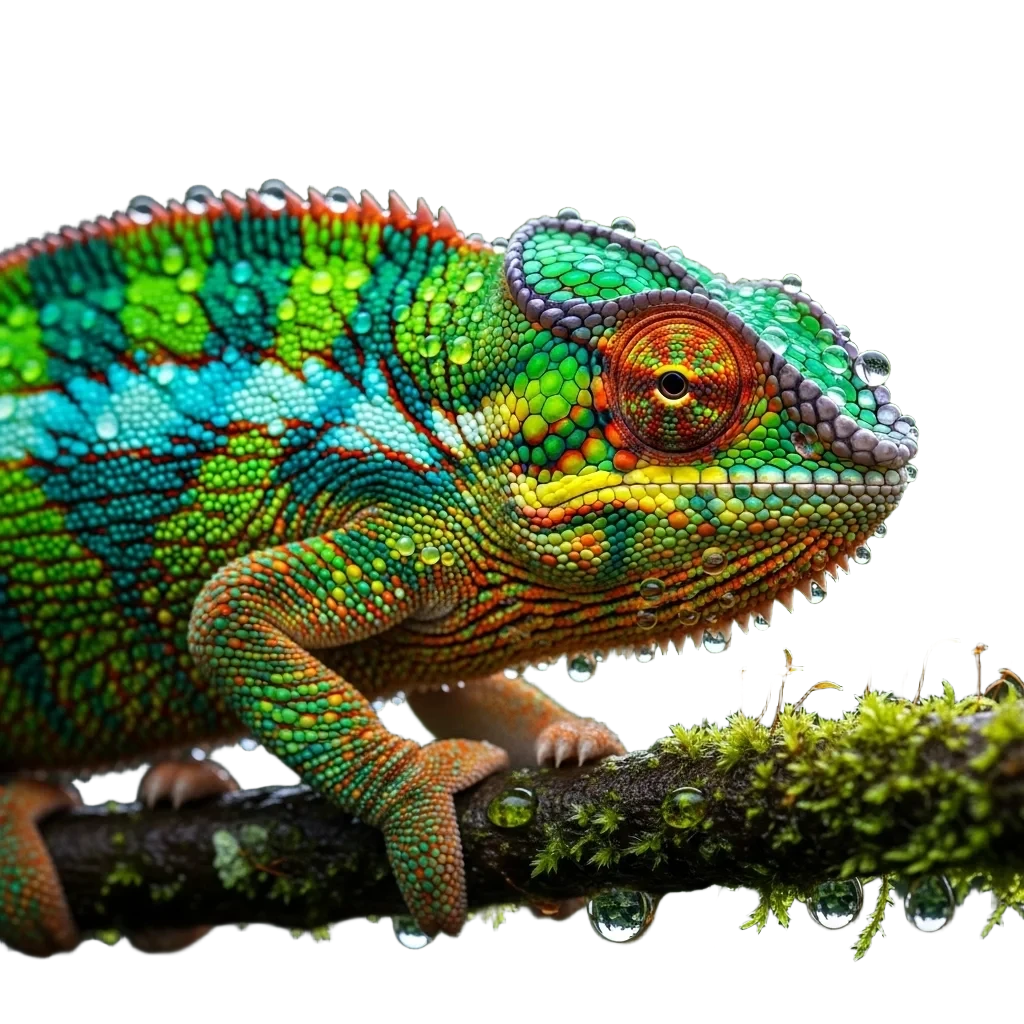
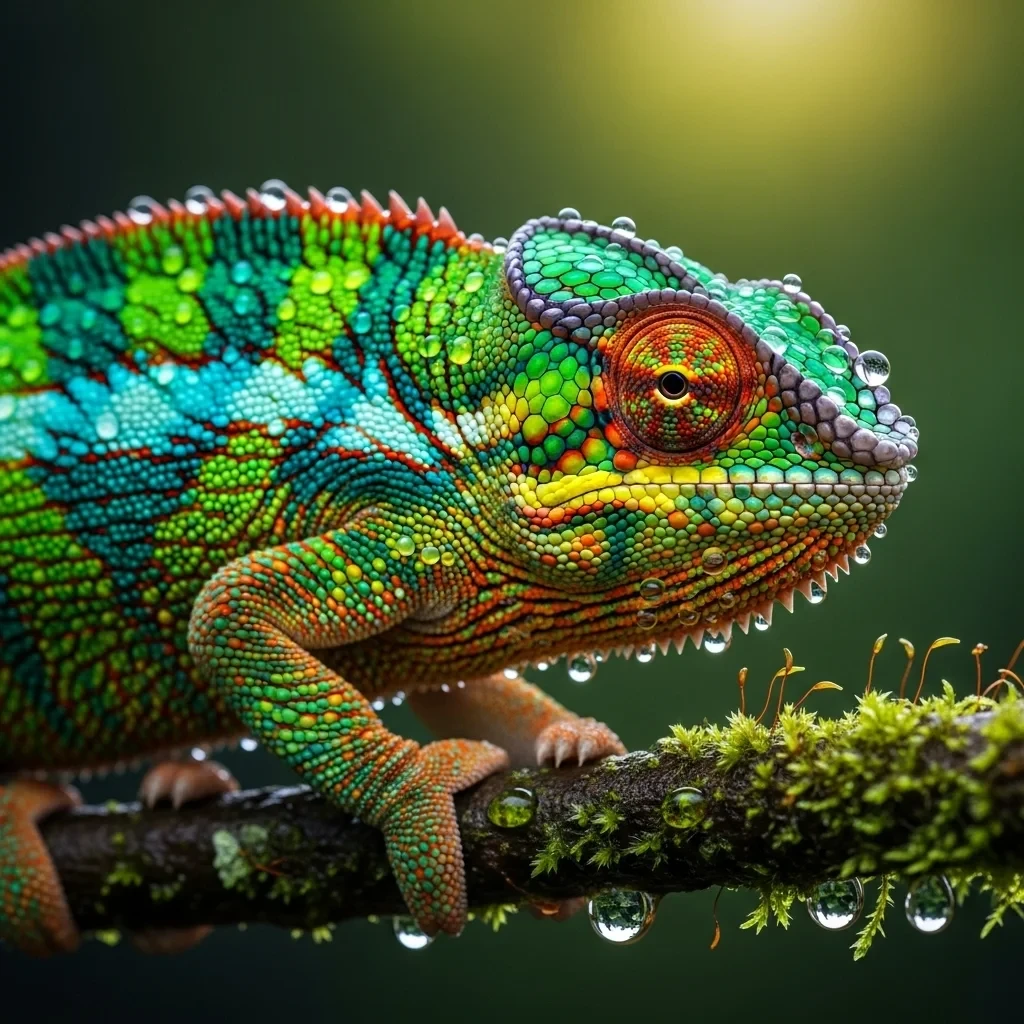
A jagged outline, tiny protrusions or colors blending into the background - this is exactly where manual selection and the magic wand leave jagged edges. The AI recognizes the subject as a whole and separates it cleanly even in the most demanding areas.
The result looks natural on the first try, with no manual mask tweaking.
- A clean outline even on intricate shapes
- No jagged edges or leftover background
 Before
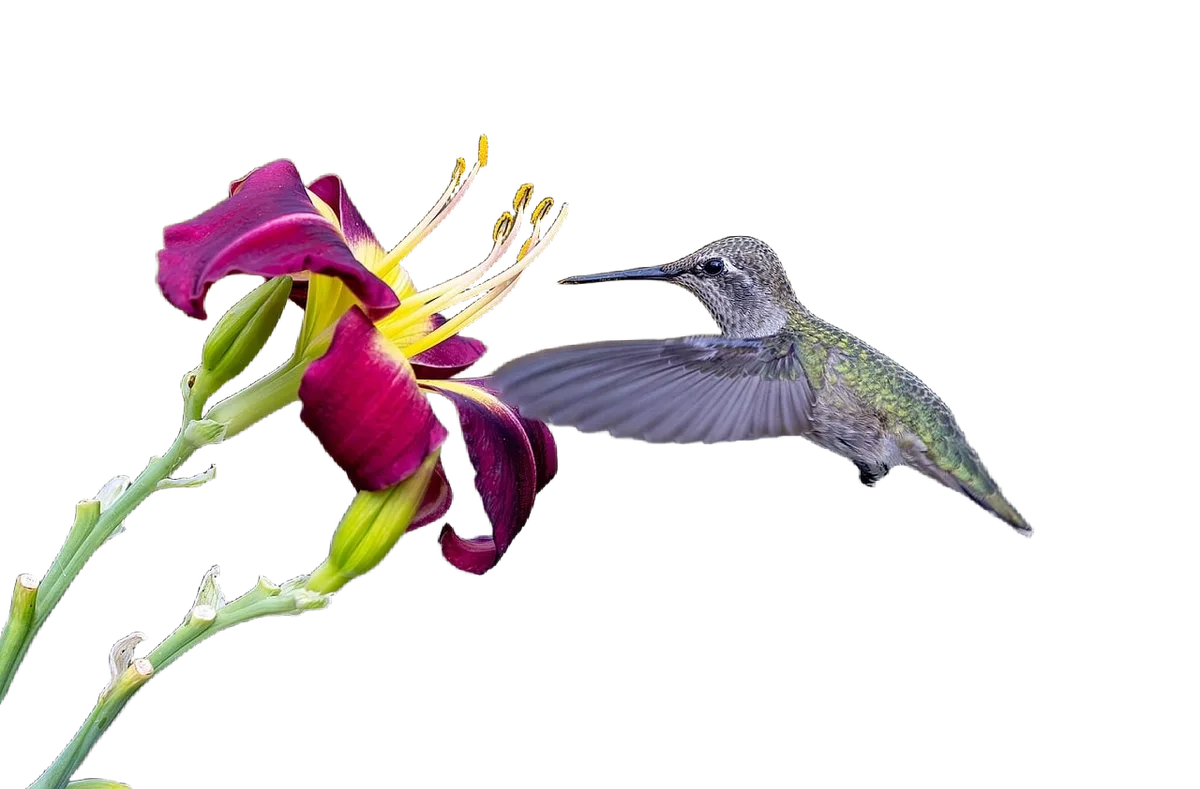
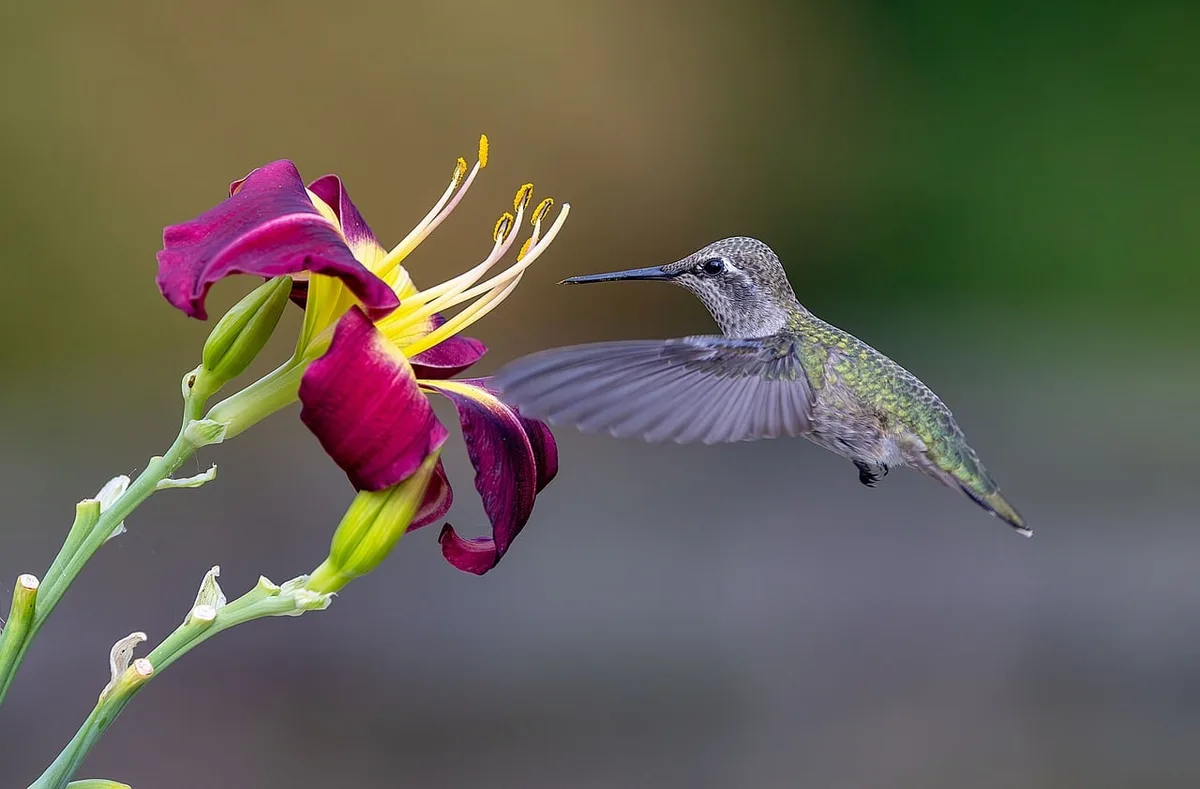
Object groups and micro details
It handles what would take you hours by hand
A complex multicolored composition, fine edges like wisps of hair, feathers, leaves or flyaway strands. Once a graphic designer's nightmare, today a matter of seconds. The AI flawlessly recognizes several objects at once and erases the background with perfect precision.
- Precise edges with no jagged lines - on hair, feathers, fur - anywhere
- Works on images with complex composition
 Before
Online stores and products
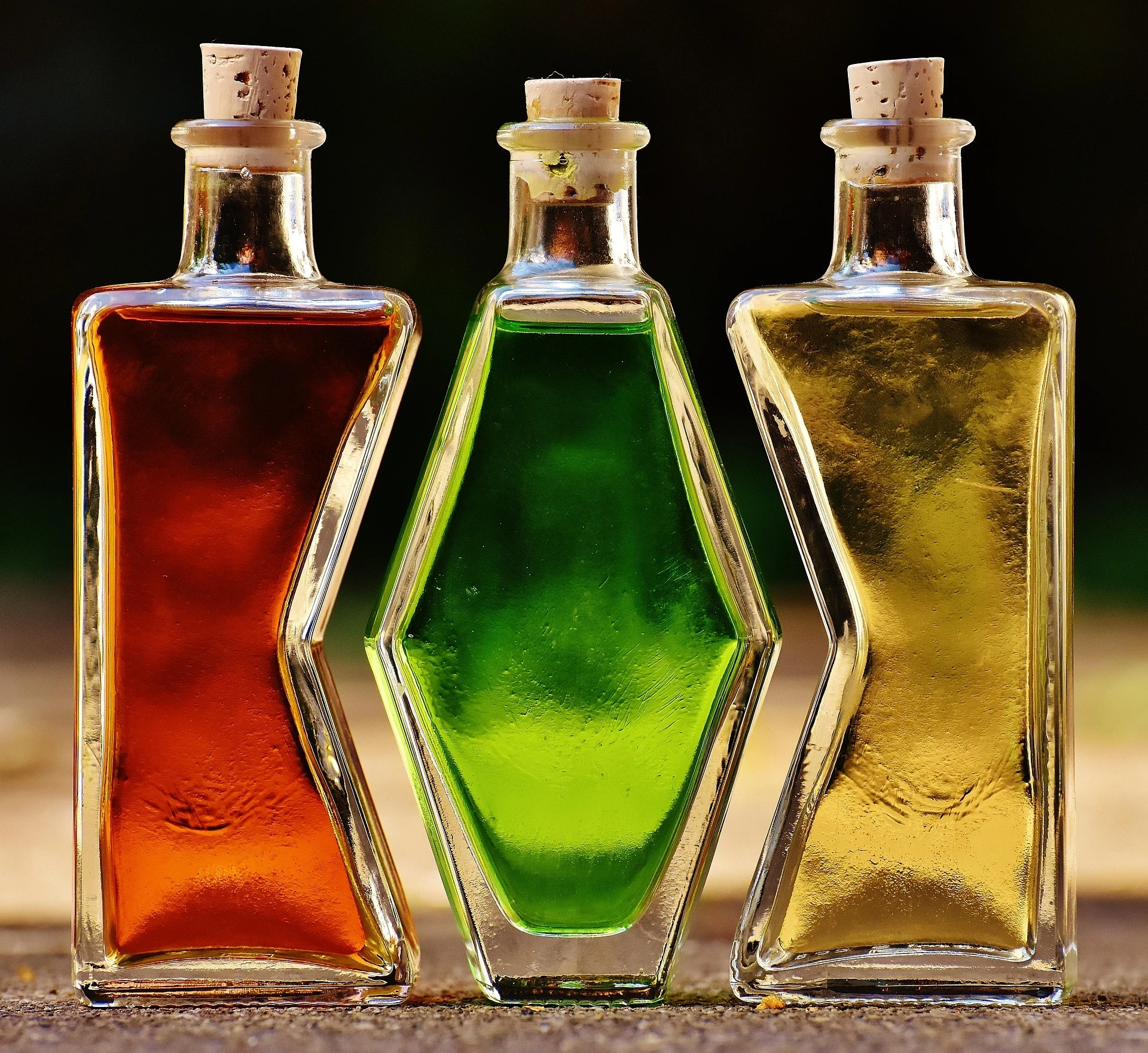
Glass, liquids and reflections? It handles what others gave up on.
Cutting out transparent objects is a nightmare for ordinary tools. But our AI perfectly understands the difference between glass and background. It cuts out bottles, cosmetics and jewelry with precision while preserving their natural transparency and shine.
The AI handles glossy surfaces, glass and fine edges where ordinary selection fails.
- A consistent background across your entire catalog
- Transparent PNGs for banners and compositions

 Before
People and portraits
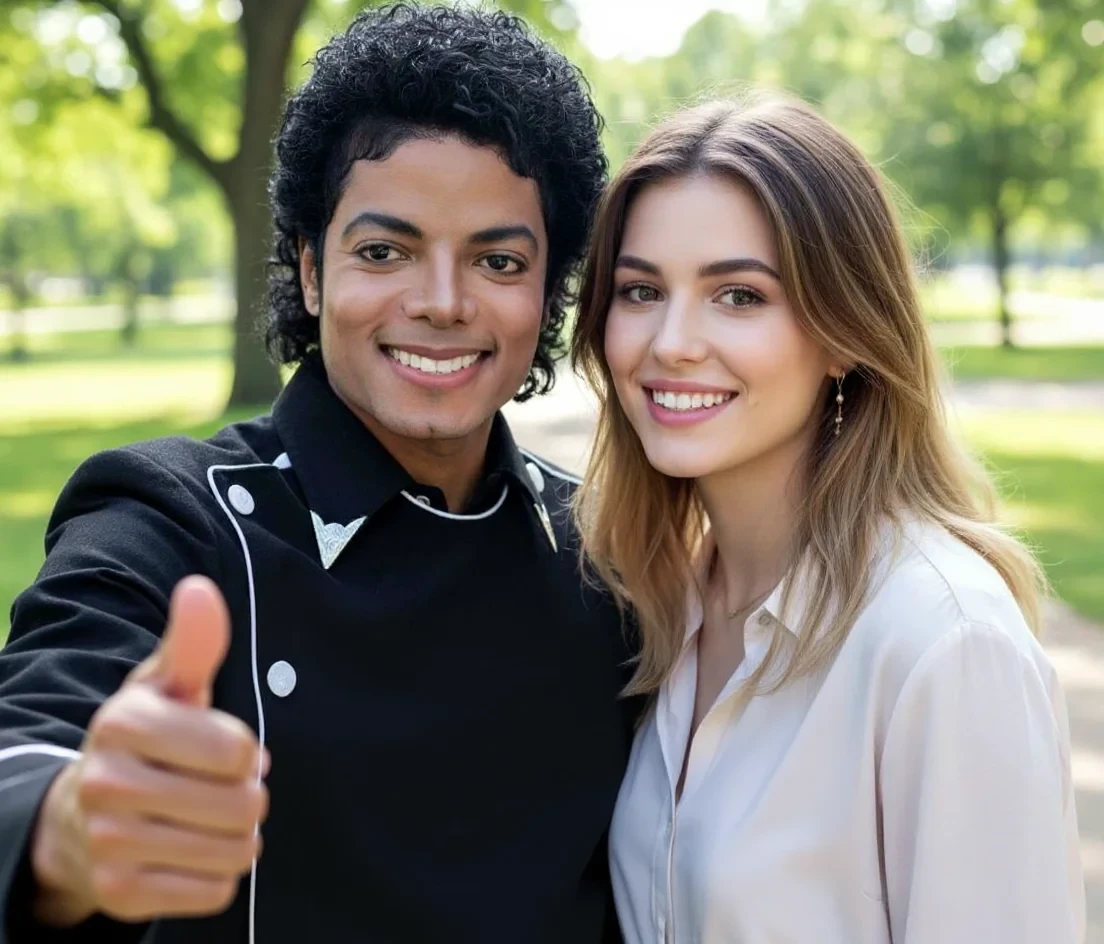
People and portraits without distracting surroundings
Need a presentable photo for LinkedIn, your website or a company presentation, but you shot it in the office? Separate the person from distracting surroundings in a single click.
Drop the finished cutout straight into your brand colors, add it to a team collage or generate a completely new, professional background for it.
Create an account
 Before
How it works
Remove a photo background in three steps
- 01
Upload your photo
Drag your image into the editor. It works on products, portraits, animals and graphics - format and size don't matter.
- 02
AI separates the subject from the background
The AI recognizes the main subject and removes the background with precision down to individual hairs and transparent edges - no manual tracing.
- 03
Download a transparent PNG
Save your image with a transparent background (PNG), or place the subject straight onto white or a custom color and download it in high quality.
Remove the background even when it nearly blends with the subject
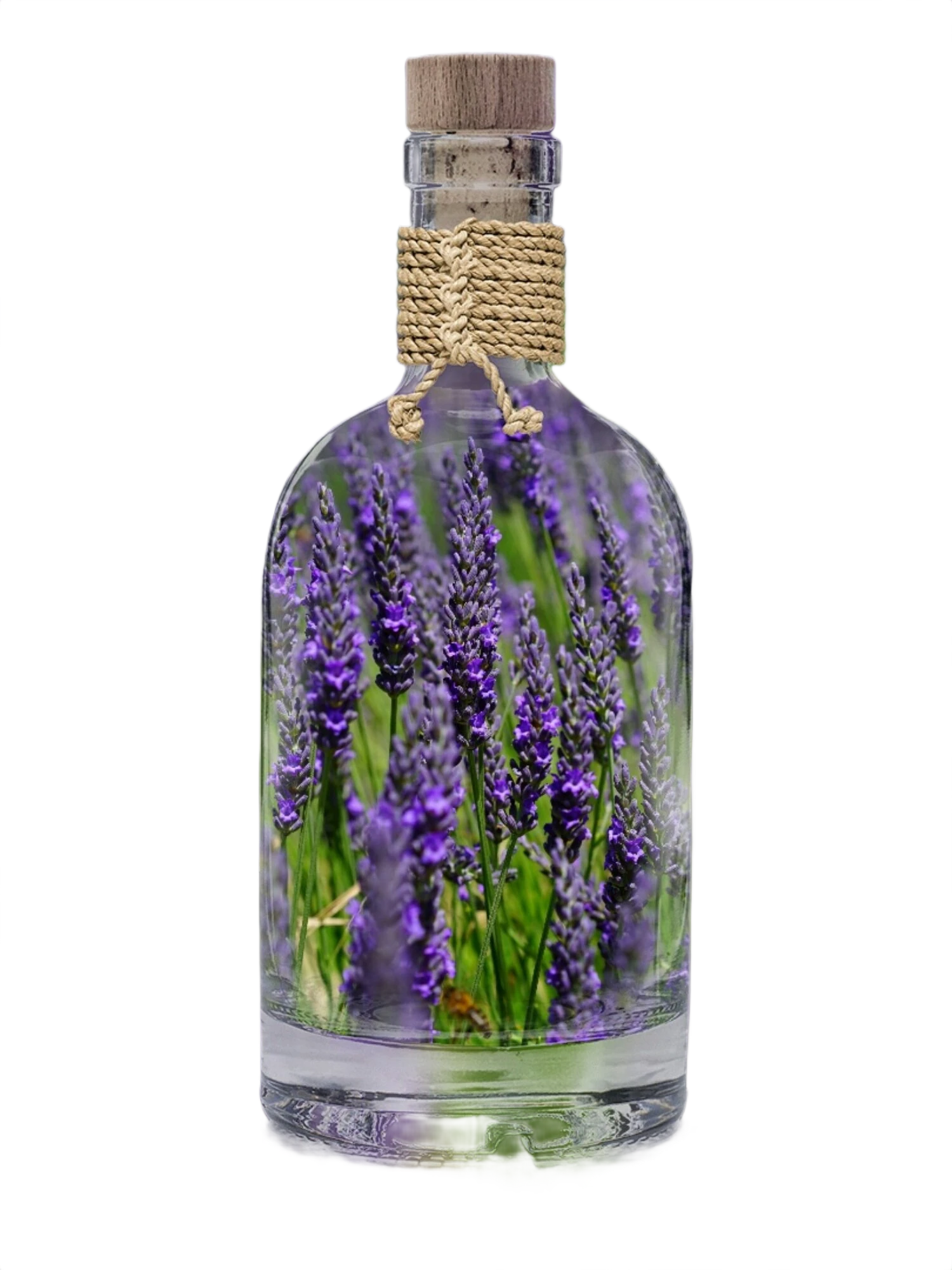
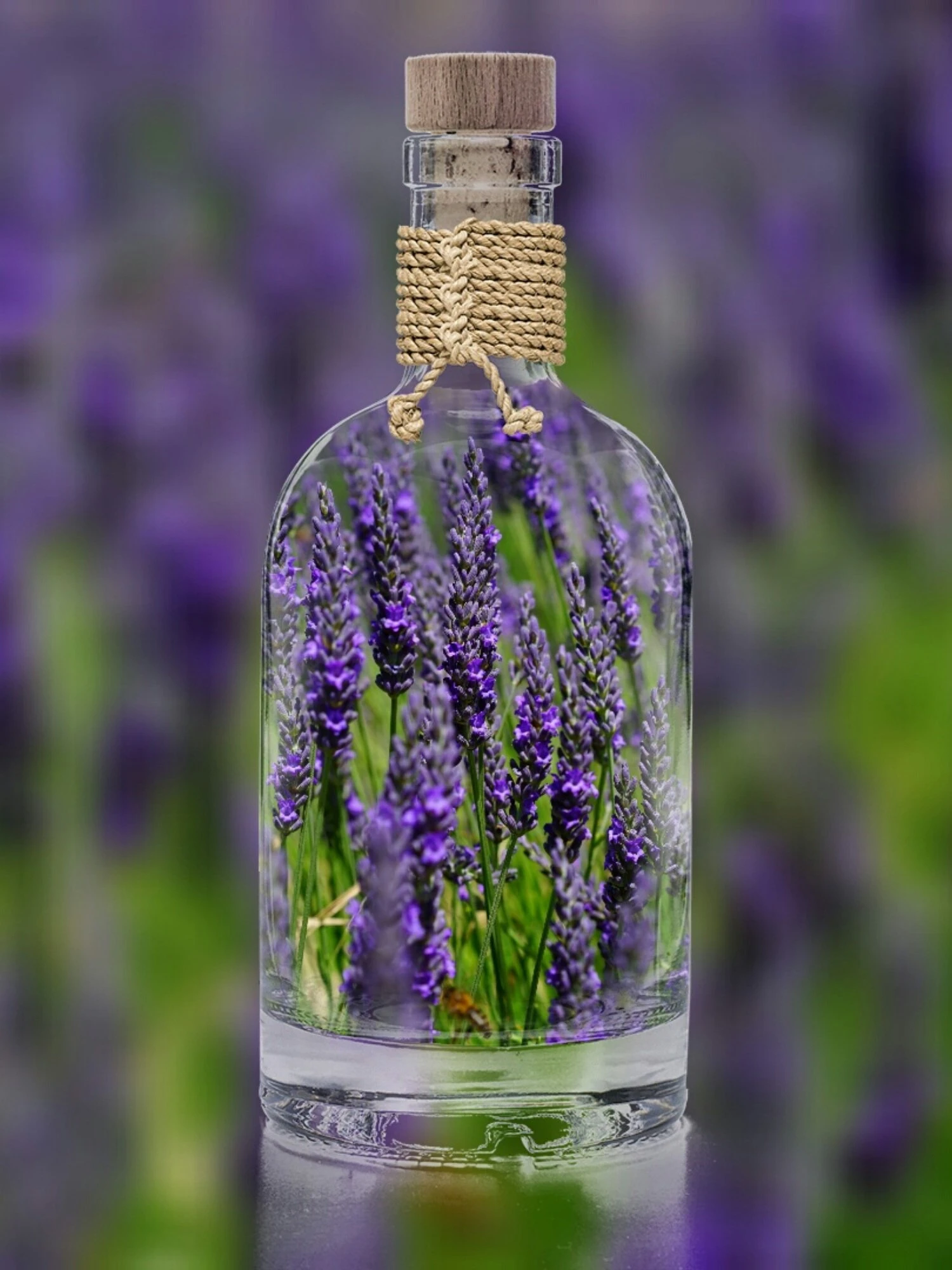
A glass bottle with lavender against a lavender field - subject and background are almost indistinguishable, plus transparent glass and reflections. The AI still recognizes where the bottle ends and preserves its transparency. Drag the slider and see for yourself.
 Before
What it's good for
Background removal you can use everywhere
A clean cutout on a transparent background is the first step toward consistent visual presentation across channels.
Products for your store
Consistent product photos on a clean white or transparent background that meet the requirements of marketplaces and your own store.
Portraits and profile pictures
A clean cutout of a person for profile pictures, team pages or bios - with no distracting surroundings behind them.
Marketing and banners
Cut out the subject with a transparent background and drop it into banners, posts and presentations without worrying about the original background.
Social media
Prepare eye-catching posts and stories - a subject with no background slots easily into any template or color.
Print and prepress
Use a cutout on a transparent background in flyers, catalogs and large-format prints with no white box around it.
Real estate and listings
Highlight the main subject of a listing and unify the look of your offers across portals.
Is background removal free?
No tricks: you can do classic edits for free, while AI background removal is part of the paid plans.
Free
A classic online editor - crop, resize, filters, text and your own watermark. No installation and no payment card. AI background removal, however, is not free.
In the subscription
AI background removal, hair-level cutouts and high-quality downloads. You can process photos one at a time as much as you like. AI background removal is available starting from the Basic plan.
View pricingFrequently asked questions about removing a photo background
How do I remove the background from a photo?
Upload your photo into the editor and the AI recognizes the main subject and separates it from the background on its own. You then download the result as an image with a transparent background (PNG), or place the subject onto white or a custom color. There's no need to trace anything by hand.
How do I remove a photo background for free?
The classic editor (crop, filters, your own watermark) is free and needs no card. AI background removal, however, is not free - it's part of the subscription, because it's a demanding AI operation.
How do I make an image with a transparent background?
After removing the background, download the image in PNG format, which preserves transparency. You can then place that image onto any background, into banners or presentations. This transparent image maker keeps your subject clean and ready to reuse.
Can the AI handle hair and transparent edges too?
Yes. The AI is trained on complex edges, so it deals with hair, fur, feathers and semi-transparent parts far better than manual selection or the magic wand in ordinary editors.
Can I remove the background from several photos?
Yes. You process photos one at a time - upload an image, download the result and move on to the next. The number of photos is limited only by your plan.
What format will the background-free image download in?
For a transparent background use PNG. If you place the subject onto a solid color, you can also save a high-quality JPG. PNG is the reliable way to make an image transparent.
What's the difference between removing and replacing the background?
Removing the background isolates the subject on a transparent base. If you want to replace the background with another one straight away (a winter landscape, for example), see the background-change instructions in our guide to AI photo editing.
Do I have to install anything?
No. The entire tool runs in your browser, including an interface in your language. You don't need Photoshop or any other graphics software.
Something missing? Get in touch.
Discover the whole GuideGlare platform
Beyond background removal, one account also gives you an image generator, chat, audio, documents, a translator and an AI detector.
AI Images
Generate images from text, edit photos and retouch with AI.
AI Chat
Conversational AI with a perfect command of your language and a long context.
AI Audio
Generate voice and music, and transcribe audio to text.
AI Documents
An AI editor for reports, articles and documents.
AI Translator
Translate text, PDFs, images and audio.
AI Detector
Analyze text for the presence of AI.