
GuideGlare AI Images
AI image generator and AI photo editor
Create a visual from a single sentence or edit a photo with words. Generation, retouching and bigger edits - in your browser, with no complicated software and fully in your language. Discover the GuideGlare AI image generator.
- Generate images from text or from photos
- Remove backgrounds, objects and text in one click
- Edit, restore and colorize your photos
Advanced AI features are included in a subscription. View pricing

Everything you can do with AI Images
An AI photo editor that saves you time and money
Instead of hours clicking around in graphics software, just describe what you want - and you have the result in seconds.
Image generation
An AI image generator that creates drawings and realistic photos
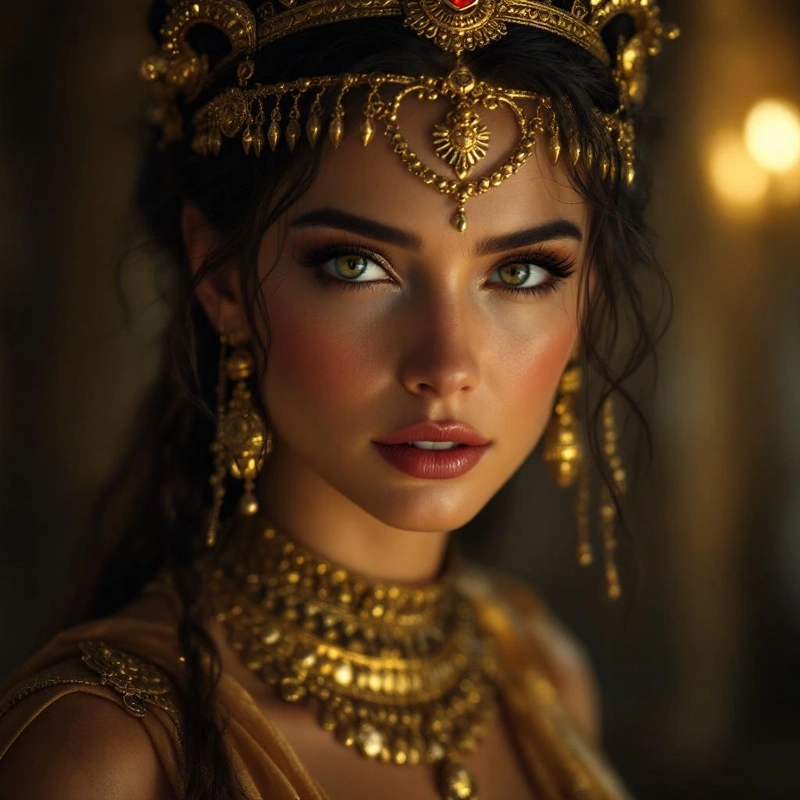
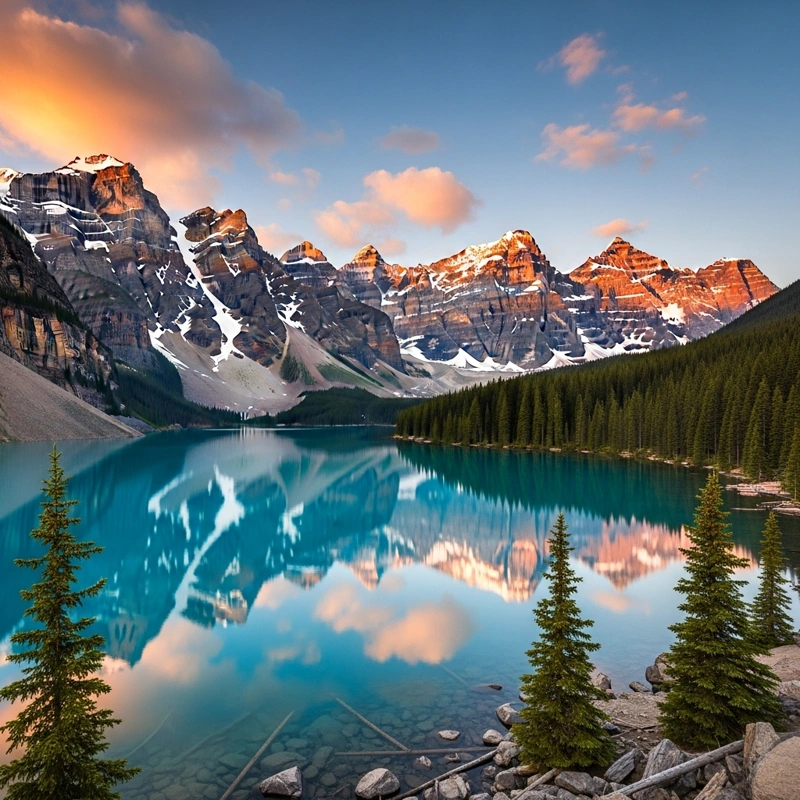
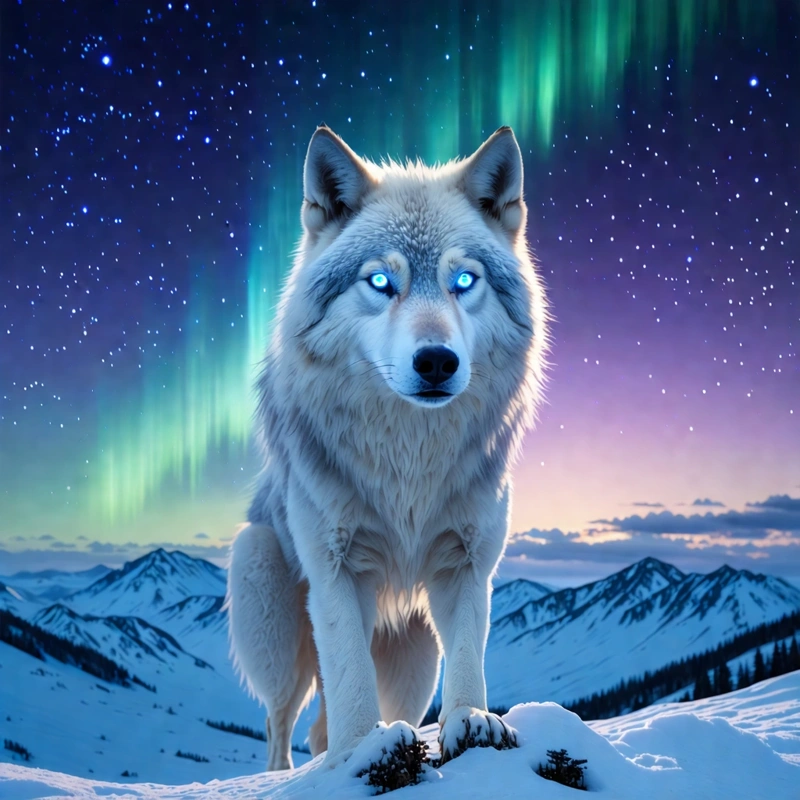
Trawling through expensive stock libraries ends today! Become an artist in just a few seconds - no brush and no pricey gear - and create tailor-made images and photos exactly the way you imagine them.
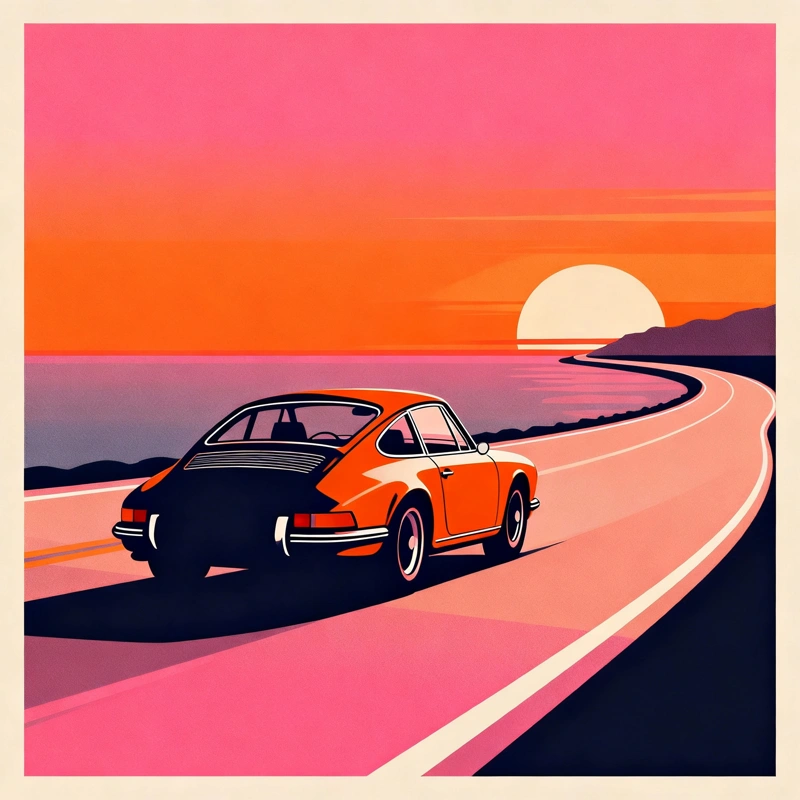
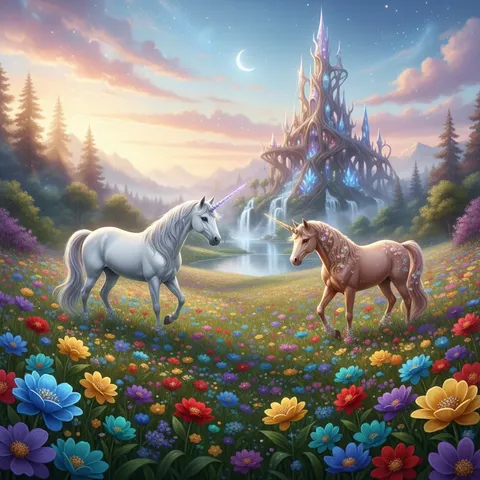
Choose from several world-class image generation models, such as Flux, Imagen and the model from Google, which produce any style from oil painting to woodcut.
- More than 5 of today's best AI models
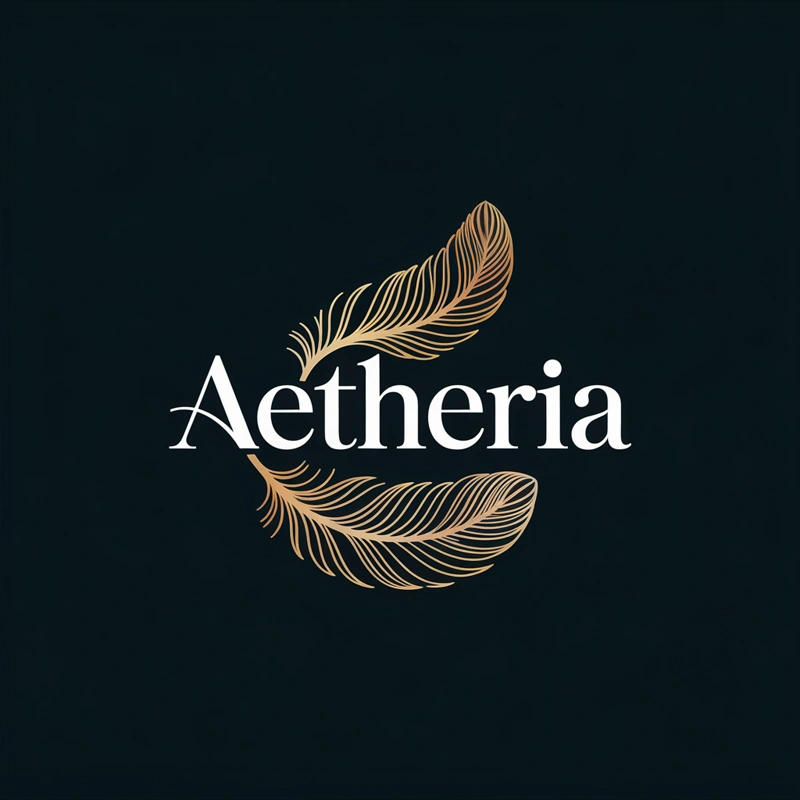
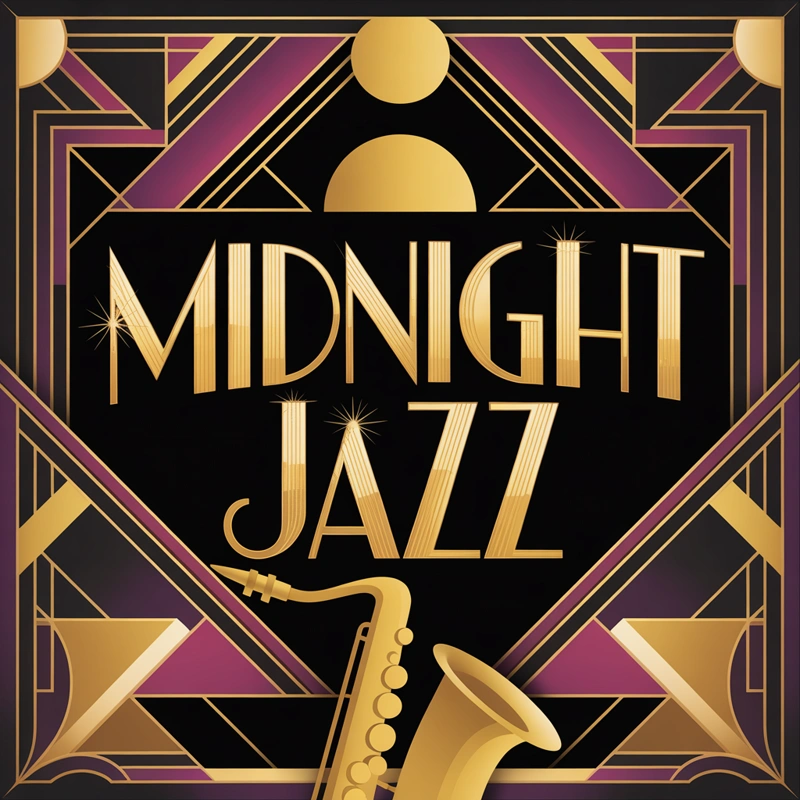
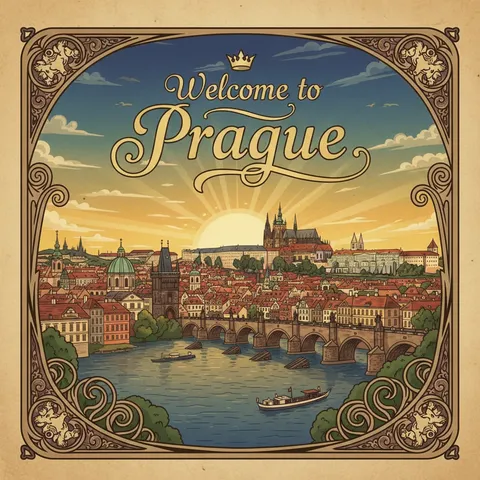
- Photorealistic photos, illustrations and logos with text
- Turn words into high-resolution images
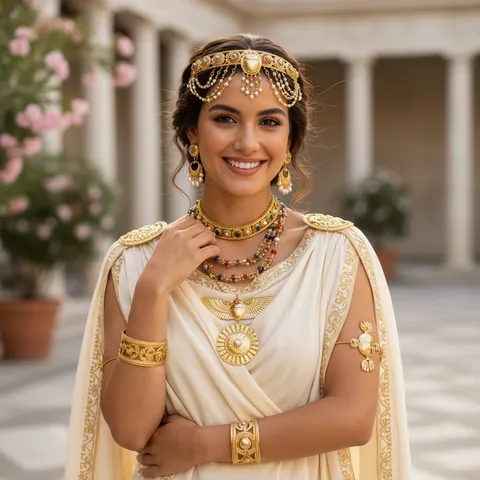
Editing with words
Don't like a color or a detail? Edit your photo with a command.
Editing a photo by command listens to your words. You don't need to master layers or masks - just type an instruction like you would for a designer.
“Change the background to a winter landscape,” “Recolor the dress to blue” or “Put a knitted hat on the squirrel.” AI understands the context and makes the edit with pixel-perfect precision.
- Edit a photo with a plain-language command in your language
- No working with layers and masks
- AI understands context and edits with pixel-perfect precision
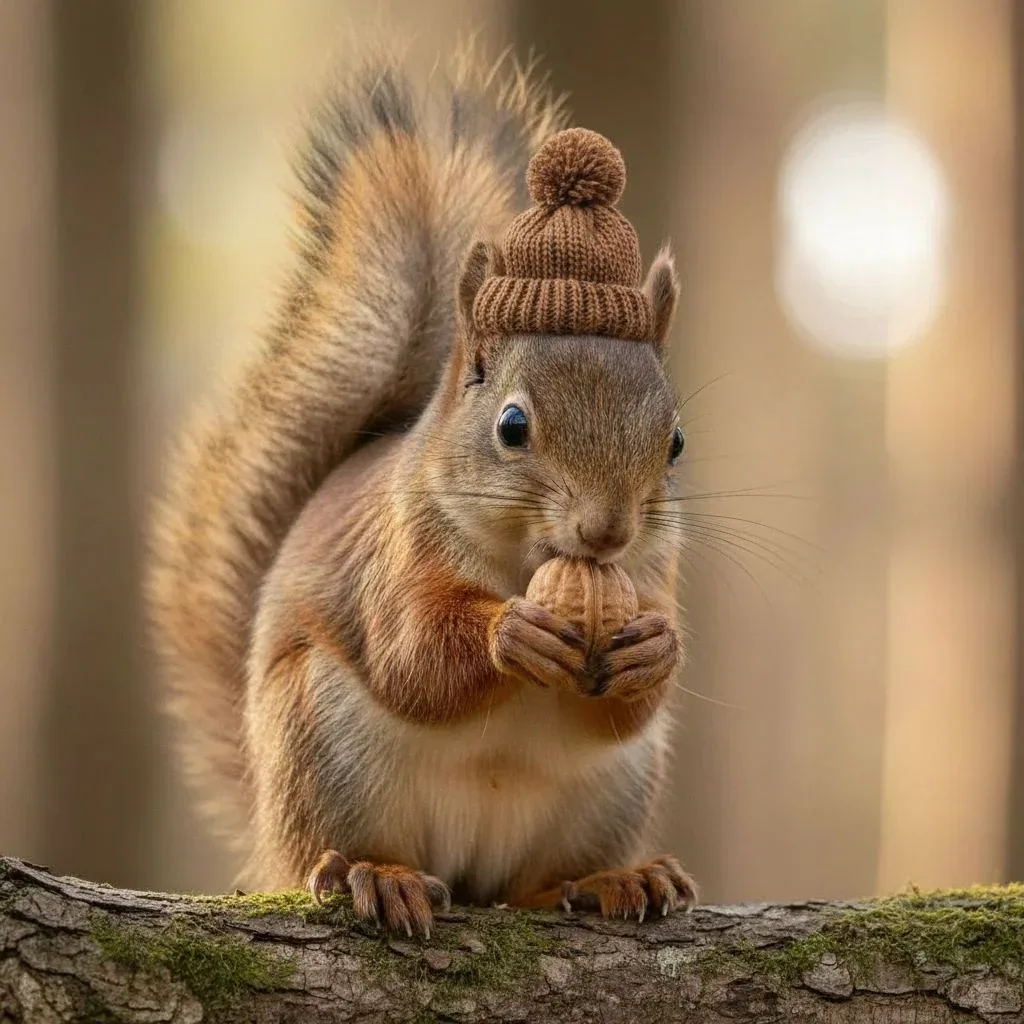
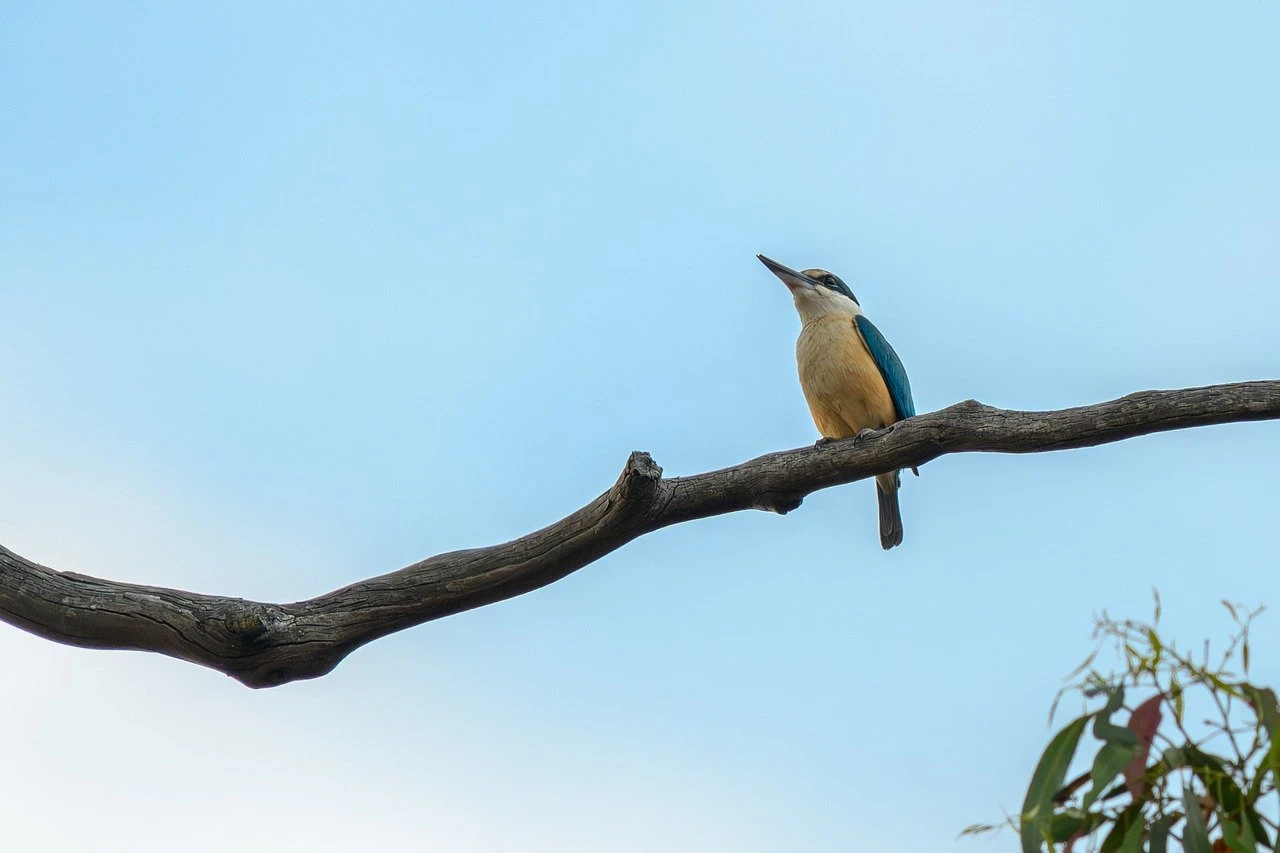
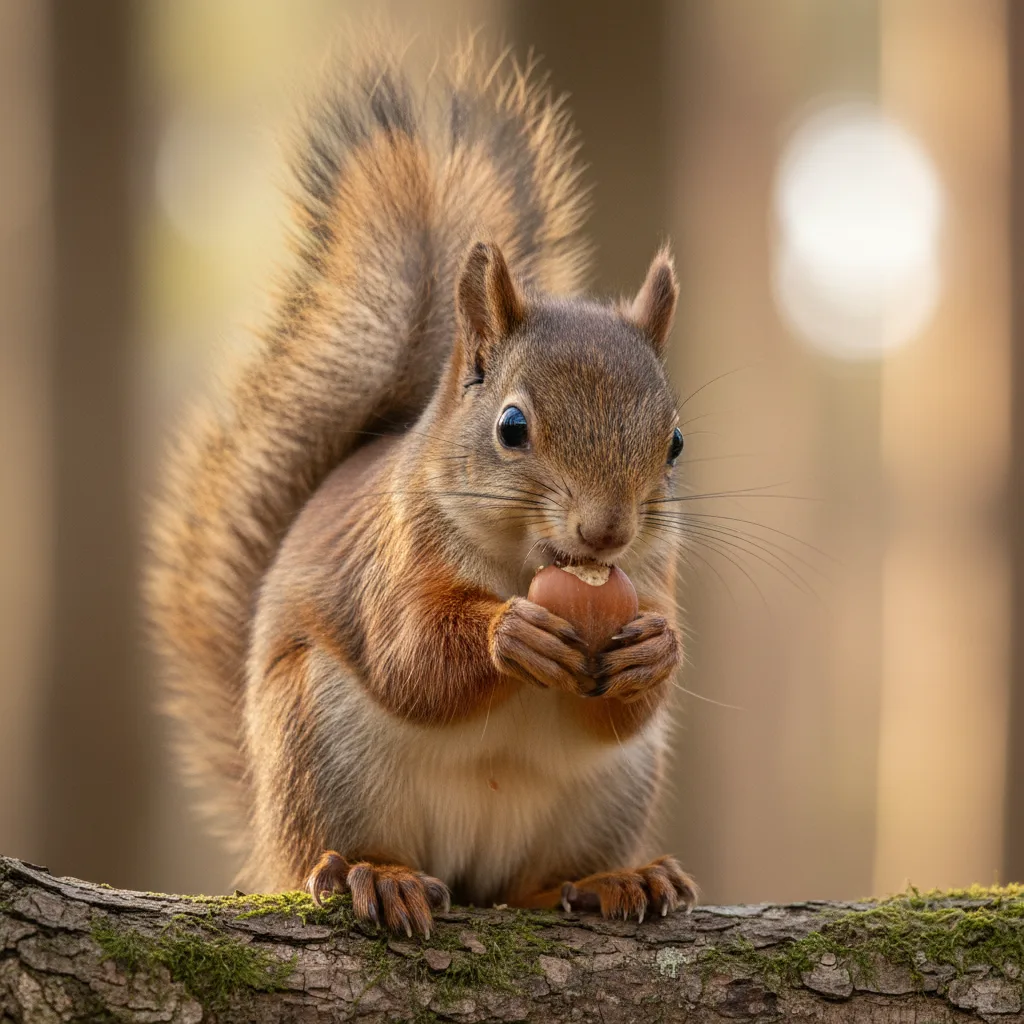 Before
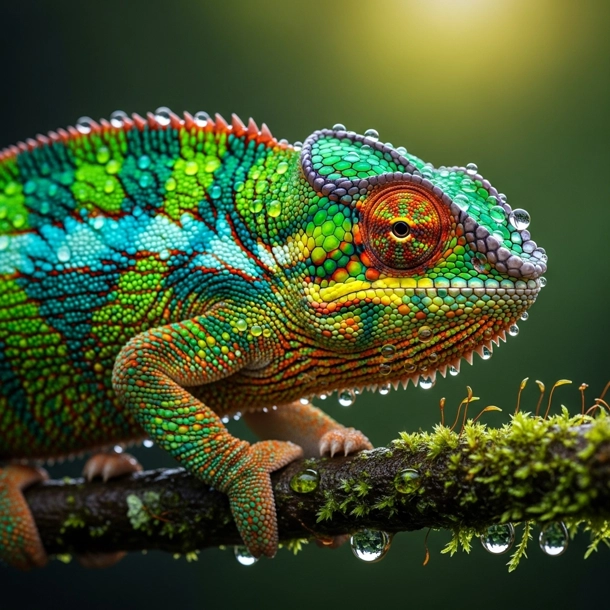
Background removal
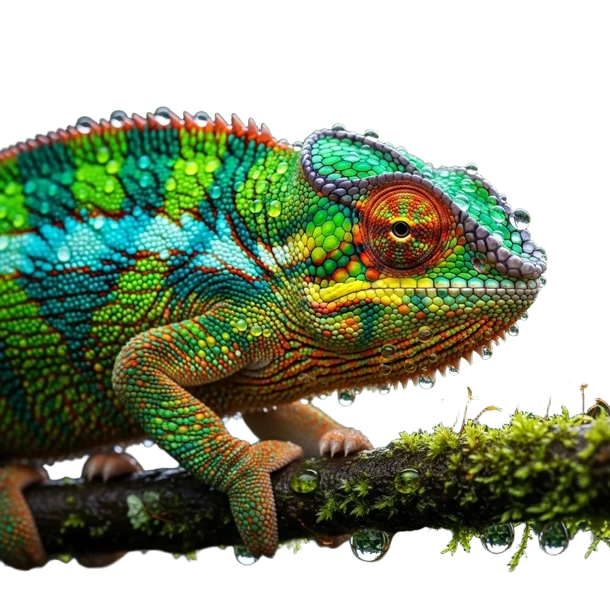
A clean or transparent background in one click
With a single click you separate the main subject from the background - AI recognizes the edges down to individual hairs and creates a clean PNG on a transparent background, with no jagged edges.
Preparing photos for your store or catalog? Replace the background with white, a color, or remove it entirely - consistently across your whole product set.
- Precise subject cutout, even down to hair and fur
- A clean PNG on a transparent background in one click
- White, colored or transparent backgrounds for your store
 Before
Object removal
Whatever ruins the shot disappears without a trace
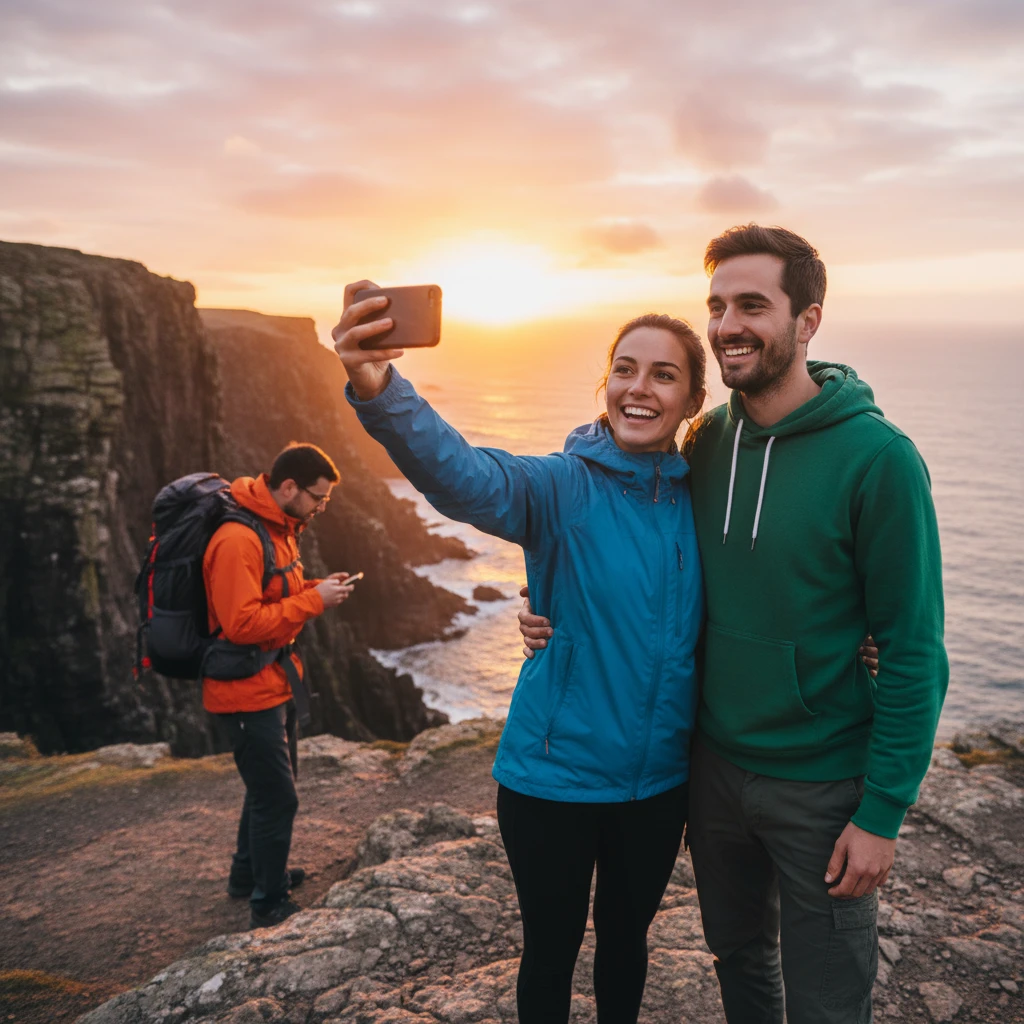
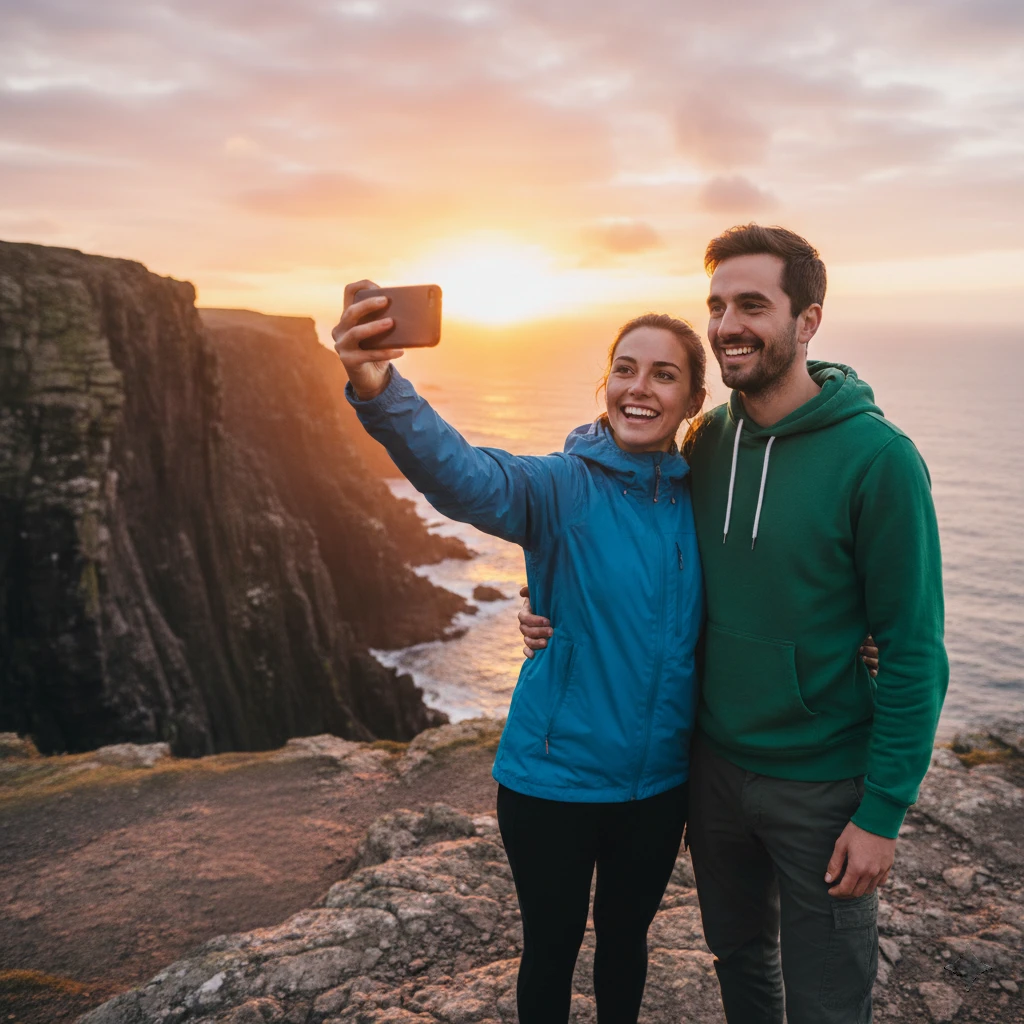
Brush over an unwanted object, a passerby or a trash can - the AI Eraser removes it and fills in the missing spot so faithfully that there's no trace left.
It works on distracting background elements, wires, logos on walls and unexpected visitors in the frame. The result looks as if the object was never there.
- Remove objects, people and distractions with a brush
- AI reconstructs the texture and background with no trace
- No manual cloning or retouching in an editor
Watermark and text
An old logo or watermark? Give your photo a clean look again.
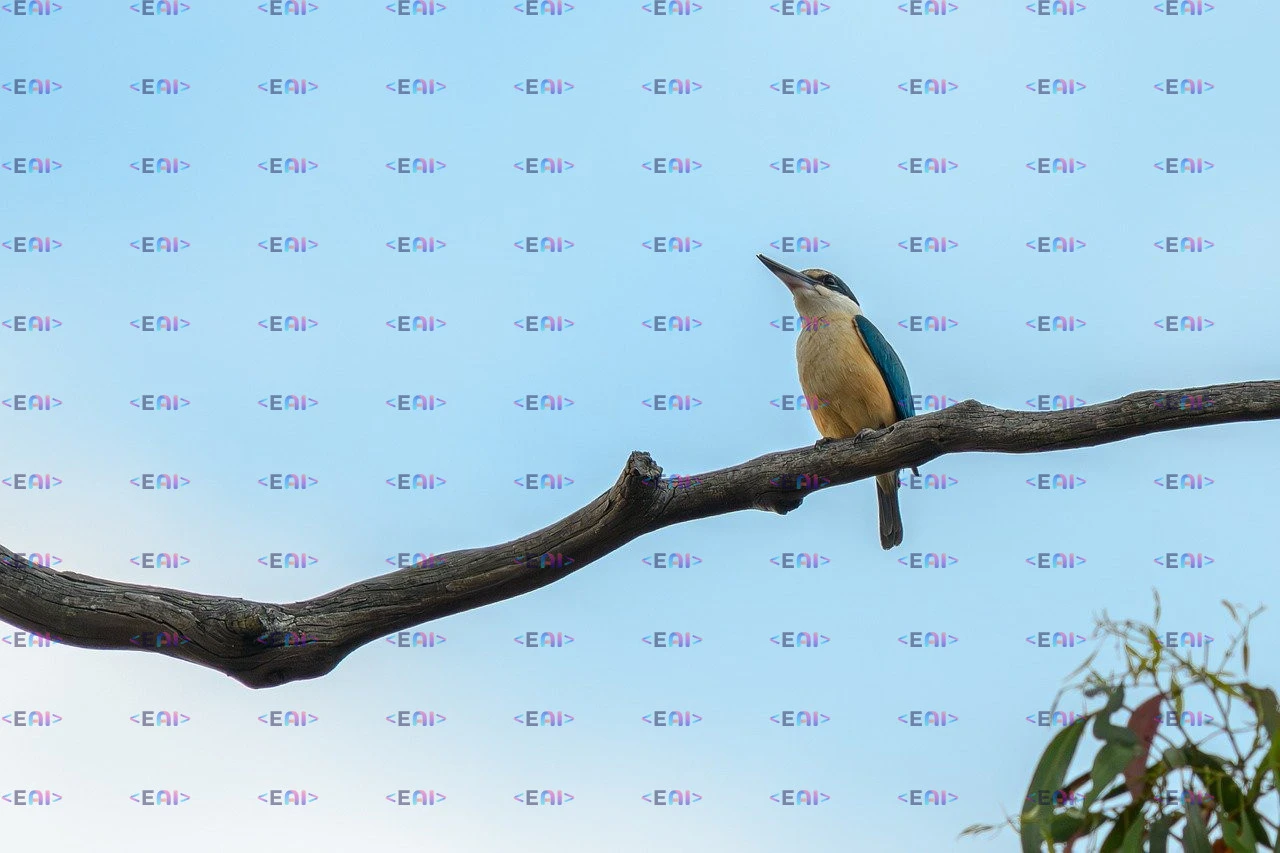
Mark a watermark, your own logo, a caption or a burned-in date and AI removes it from the photo - it reconstructs the texture under the text from the surroundings, so no smudge or empty spot is left.
It's handy when you change your visual identity and when tidying up older shots. The tool is intended for your own photos and your own watermarks.
- Remove watermarks, logos, text and burned-in dates
- AI reconstructs the texture under the text from the surroundings
- For your own photos and your own watermarks
Colorize and restore
Breathe color and new life into old photos
AI colors black-and-white shots with natural tones and repairs damage - scratches, cracks and faded spots. A faded photo from an album instantly becomes a vivid color image.
Ideal for family archives, historical shots and scanned negatives. Just upload a photo and AI takes care of the rest.
- Color black-and-white photos with natural tones
- Repair scratches, cracks and fading
- Rescue family and historical shots
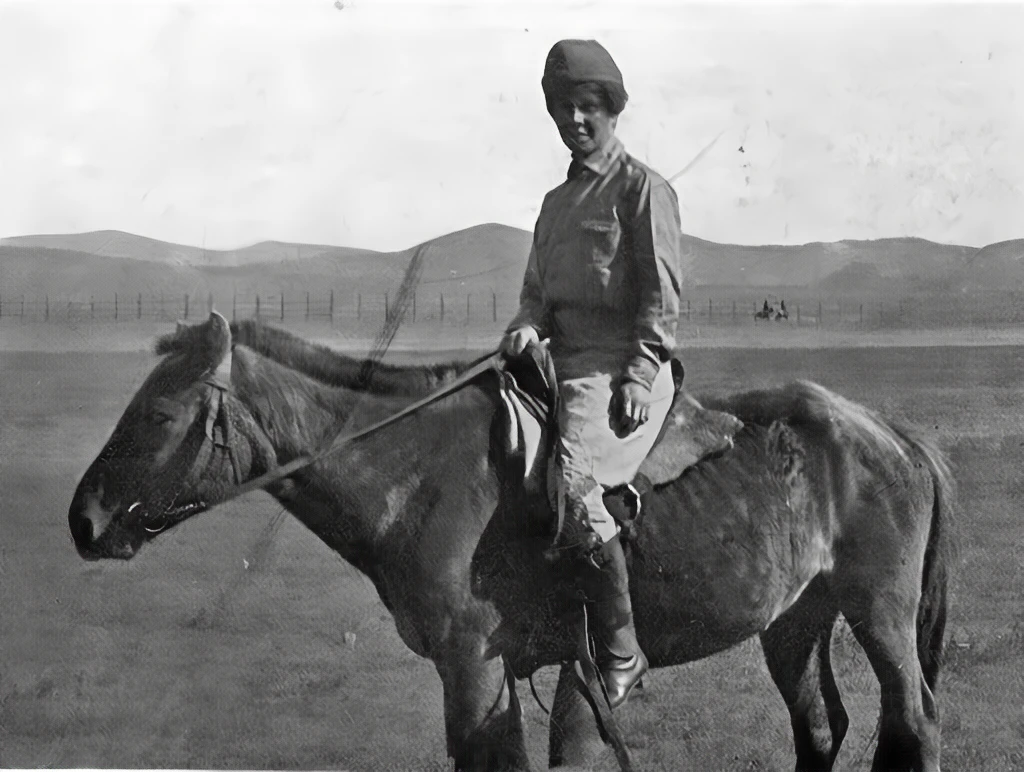
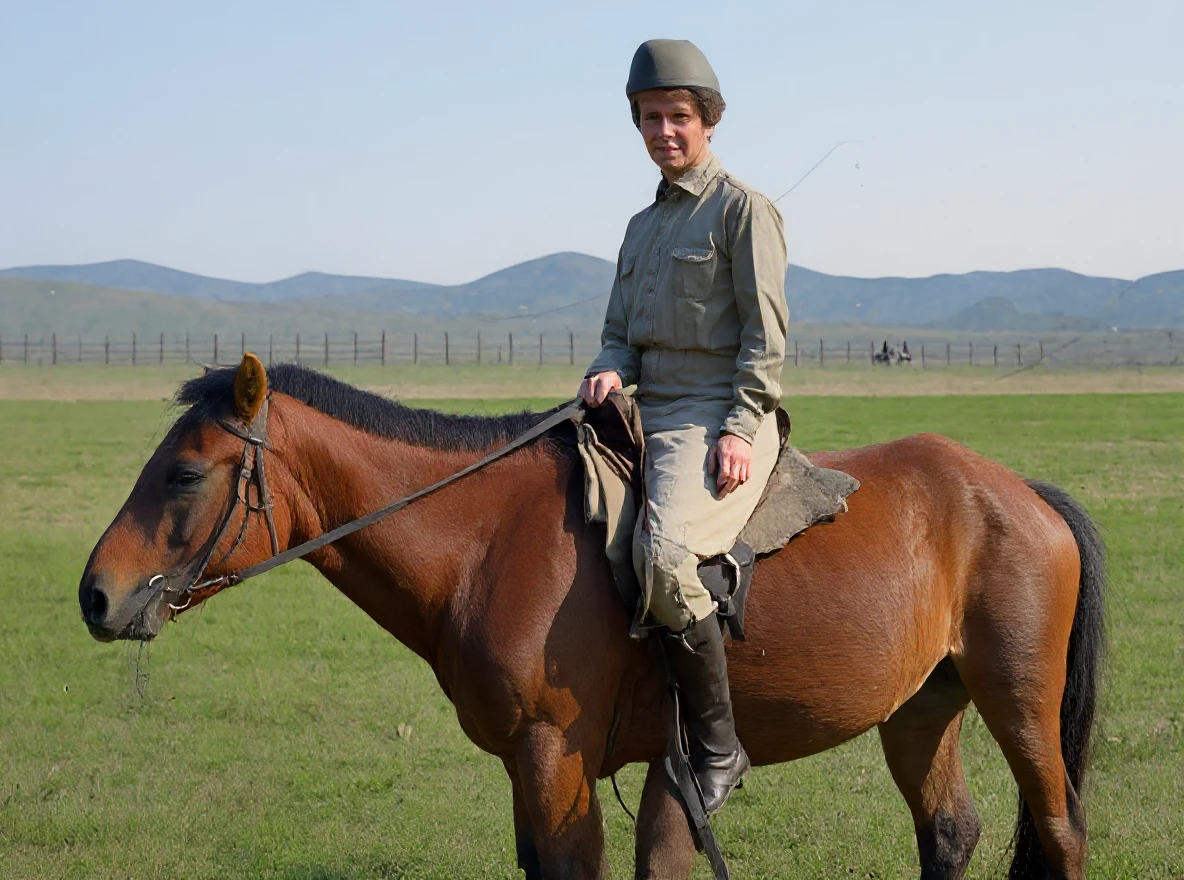
Image expansion
Wrong format? Expand your photo outward.
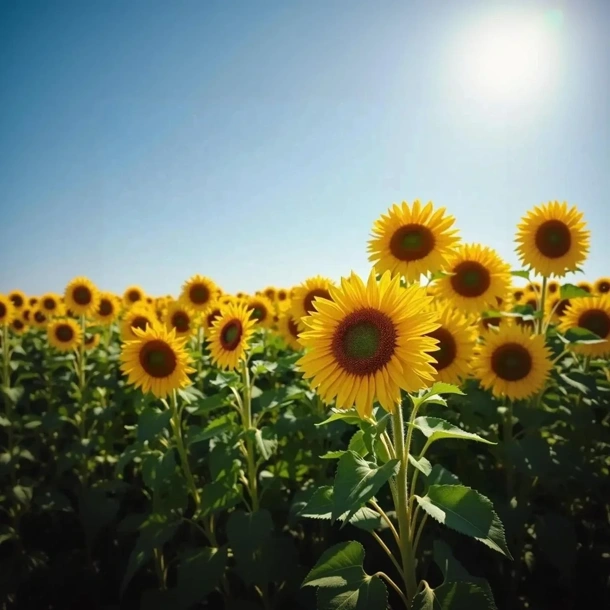
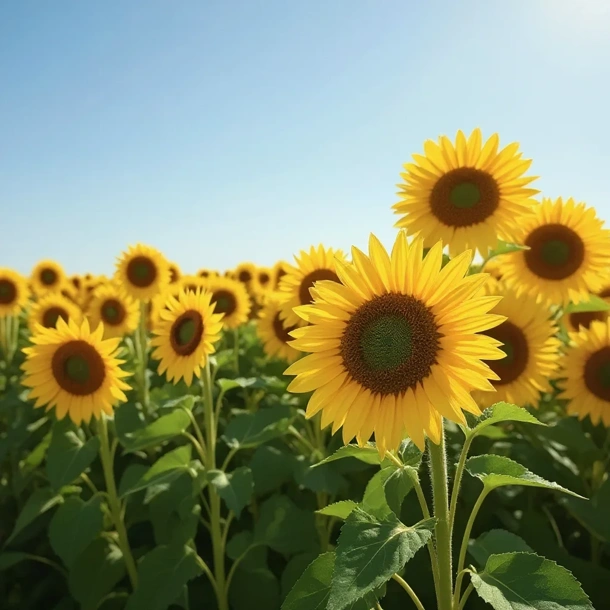
Outpainting “imagines” the surroundings and smoothly expands the image in any direction. AI analyzes the photo's style and realistically paints in the missing landscape, interior and parts of objects.
It works both ways - turn a portrait shot into a landscape one and vice versa, without cropping important parts and without losing quality.
- Expand the image outward without cropping
- Convert from portrait (Stories) to landscape (web)
- AI paints in the landscape and background in the original style
 Before
Upscaling
Small or blurry? Enlarge your photo up to 4K.
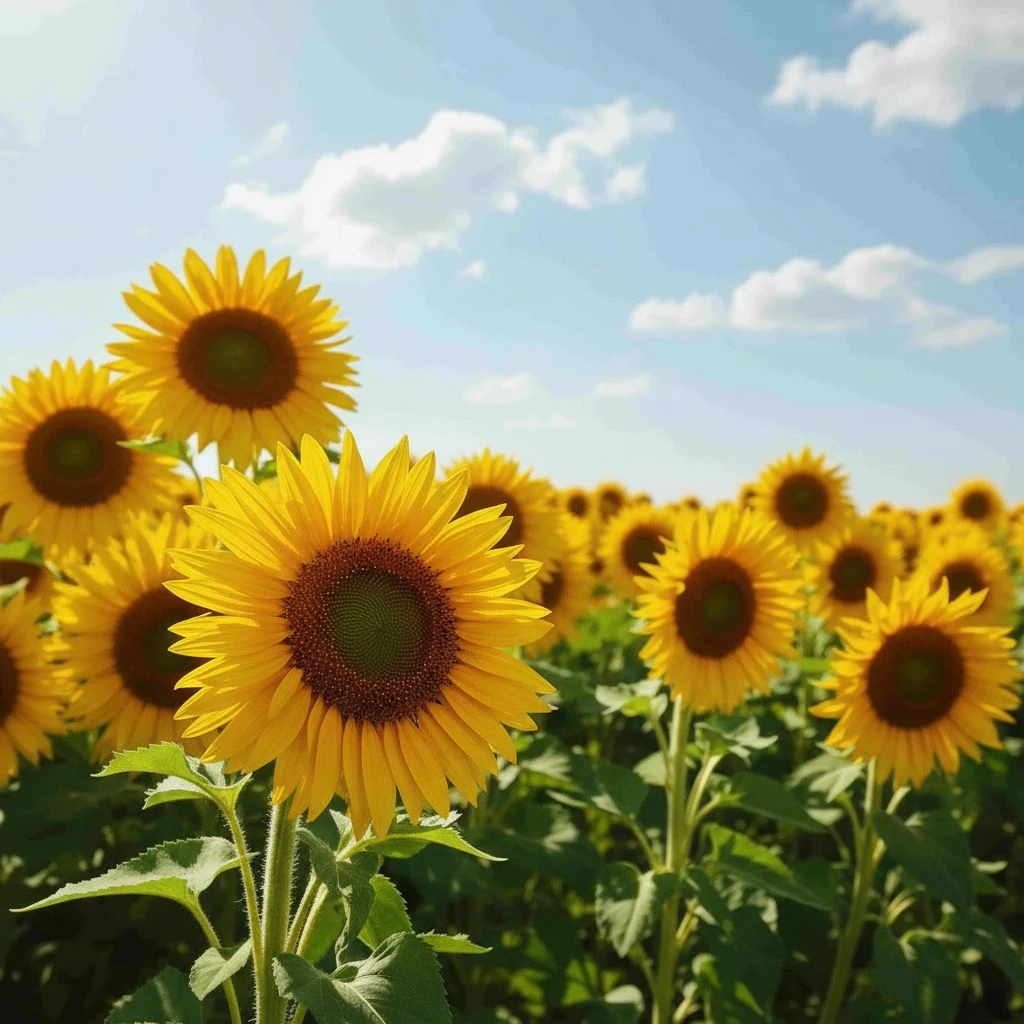
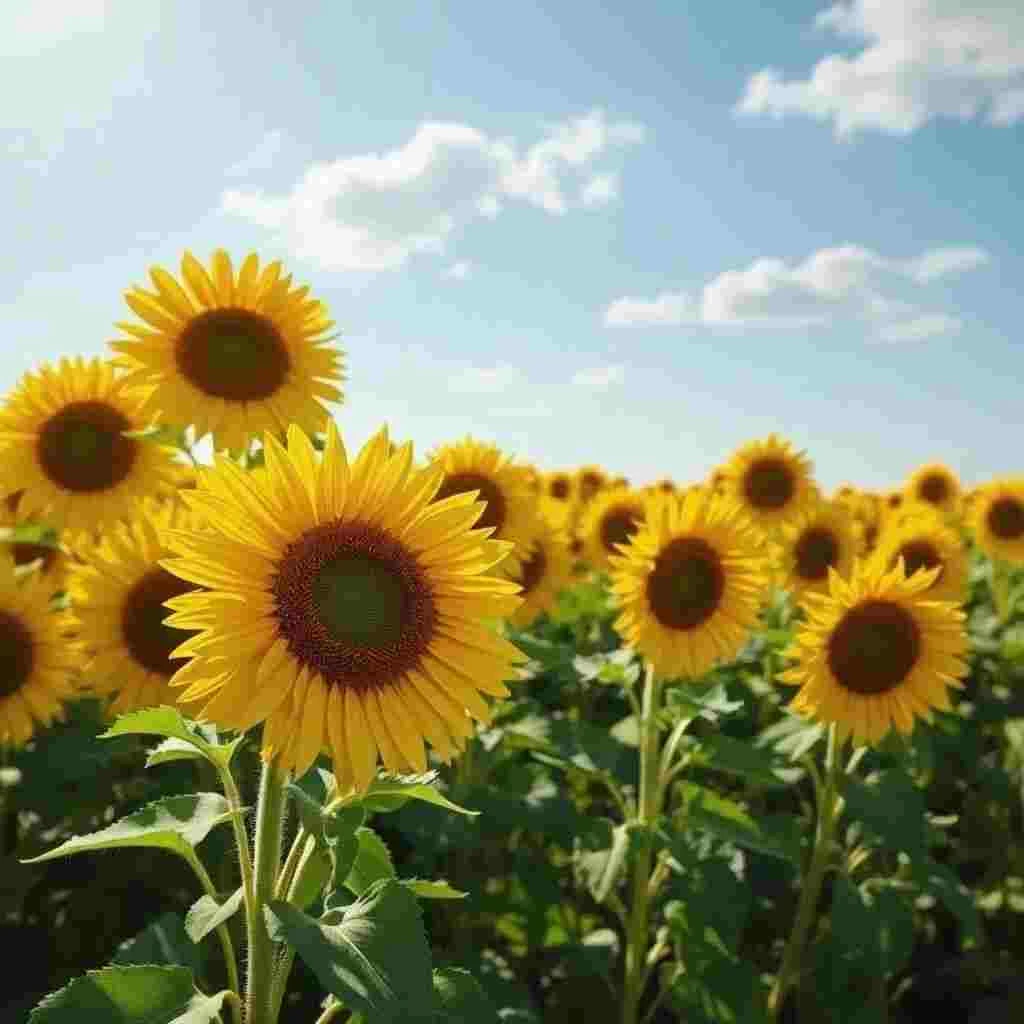
AI Upscaling raises the resolution and quality of any image up to 4x - it fills in details, sharpens edges and removes noise. A small thumbnail becomes print quality.
It's perfect for old low-resolution photos, product shots and AI images you want to print or use at large size.
- Increase resolution and quality up to 4x
- Sharpen details and remove noise
- Turn a small thumbnail into print quality
 Before
How it works
Pick a tool and create your visual.
Each tool takes just a few steps - see how it works.
- 01
Write a prompt
Describe in your language what you want to see - the scene, the style and the mood.
- 02
Choose an AI model
FLUX Pro for photorealism, Ideogram for text in the image, Stable Diffusion for artistic freedom.
- 03
Download the image
Save your finished visual in full quality for your store, social media or print.
Available for free
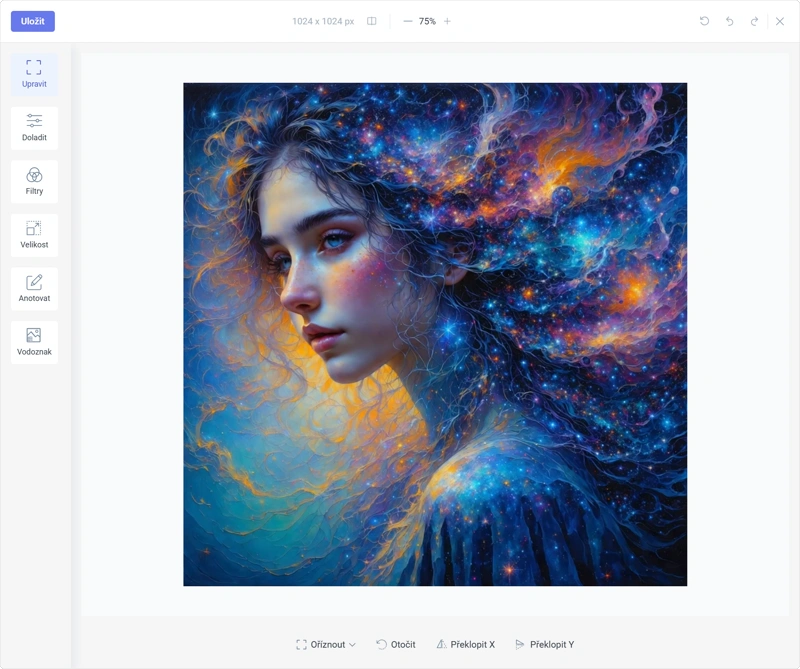
Classic online photo editor: fine-tune to perfection
Not every edit needs artificial intelligence. For quick corrections, cropping or branding, use the robust editor - fast, precise and free.
Advanced color correction
Brightness, contrast, temperature and saturation (HSV). Full control over your photo's mood.
Filters and effects
Black & white, Sepia, Invert and vintage effects in one click.
Text, shapes and drawing
Headlines, arrows, shapes and notes. Ideal for tutorials and memes.
Crop, resize and watermark
Resize for social media, crop and add your own watermark to protect your work.
Who are AI Images for?
Wide-ranging uses for AI graphics
GuideGlare helps across many fields with photo editing, generating visuals and creating engaging content. Take a look at example solutions for your field.
Online stores and retailers
Automatic background removal, product visual generation and upscaling for print.
View solution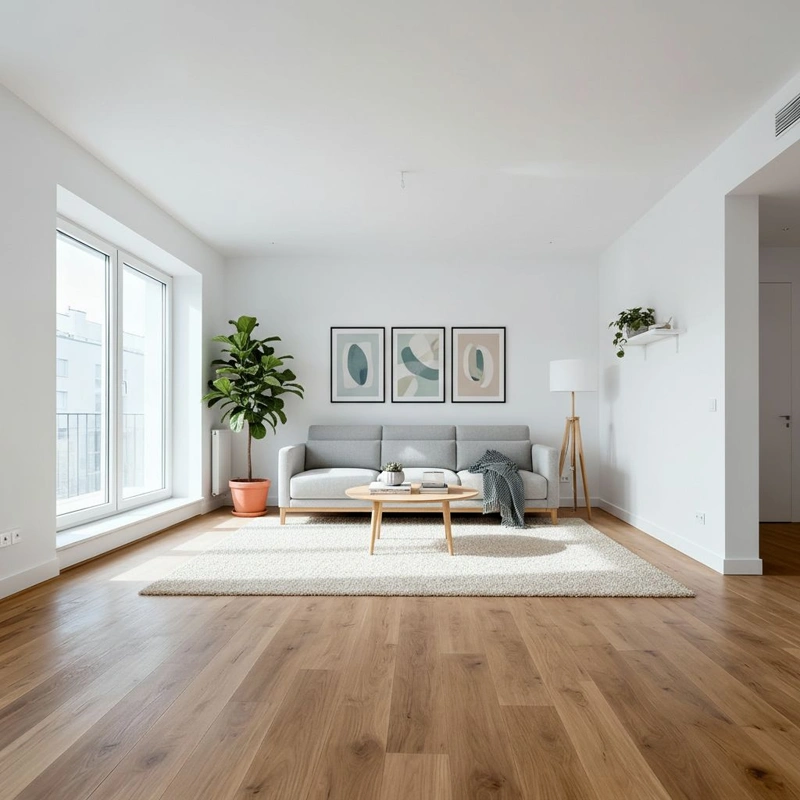
Real estate agents
Virtual staging, exterior editing, photo enhancement and eye-catching listings.
View solution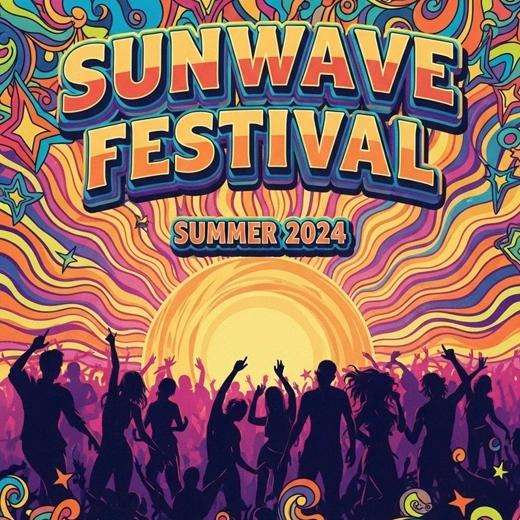
Marketing and social media
Banner creation, content generation and automatic resizing of formats for each platform.
View solutionWhy choose the GuideGlare AI image generator and editor?
Take a look at a comparison of different ways to create and edit graphics. With GuideGlare you get visuals faster and cheaper than with an agency or complicated software.
| Criterion | GuideGlare AI | Agency | Common editor |
|---|---|---|---|
| Speed of delivering a visual | Instant (seconds) | Days to weeks | Hours of manual work |
| Ease of use | Just describe the brief | Briefing and back-and-forth | High (layers, masks) |
| Cost per output | A fraction of the price | €20–80/hour | Expensive monthly licenses |
| Language | Interface and AI in your language | English | English only |
| Creative freedom | Endless variations | Limited by revisions | What you can't draw, you don't have |
| Commercial license | Included | Included | Included |
Secure
GDPR Compliant & SSL
Multilingual
Interface in dozens of languages
Commercial use
License included in your subscription
Frequently asked questions about the AI graphics editor
Is image generation free?
A Free account gives you access to the classic editor (cropping, filters) for free and with no limits. For generating AI images and advanced edits (command-based editing, inpainting) a subscription is required.
How does generative fill (Inpainting) work?
You mark an area in the image and AI replaces it with content that blends naturally into the rest of the photo. This lets you remove an object, text or background.
Can the tool colorize old photos?
Yes. AI colorization automatically adds realistic colors to black-and-white photos and can even repair damaged areas.
Can I use the images commercially?
Yes, you can use the AI generated images commercially within the terms of use of GuideGlare and the relevant AI model.
Are the generated images unique?
Each image is a unique combination of your brief and the AI model. The outputs are original works - a real strength of any good AI art generator.
Do I need to edit the generated images further?
It depends on the use. For social media or prototypes they're ready to use straight away. For print we recommend upscaling to a higher resolution.
Something missing? Get in touch.
Discover the whole GuideGlare platform
Beyond AI Images, one account also gives you chat, audio, documents, a translator and an AI detector.
AI Chat
Conversational AI that's fluent in your language with a long context.
AI Presentations
Presentations from a brief in minutes, export to PPTX.
AI Copywriting
Sales copy built on 16 proven copywriting frameworks.
AI Audio
Generate voice and music and transcribe audio to text.
AI Documents
An AI editor for reports, articles and documents.
Social Media
Posts, content calendar and publishing.
AI Translator
Translate text, PDF, images and audio.
AI Detector
Analyze text for the presence of AI.