AI Photo Editing
A guide to AI photo editing: object removal, background changing, outpainting, and resolution upscaling. All without complex software.
Photo editing is no longer just for professional designers. GuideGlare features a suite of tools that let you edit photos in seconds – directly in your browser, no installation required. The AI photo editor modifies your photo based on text prompts: "change the background to a winter landscape" or "remove the person on the left." The AI Eraser intelligently deletes unwanted objects, text, and entire backgrounds. Outpainting naturally expands a photo or changes its aspect ratio. And AI Upscaling rescues blurry or small photos – up to 4K quality. In the tutorials below, we'll show you exactly how to use each of these tools.
AI Retouching: Removing Backgrounds, Text, and Unwanted Objects
The most common reason people turn to AI image editing is for cleaning up and retouching photos. Need to cut out a product from its background for an e-commerce store? Erase distracting text or a date stamp? Or get rid of an object that photobombed your shot? The GuideGlare AI Image Suite handles all of this in seconds – precisely, even with complex cutouts involving hair or transparency – without tedious manual masking.
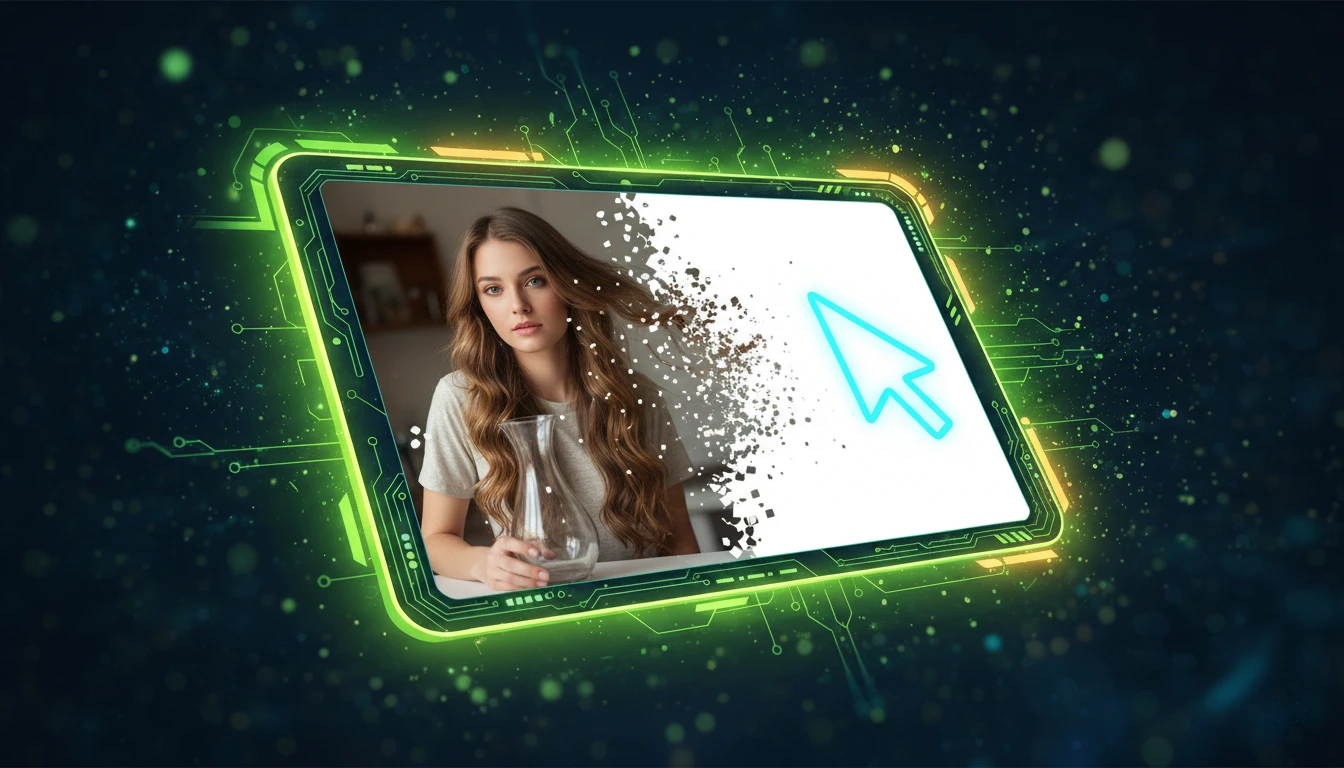
Remove Photo Background with AI: Handles Hair & Transparency
Seamlessly remove photo backgrounds with AI. GuideGlare handles hair, transparency, glass, and fine details in one click, without white edges or blurred artifacts.
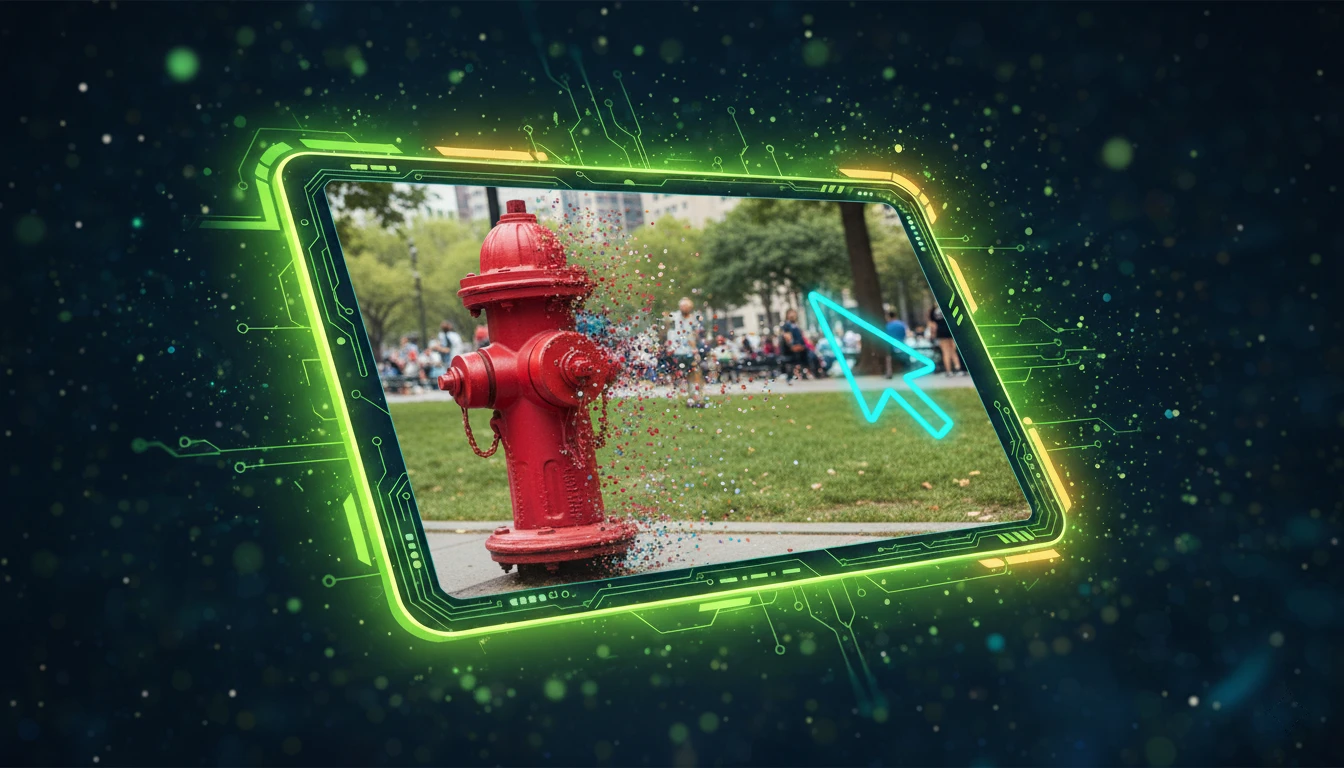
How to Remove Objects from Photo: Easy AI Retouching Guide
Learn to erase distracting elements without a trace. Step-by-step: How AI naturally and cleanly reconstructs missing backgrounds.

How to Remove Text from Images Using AI
Need a clean image without text? Learn 2 quick AI methods to remove text from posters, flyers, or graphics. Change dates, event names, or company text easily, no designer needed.
But AI photo editing doesn't stop at erasing and cleaning. In the next section, you'll find tools for more advanced adjustments – expanding, enhancing, and modifying the content of your photos.
Creative Edits: Enhancing, Expanding, and Modifying Images with AI
Artificial intelligence can do more than just erase and retouch. GuideGlare gives you the tools for truly creative photo editing. Missing space on the sides? AI Outpainting naturally draws in the edges without cropping. Want to change the color of clothes, add an object, or alter the mood of the entire scene? Just write a prompt, and the AI will do it. And if you have an old or blurry photo, AI Upscaling will rescue and enlarge it without losing quality.
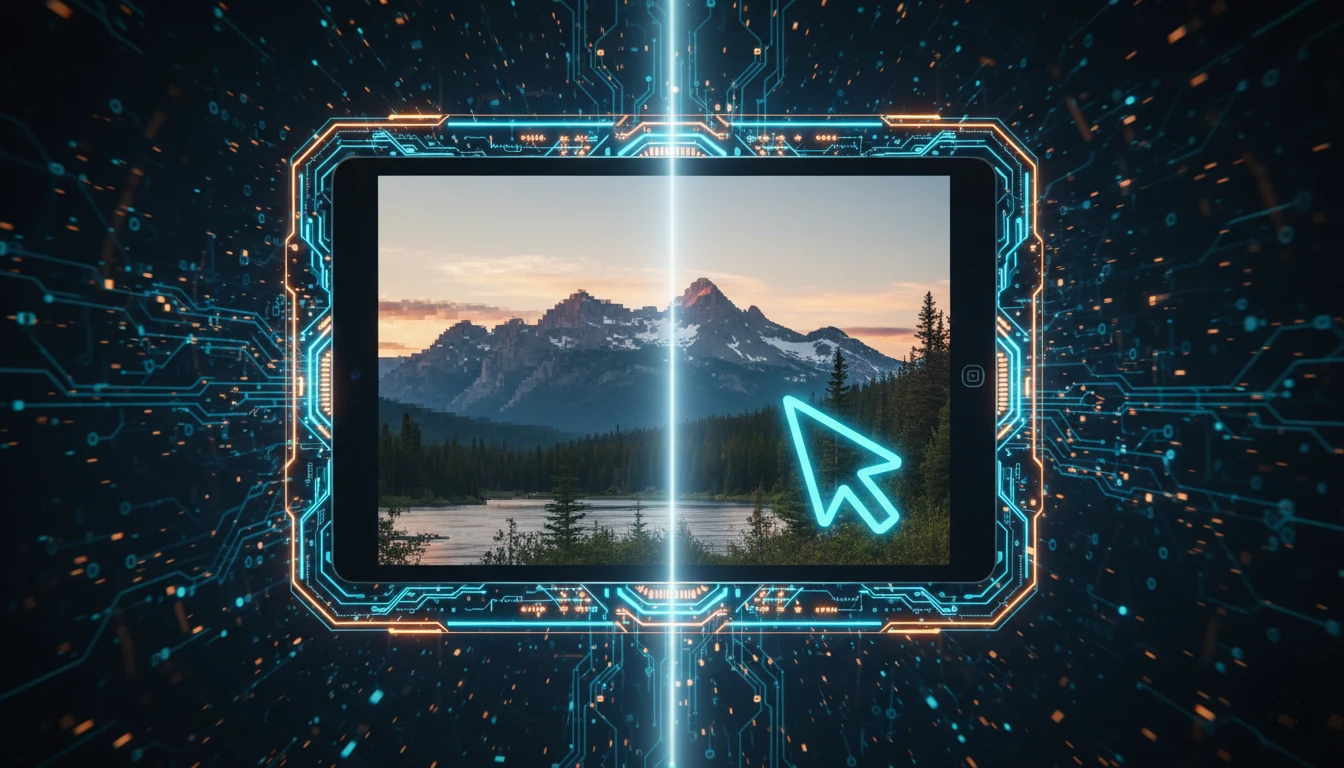
AI Upscale Photos for Print: Enlarge Without Loss
Have a low-res photo? Learn how to properly enlarge and sharpen it with AI upscaling for high-quality printing or large-format display.
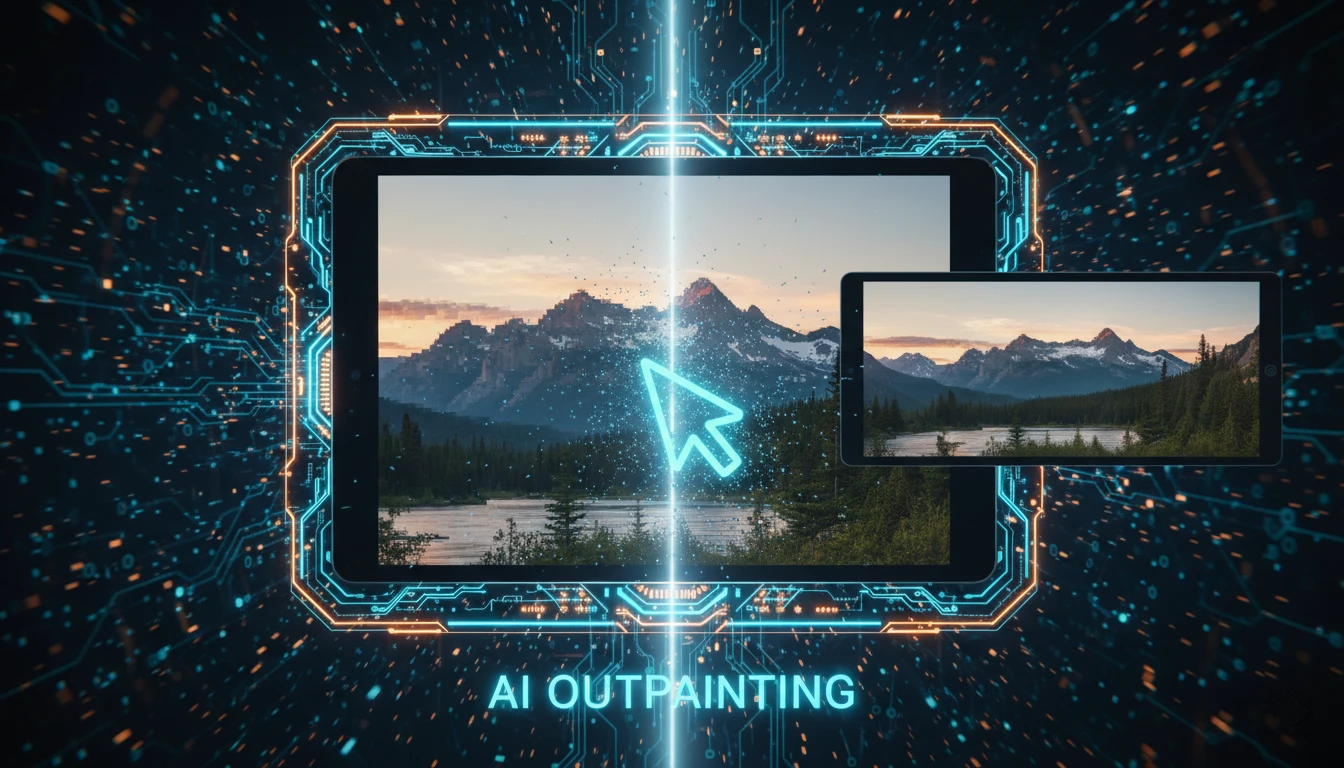
Change Photo Aspect Ratio with AI Outpainting
AI outpainting lets you change a photo's aspect ratio without cropping. Learn to expand images for Instagram Stories, banners, and presentations directly in GuideGlare.
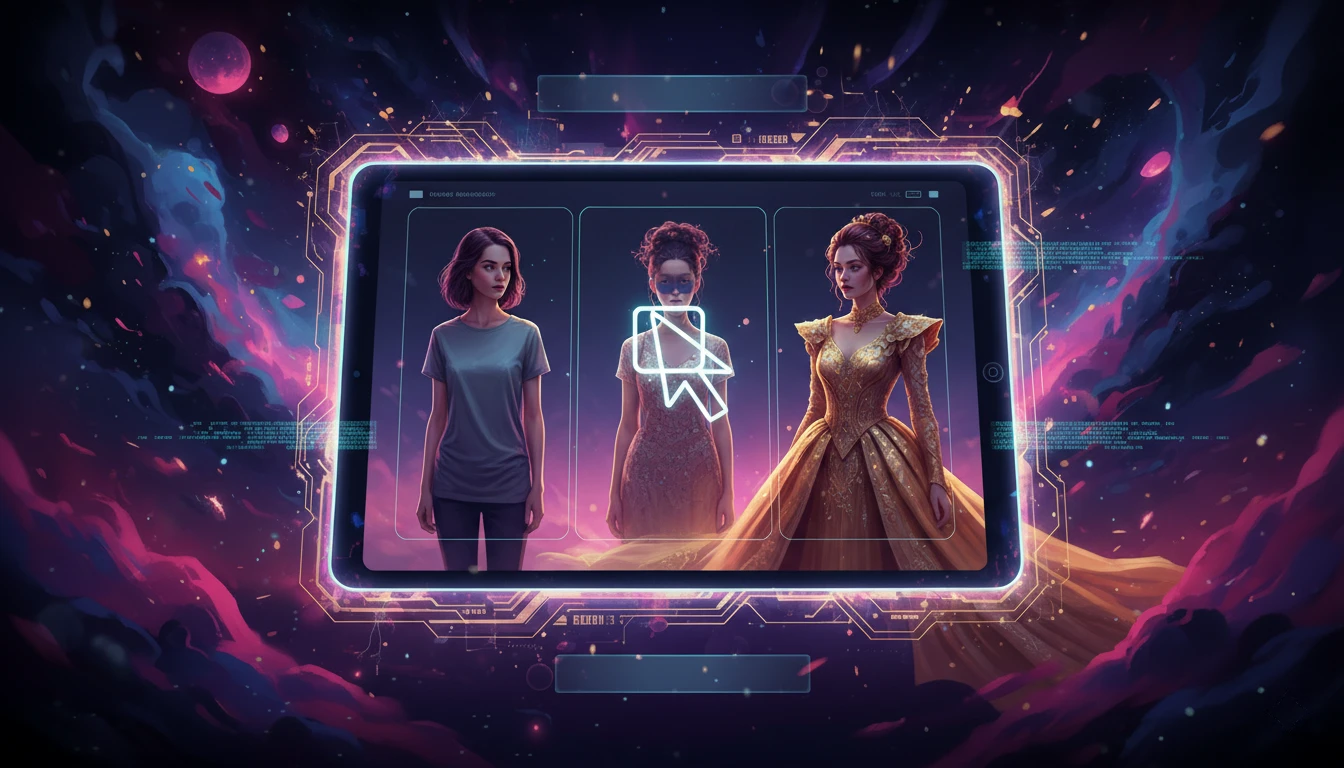
AI Photo Editing: Inpainting & Text Prompts Guide
Want to change clothes, hairstyles, or add objects? Learn to customize photos with AI inpainting, text prompts, and masking in this practical guide.
Whether you're preparing content for social media, large-format printing, or an online store, the GuideGlare Image Suite frees your hands. AI image editing has never been more accessible – you don't need to master complex graphic software; you just need to know what you want to create and describe it to the AI correctly.
Try the GuideGlare AI Image Editor
GuideGlare puts the power of a professional graphic design studio in your hands. Remove backgrounds, erase objects, enlarge photos, and change their content – all with a few clicks directly in your browser.
More articles and tutorials on AI photo editing
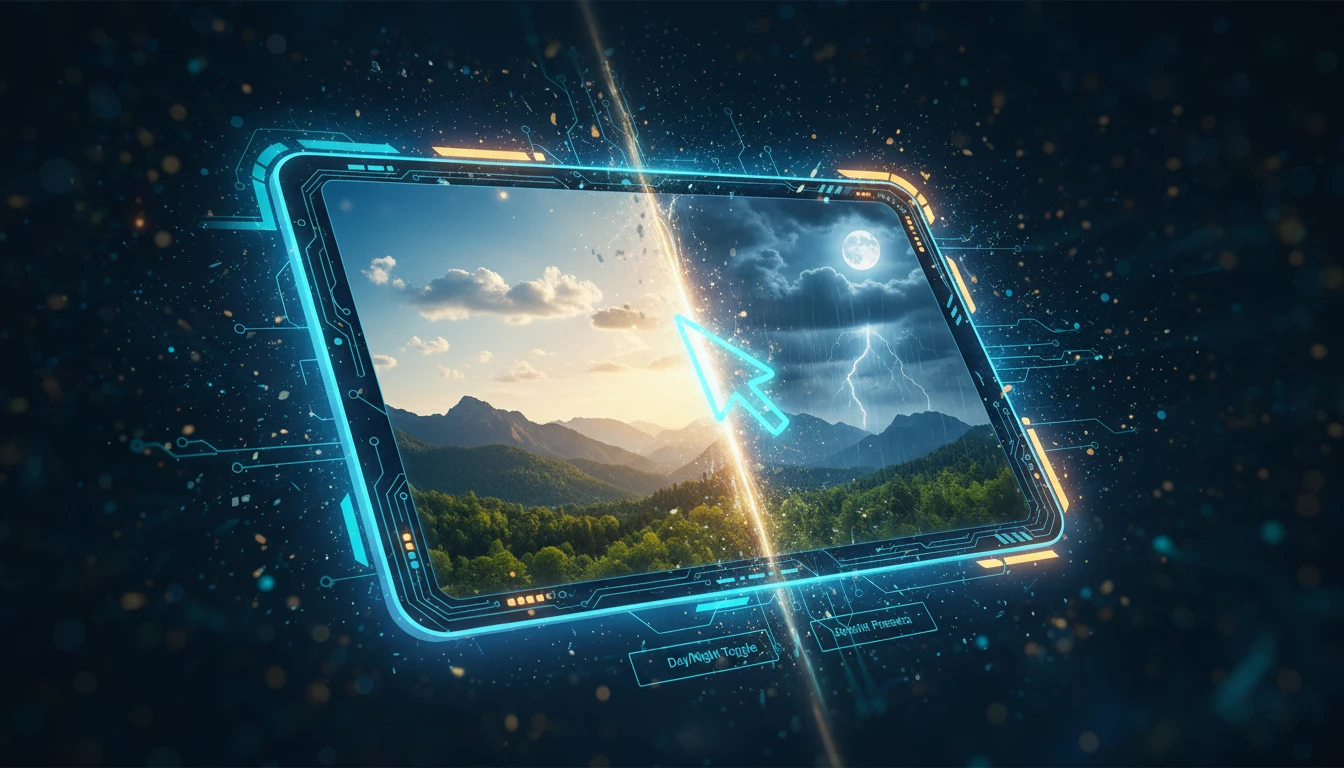
Change Photo Atmosphere: Weather & Time of Day with AI
Transform sunny days to night or summer to winter with AI. Learn how to change your photo's mood and atmosphere using AI filters without losing realism.
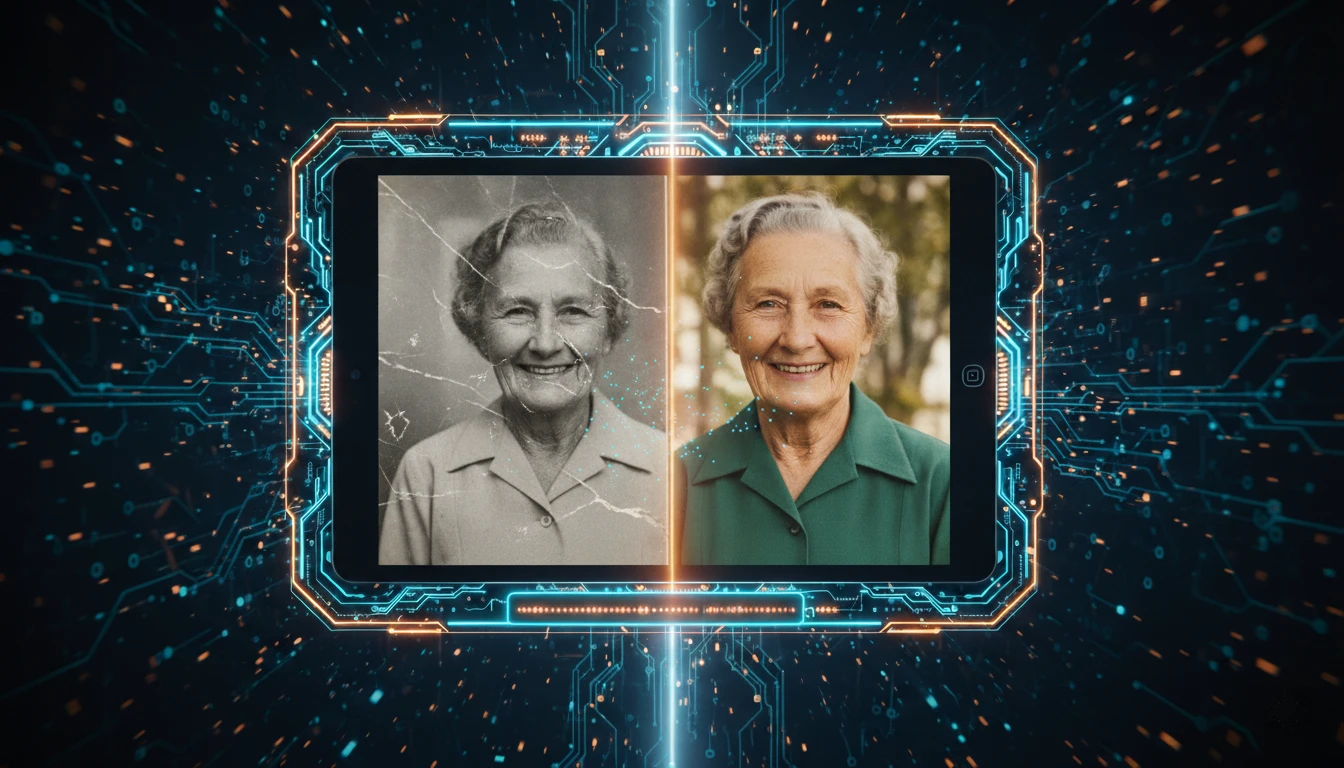
AI Photo Restoration: Save & Colorize Old Photos
Bring your old photos back to life! This guide shows how to use AI to remove scratches, sharpen details, and colorize historical images, step-by-step.
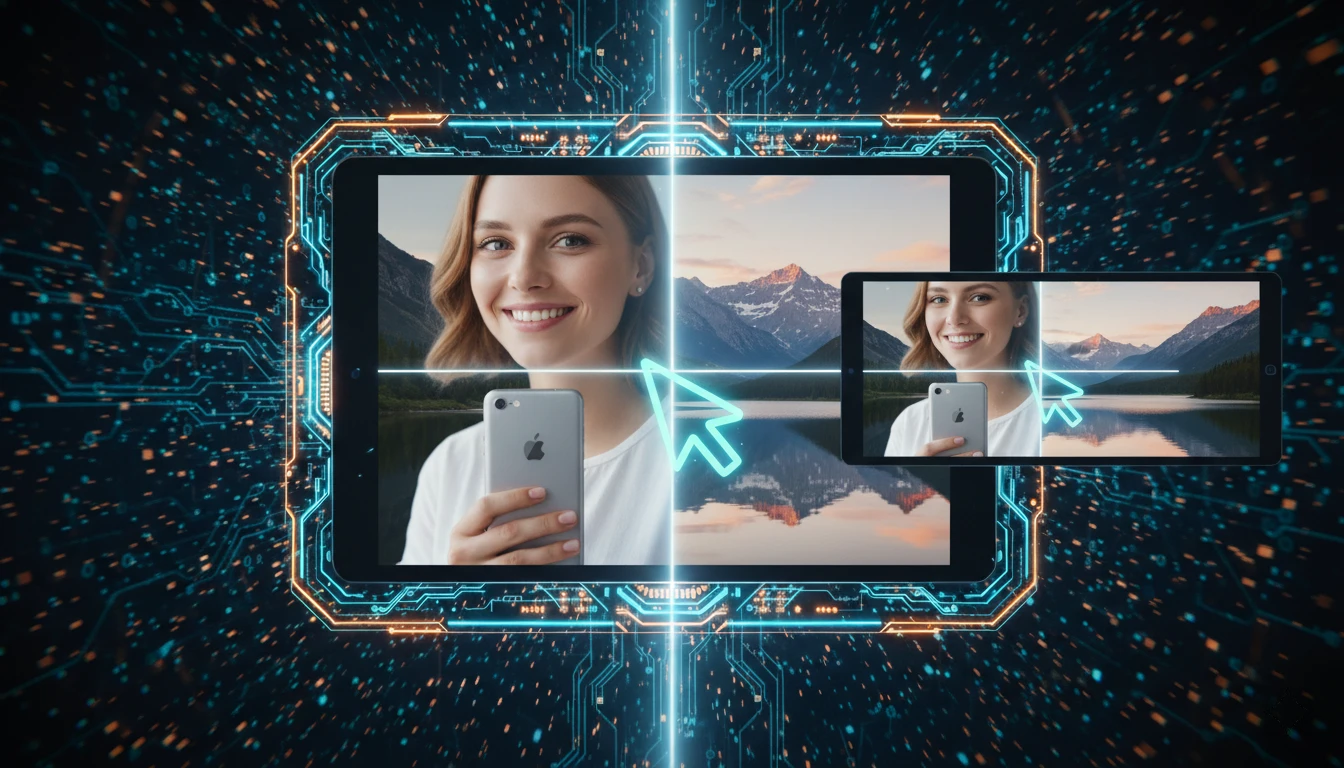
Merge Multiple Photos into One with AI
Want to combine multiple images into one photo without a complex editor? Learn how AI seamlessly merges photos, unifies style, and creates natural results.
Remove Date Stamp from Photos: 3 AI Methods
Does a date stamp ruin your old family photos? Learn 3 AI-powered ways to remove the date from any picture quickly, without blur or losing background details.
Remove Watermark from Photo with AI
Need to remove a watermark or logo from your photo? Learn how to easily remove watermarks with AI in just one click, without blurring, and in seconds.