Best AI Image Generator? Flux vs Ideogram vs Stable Diffusion
Generative AI is booming — but not every model is right for every job. One excels at portraits, another renders text flawlessly, and yet another is a master of abstract art.
In GuideGlare AI Images we’ve integrated five of today’s most powerful models. No need to install multiple apps or pay for five separate subscriptions. Simply pick the right tool from the menu for whatever you’re working on. Let’s break down how they differ.
This overview is updated regularly; market status as of June 2026.
Quick overview: Who wins at what?
No time to read the details? Here’s a quick cheat sheet to guide your decision.
| Model | Superpower | Ideal for |
|---|---|---|
| Ideogram | Typography & Text | Logos, posters, merch, marketing with text |
| FLUX Pro | Detail & Complexity | Photorealistic portraits, intricate scenes, high-end design |
| Imagen | Realism | Product photography, architecture, commercial visuals |
| Stable Diffusion | Flexibility | Artistic styles, fantasy, conceptual art |
| Seedream | Speed | Brainstorming, quick sketches, social media |
Ideogram
Master of text
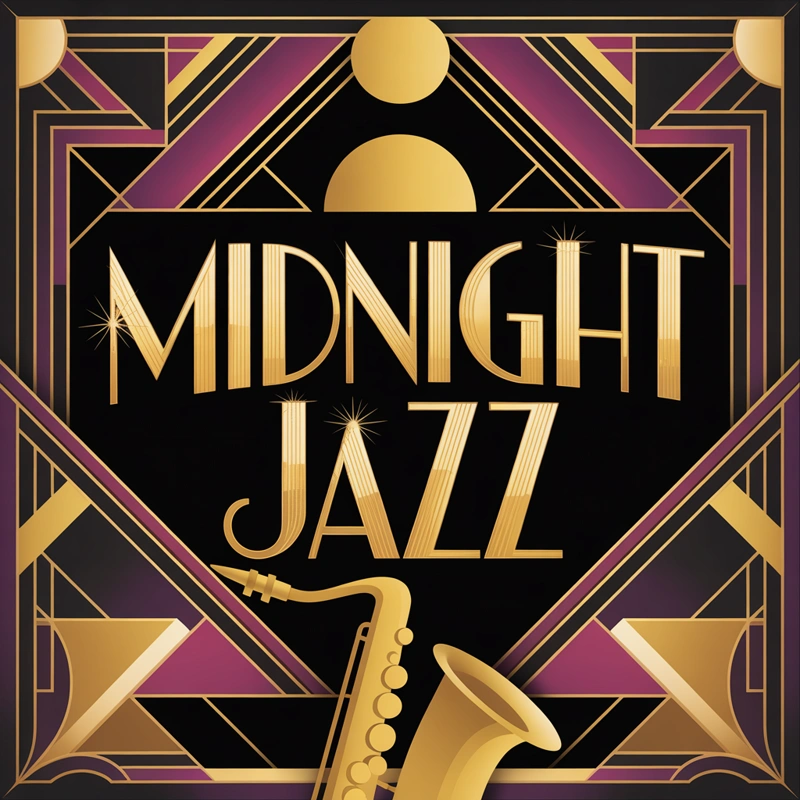
Most AI generators fail the moment you ask them to write a word. Instead of “Coffee” you get a jumble of nonsensical characters. Ideogram changes that. It’s the first model that truly understands typography and can incorporate it aesthetically into an image.
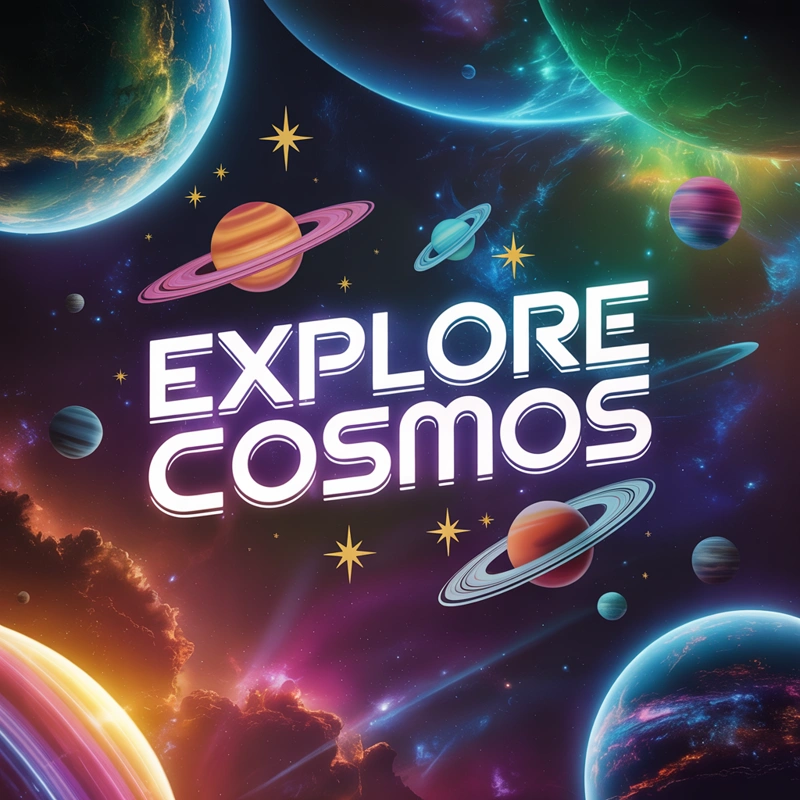
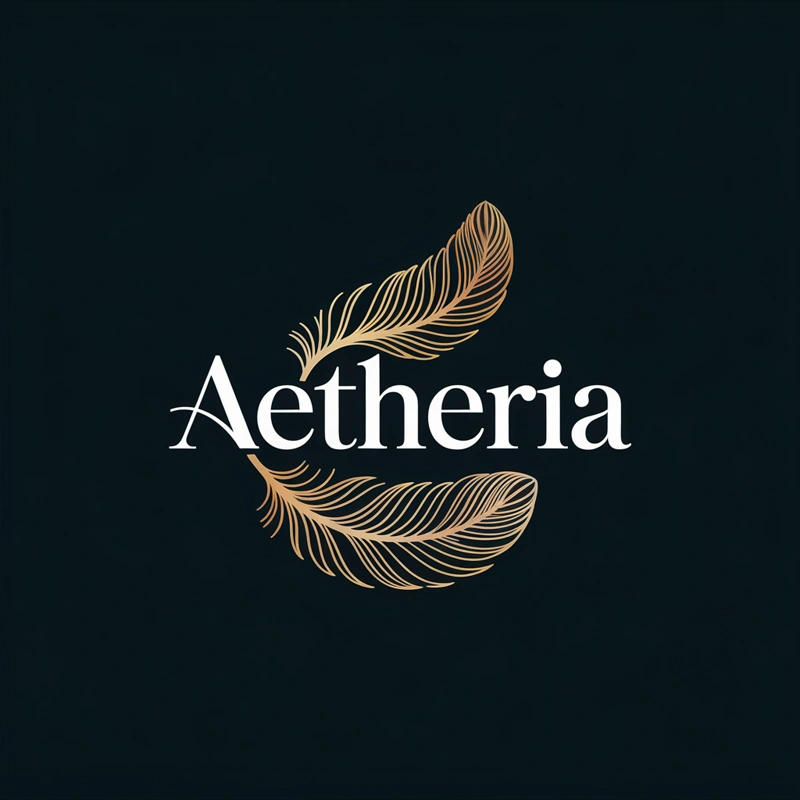
When to choose Ideogram?
- You need to generate a logo with a company name.
- You’re creating merch designs with text (t-shirts, etc.).
- You’re designing posters where text is part of the graphic.
- You’re looking for creative typography.
FLUX Pro
Highest quality
FLUX Pro is currently considered the state-of-the-art model. It shines where others fall short: understanding complex prompts and rendering fine details. Hands, eyes, fabric textures — FLUX makes minimal errors and delivers outputs that often need no further editing.
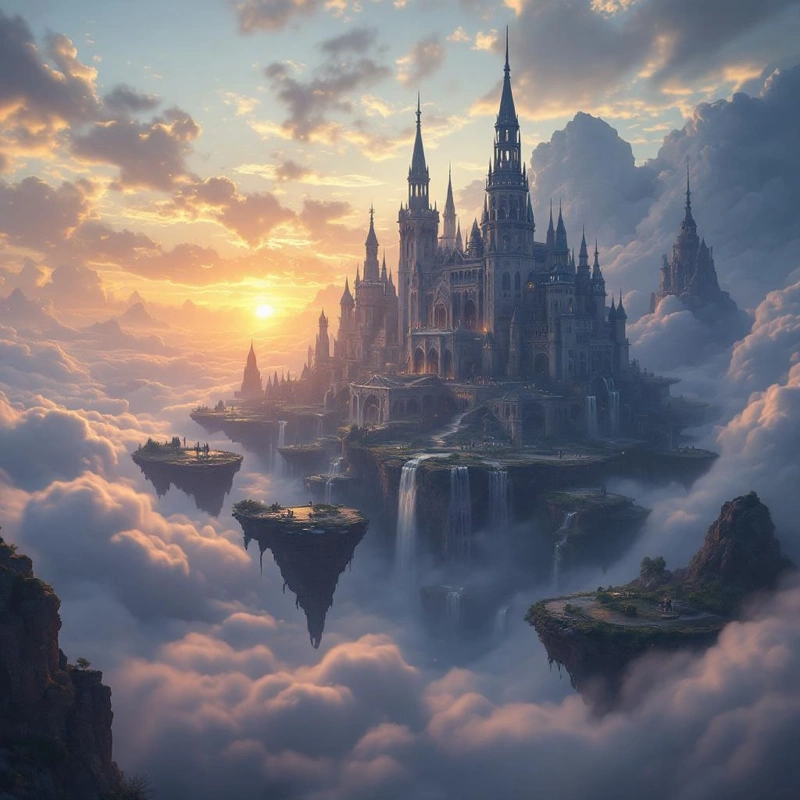
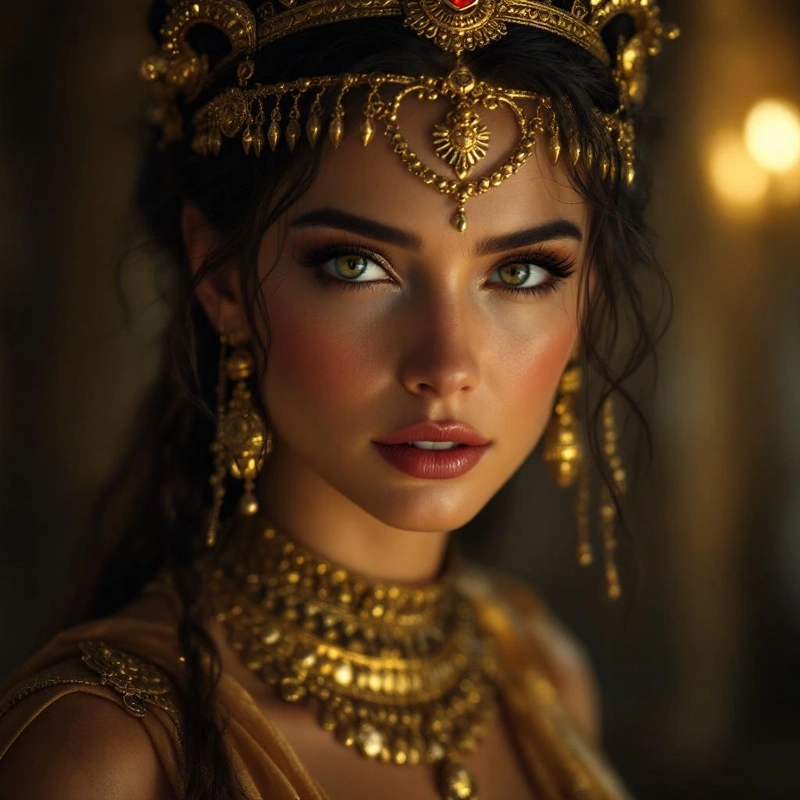
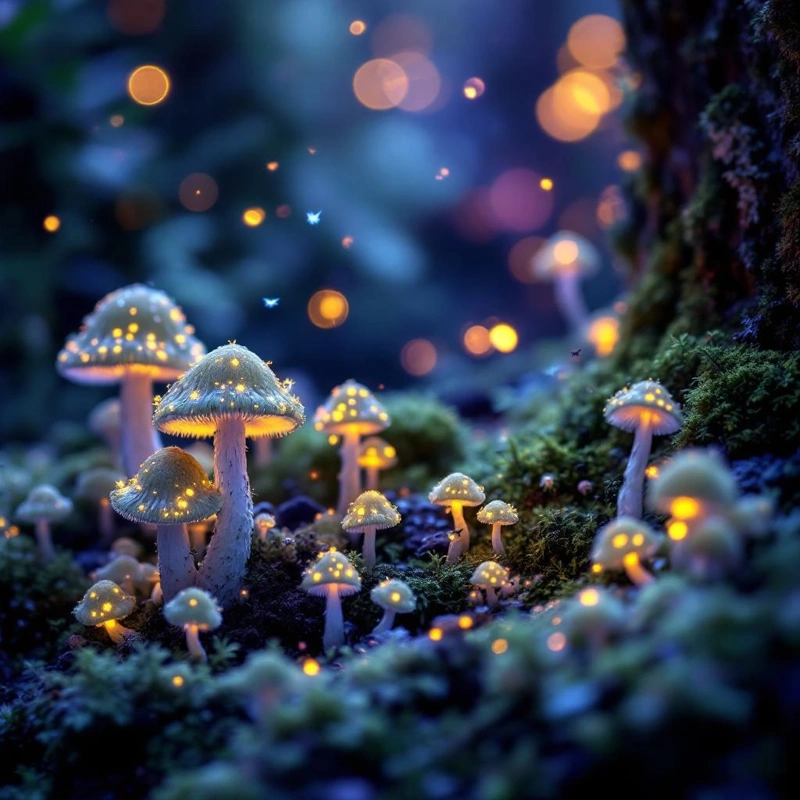
When to choose FLUX Pro?
- You need photorealistic quality for commercial use.
- You have a complex prompt with many elements that must be precisely placed.
- You’re generating human figures (it handles anatomy exceptionally well).
- You want an image that looks like it was shot by a professional photographer.
Stable Diffusion
Most flexible
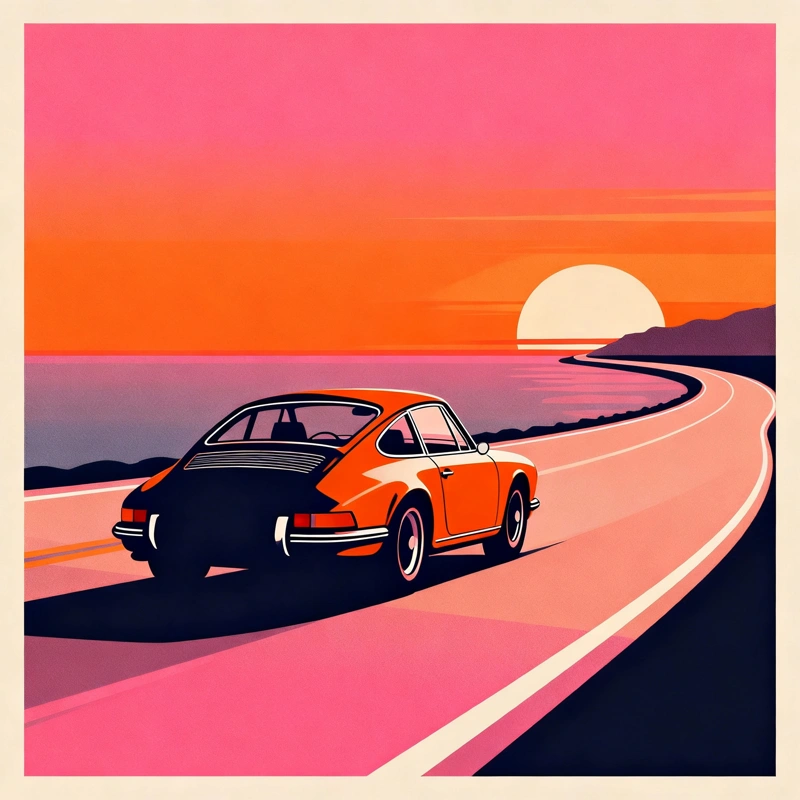
The legendary model that started the revolution. Stable Diffusion (specifically the SDXL version) is an incredible chameleon. It can mimic almost any artistic style — from oil painting to anime to 3D renders. It’s the go-to choice for creative experimenters.
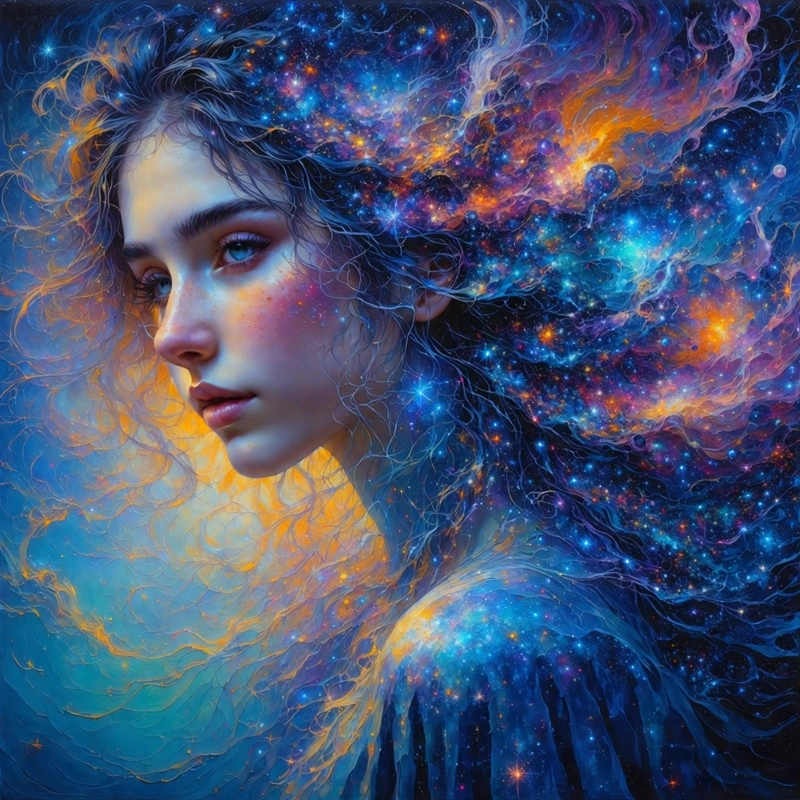

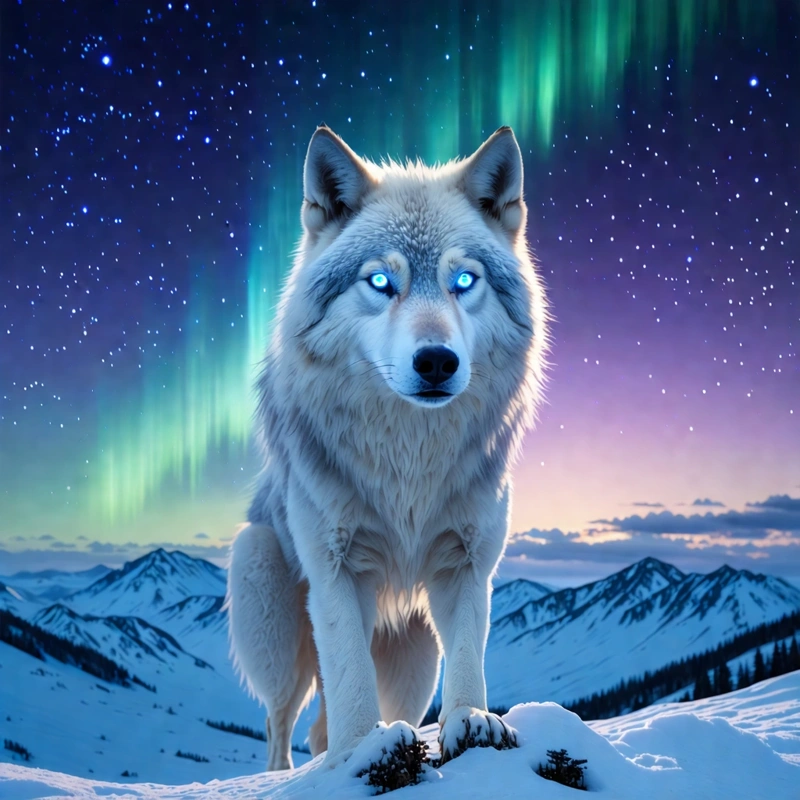
Tip: Stable Diffusion is great for book illustrations or conceptual art for games and film.
Imagen
Google Tech
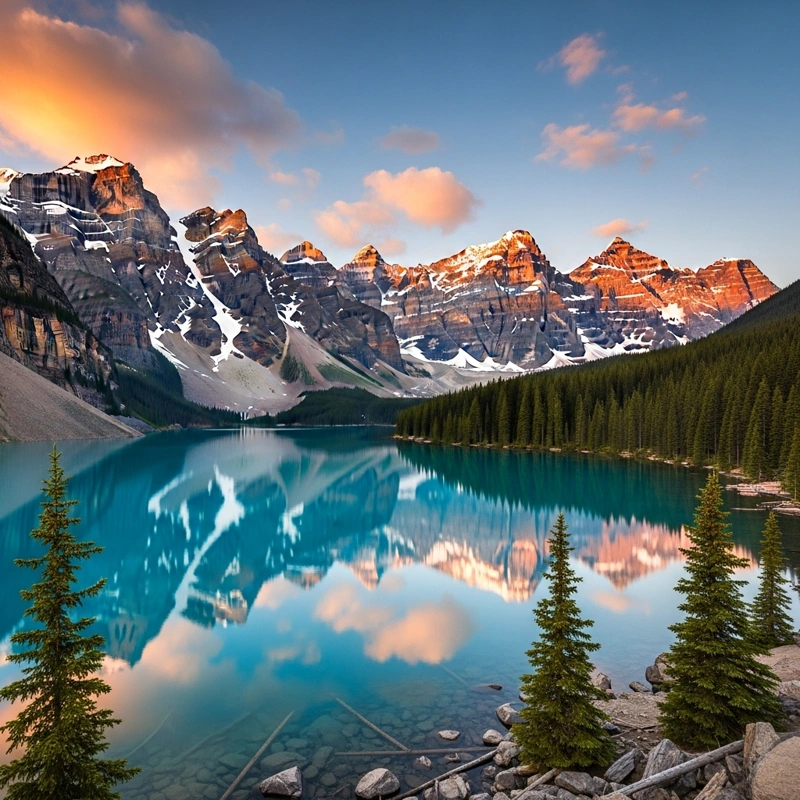
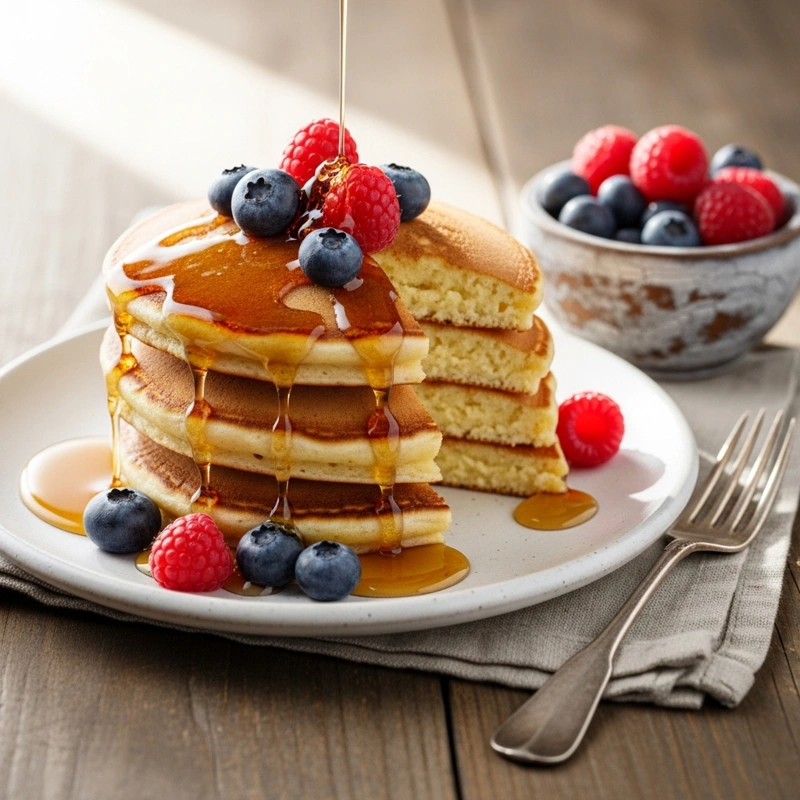
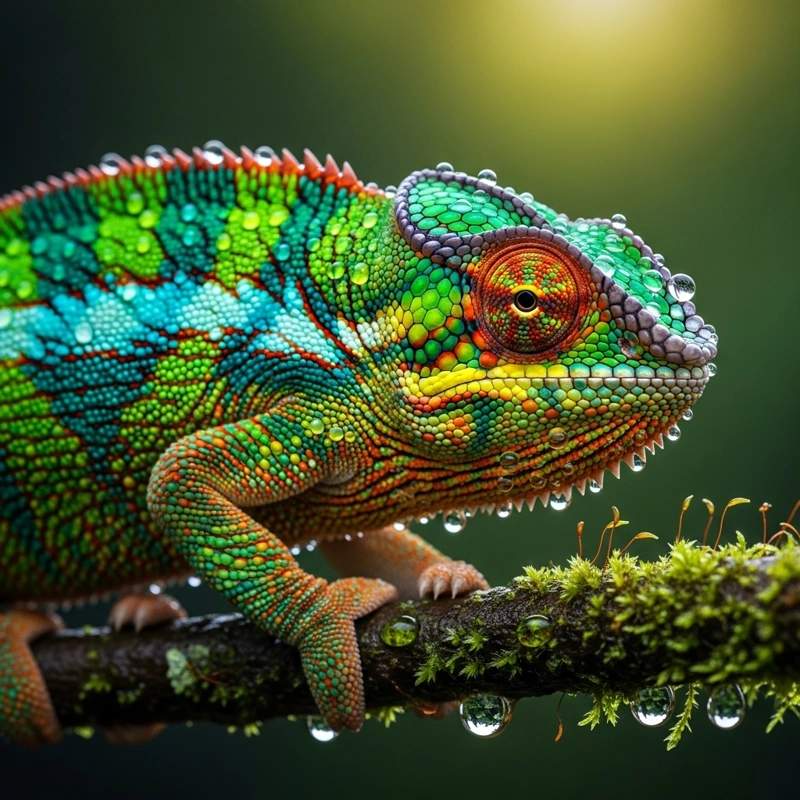
Technology from Google, built on deep language understanding. Imagen often “grasps” the context of a scene better than other models. The result is naturally-looking photography with balanced lighting and composition. It also excels at macro shots of plants, animals, and other natural subjects.
Seedream
Speed
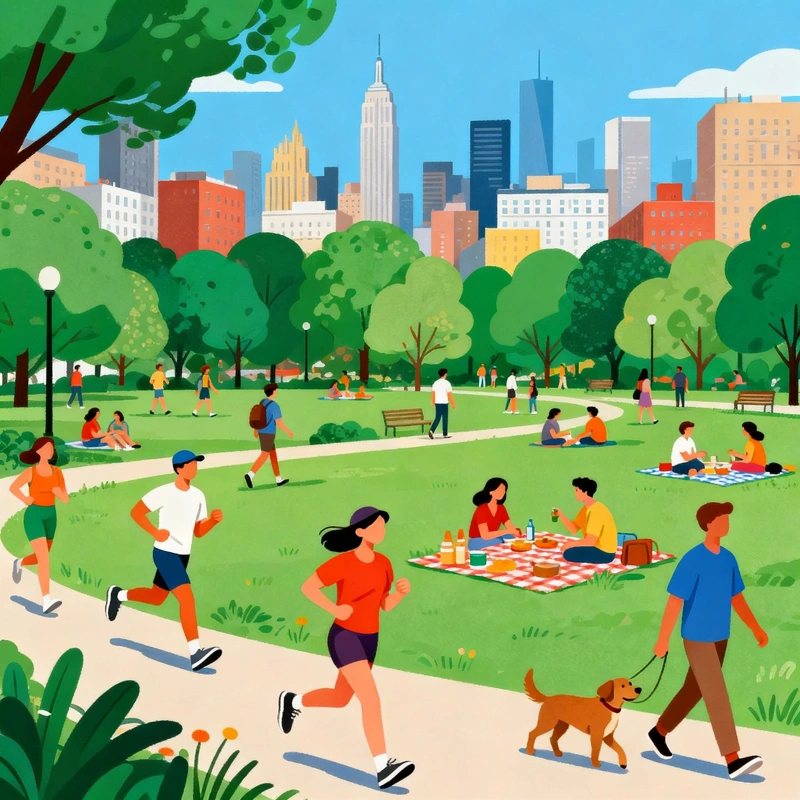
Sometimes you don’t need perfection — you need speed. Seedream is optimized for lightning-fast generation. It’s ideal when you need to pump out ten ideas in a minute or explore compositional directions. We recommend it when you’re not yet sure exactly what you want to create and are looking for creative interpretations of your visual ideas.
Ideal for: Quick mockups, creative brainstorming, social media posts.

Verdict: Why limit yourself?
You might be wondering: “So which one should I pick?” The beauty of GuideGlare AI Images is that you don’t have to choose. You have access to all of them.
Our recommended workflow:
- Use Seedream for rapid idea brainstorming.
- Once you have a concept, switch to FLUX Pro or Imagen for a final, high-quality render.
- If you need to add text to the image, run it through Ideogram.
One account, all models
Try Flux, Ideogram, and Stable Diffusion in your language — no complex setup required.