
Guide to Image Generation
Learn to generate images from text, choose AI models (Flux, Ideogram, Stable Diffusion), write prompts, and use AI graphics in practice.
Getting Started: How to write prompts and choose the right model
The quality of the generated image stands and falls with the prompt. In these guides, you will learn to build an effective prompt step-by-step — from scene description to lighting and art style — and use negative prompts against typical mistakes. The second guide will help you choose a model based on the task: Ideogram for text and logos, Flux for photorealism, Stable Diffusion for art styles.
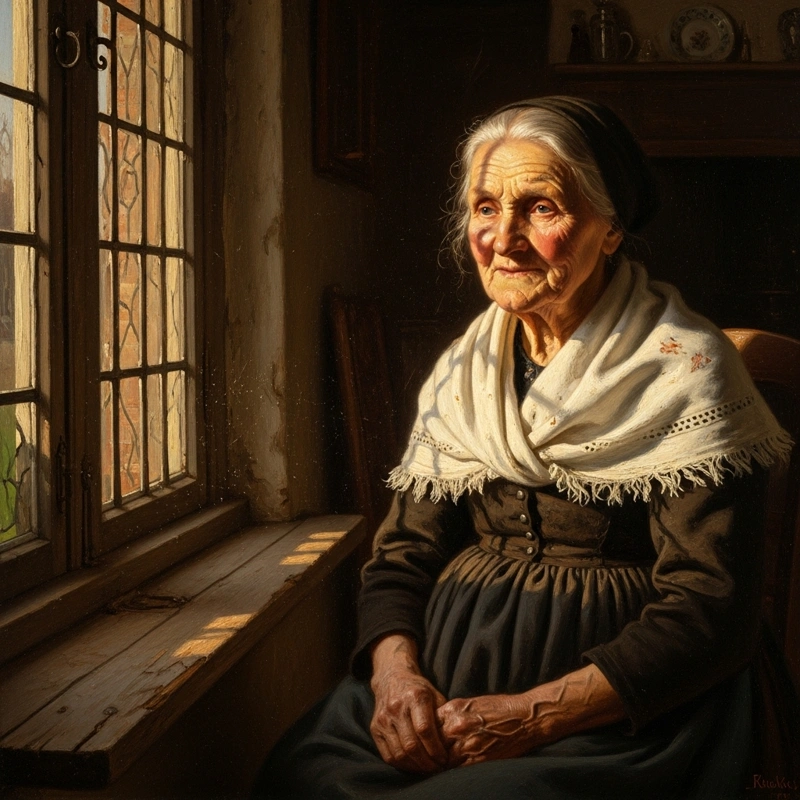
How to Write Prompts for AI Images: The Complete Guide
Master prompt engineering for AI image generators. Practical guides, tips, and troubleshooting for creating perfect visuals with Flux, Imagen, Ideogram, and more.
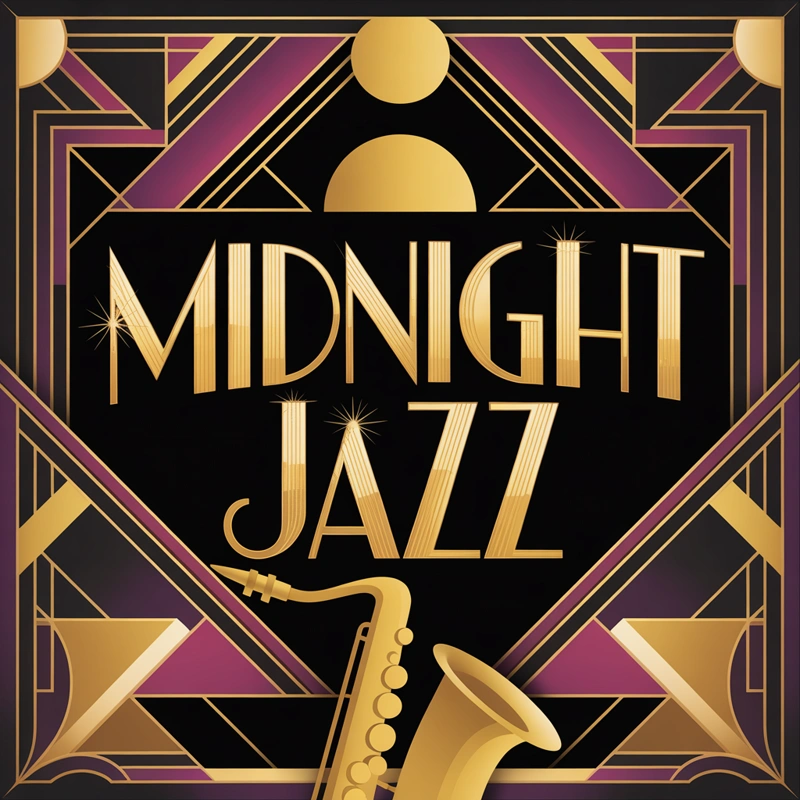
Best AI Image Generator? Flux vs Ideogram vs Stable Diffusion
Flux vs. Ideogram vs. Stable Diffusion. Find out which model is best for text or photorealism. Try all top AI models in one GuideGlare account.
Once you master the basics of prompting and know which model to use, the most important part remains: deploying AI graphics where it saves you time and money.
AI graphics in practice: Use in industries and underlying technology
Product photos for an e-shop, virtual home staging in real estate, visuals for marketing campaigns, or illustrations for articles — explore specific examples from seven industries. And if you're curious about what happens under the hood, we'll clearly explain diffusion models, latent space, and why AI often struggles with hands.
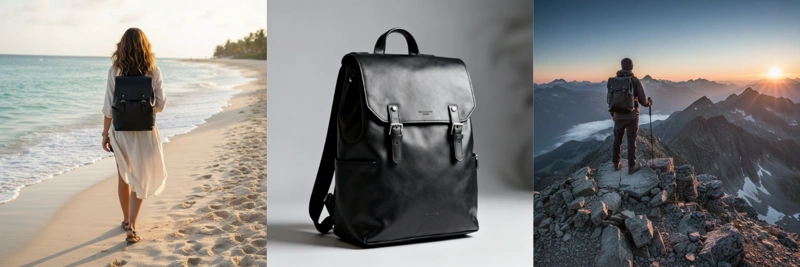
What Can You Use AI Images For? 7 Industries and Real Examples
Discover a comprehensive overview of AI image generator use cases: logos, marketing materials, illustrations, digital art, product design, and web design.
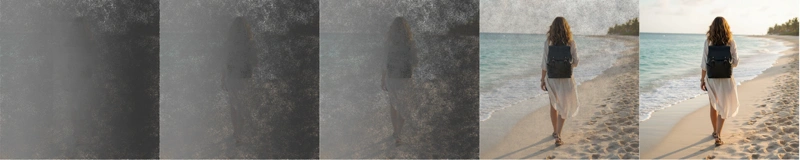
How Does an AI Image Generator Work? Diffusion Models Explained
Discover how modern AI image generators work — from diffusion models to prompt interpretation. A complete guide to the technology behind AI-powered visual content creation.
Image generation is currently the most accessible way to get original visuals without a graphic designer or photo studio. You just need to know how to describe what you want — and the guides above will teach you exactly that.
Try the GuideGlare AI Image Generator
Five top-tier models — Flux, Ideogram, Stable Diffusion, Imagen, and SeeDream — in one account. Write a prompt and get your first image in seconds, right in your browser.